Webhooks overview
One endpoint per feature group, nine events across four groups, the headers on every delivery, the URL rules enforced at save, and how to send a test event.
Webhooks push events to your server as they happen, so you do not have to poll the v1 API.
The model: one endpoint per feature group
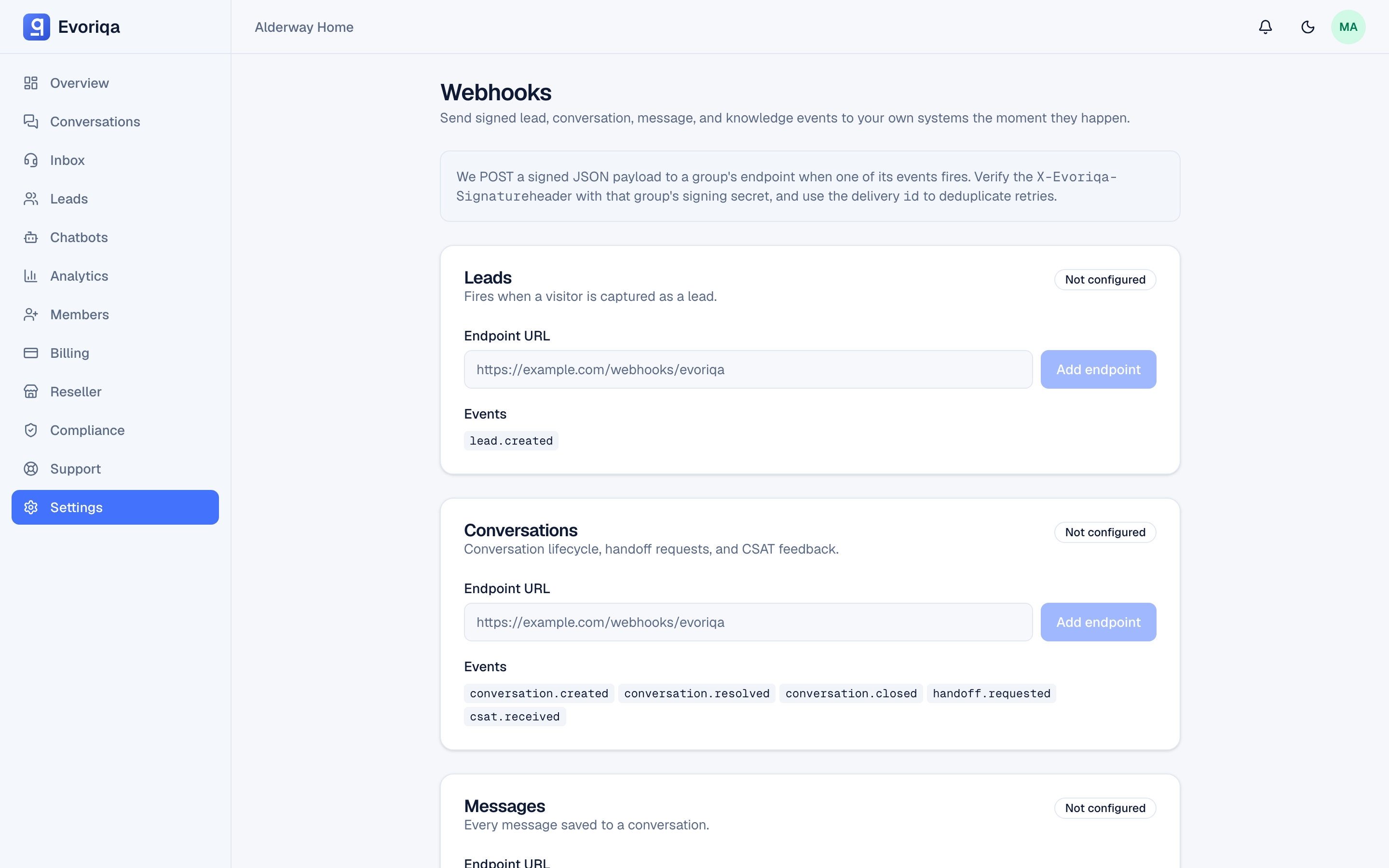
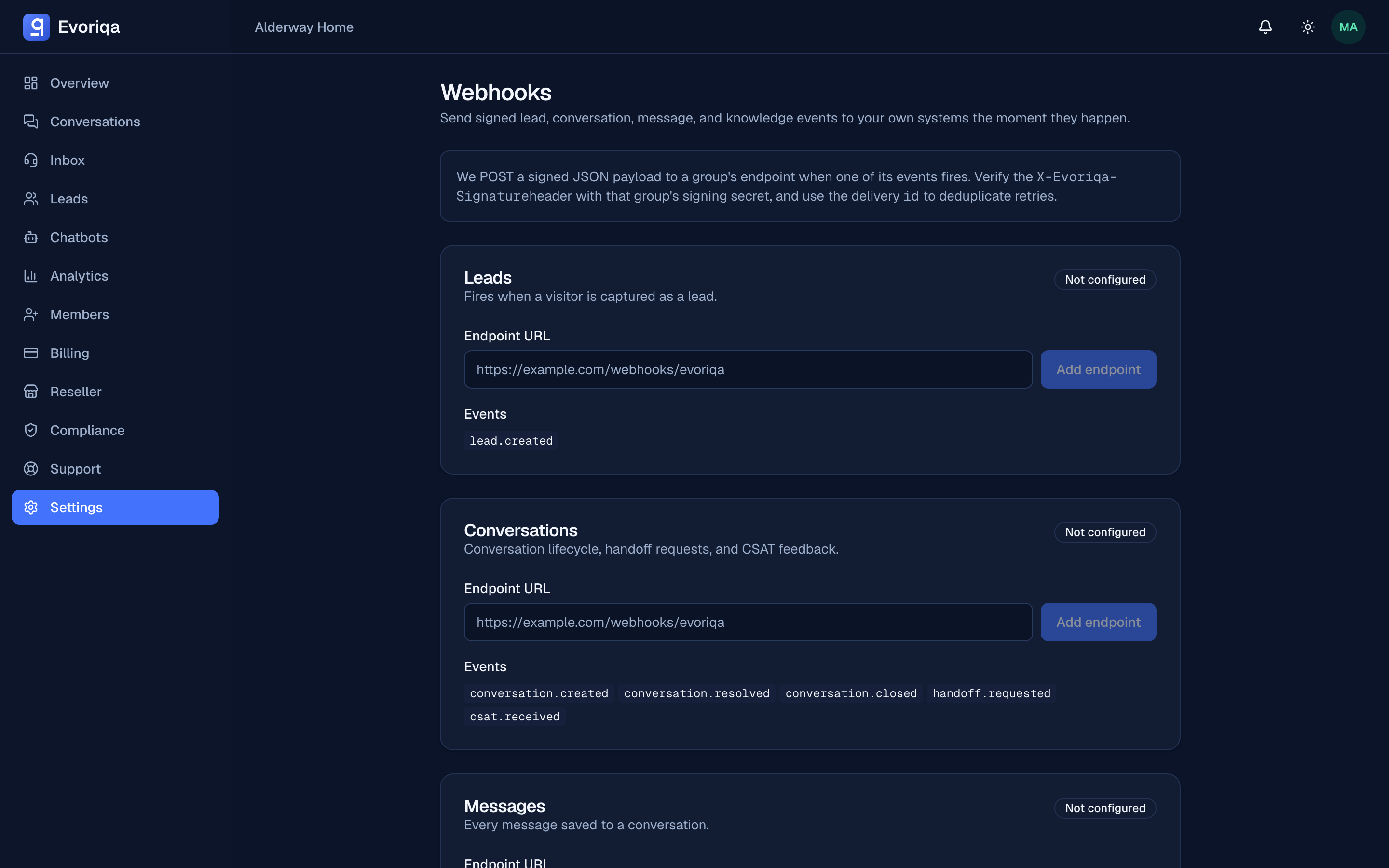
Evoriqa webhooks are feature-group based. Events are organized into four groups, and a workspace wires at most one endpoint per group — there is no per-event subscription list and no fan-out of one event to many endpoints.
| Group | Events |
|---|---|
leads | lead.created |
conversations | conversation.created, conversation.resolved, conversation.closed, handoff.requested, csat.received |
messages | message.created |
knowledge | source.ingest.completed, source.ingest.failed |
Wiring an endpoint to a group subscribes it to all of that group's events — your handler branches on the event field. See Events for every payload.
Configure endpoints
Endpoints are managed in the dashboard (Settings → Webhooks) or over the API with the workspace:* scopes:
| Method | Path | Does |
|---|---|---|
GET | /api/v1/webhooks | One row per group: url, active, events; nulls where unset |
PUT | /api/v1/webhooks/{feature} | Create, update, pause/resume, or rotate the secret |
DELETE | /api/v1/webhooks/{feature} | Remove the group's endpoint |
{feature} is one of leads · conversations · messages · knowledge.
The signing secret — a whsec_… value — is returned once, when the endpoint is created or its secret is rotated. It is stored encrypted and never shown again, so store it immediately; it is what proves a delivery came from Evoriqa. See Signatures.
A paused (active: false) or deleted endpoint is skipped at delivery time, and deliveries always sign with the endpoint's current secret.
The URL is checked when you save it
An endpoint URL is validated at save time, not only at delivery, so a blocked address cannot save cleanly and then silently never deliver:
- A non-
http(s)scheme is rejected with a422 VALIDATION_ERROR(Only http(s) URLs are allowed.). - A host that resolves to a private, loopback, link-local, or cloud-metadata address is rejected with a
403 FORBIDDEN(Blocked private address.) — the same SSRF guard the delivery path applies on every hop. - A host that simply does not resolve is accepted and fails fast at delivery.
Point endpoints at a public HTTPS URL.
Send a test event
Settings → Webhooks has a Send test event action (owner or admin): it fires one signed sample event at a group's configured endpoint and records it as a normal delivery row, so you can inspect the exact payload and signature your server received. A paused endpoint is refused — resume it first. This is a dashboard action only; there is no v1 endpoint for it.
The request you receive
Every delivery is a POST with Content-Type: application/json and three headers:
| Header | Contents |
|---|---|
X-Evoriqa-Event | The event name, e.g. lead.created |
X-Evoriqa-Delivery | A UUID identifying this event — stable across retries |
X-Evoriqa-Signature | HMAC-SHA256 of the raw body, hex encoded |
The body:
{
  "id": "9f1c1c2a-1b21-4f7c-9d0f-6a3a4a1c9d55",
  "event": "lead.created",
  "data": {
    "id": "5b3e…",
    "chatbotId": "0c21…",
    "email": "someone@example.com",
    "name": "Sam Rivera",
    "phone": null
  },
  "ts": 1786290764000
}id matches the X-Evoriqa-Delivery header, event matches X-Evoriqa-Event, and ts is the emit time in milliseconds. Both id and ts are minted once at emit and ride every retry unchanged, which is what makes the event dedupable — dedupe on id.
Responding
Return any 2xx and Evoriqa records the delivery as successful. Anything else — or a timeout — counts as a failure and is retried, up to five attempts. See Retries and the delivery log.
Respond quickly and do your work afterwards: acknowledge first, process second.
The message.created volume cap
message.created fires for every message on every channel, so it is far higher-volume than the rest. It is throttled to 300 events per minute per workspace — events over the cap in a given minute are dropped (and counted), not queued. If you need a lossless message record, poll GET /api/v1/conversations/{id}/messages instead of relying on this event alone.
Where to go next
Last updated