Credentials
Where an action's API token is stored — pasted on the action itself, encrypted at rest, sent as a Bearer token, and never shown to the model.
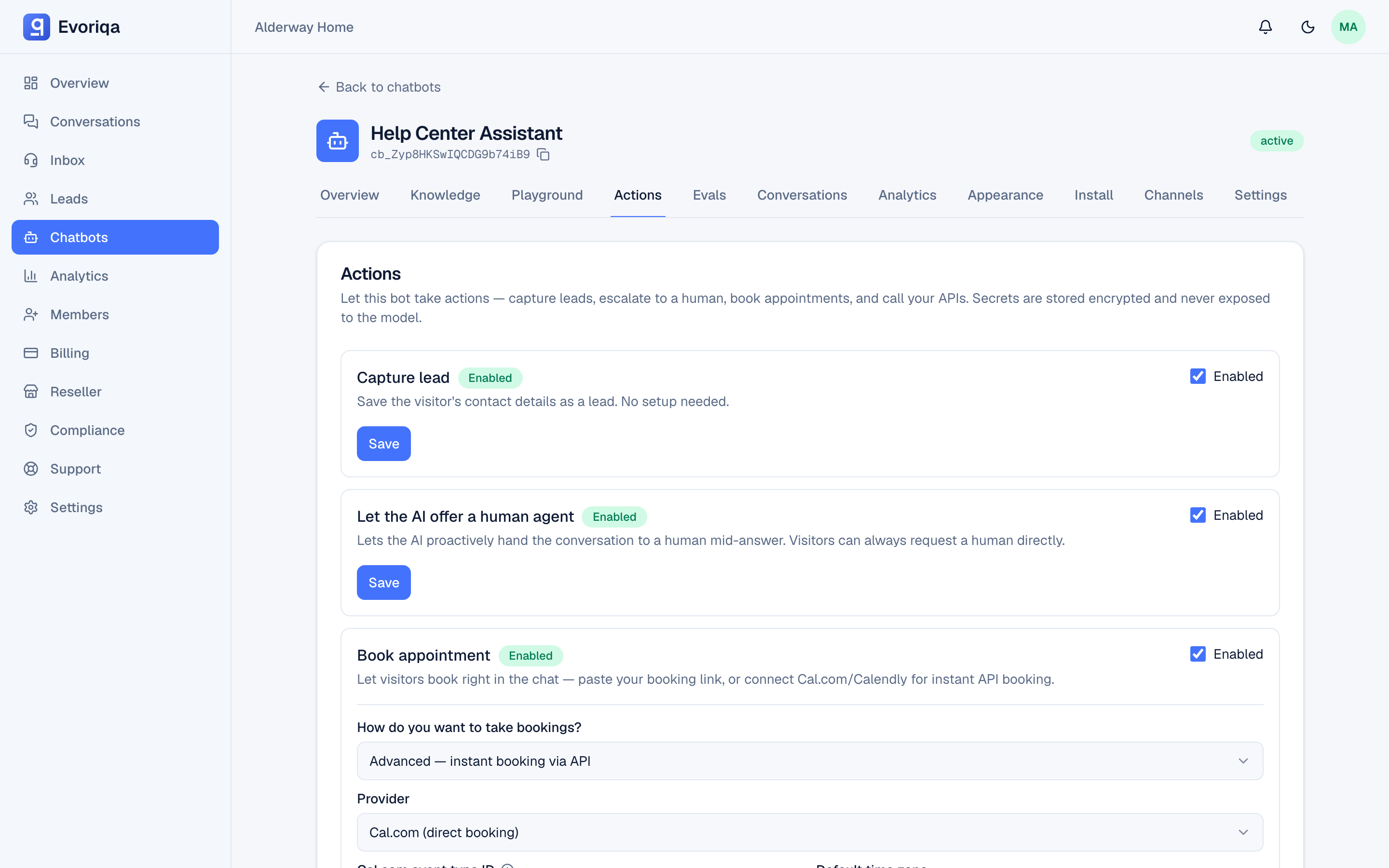
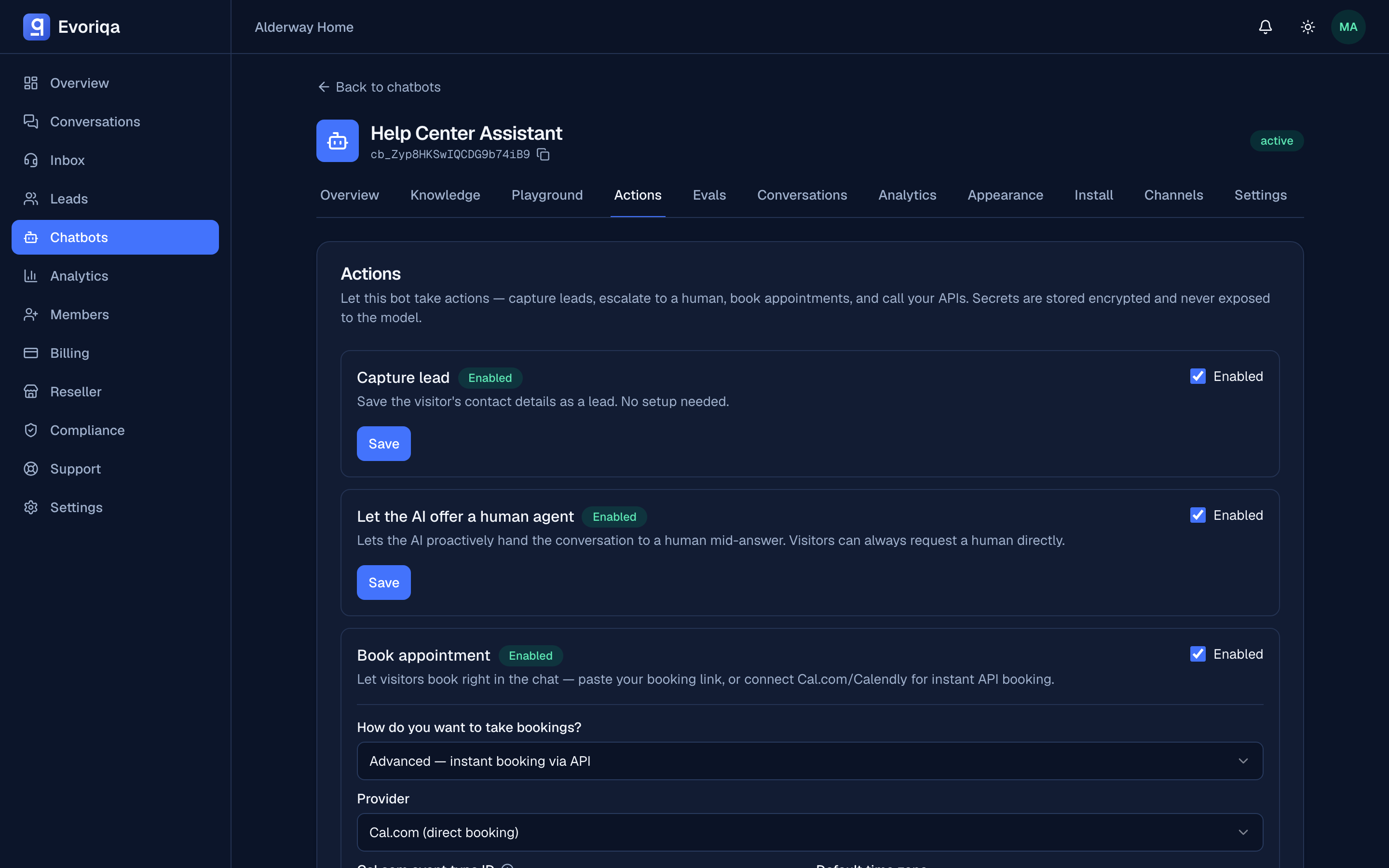
An action that calls your systems usually needs a secret. You paste it on the action itself, on the chatbot's Actions tab — there is no separate credentials page to visit first.
Saving a token
Open the action that needs one and fill API token / secret. Empty, the field reads Paste token (stored encrypted). Save the action and the token goes into an encrypted vault, keyed to that action.
The helper text under the field states the contract exactly:
Stored in the encrypted vault and sent as a Bearer token; never exposed to the
model.Owners and admins can edit actions; everyone else sees them read-only.
Rotating, and why you cannot read one back
Once a token is saved the placeholder changes to:
•••••••• saved — leave blank to keepThat is the whole rotation model:
- Leave it blank and save — the stored token is kept.
- Paste a new value and save — it replaces the old one, and the next call uses it.
There is no way to read a saved token back out of the dashboard. If you have lost it, paste a fresh one.
How the token is used
At call time the secret is decrypted and sent on the outbound request as Authorization: Bearer <token>. The model never sees it — it is attached to the HTTP request after the agent has decided to call the action, so no amount of asking the chatbot reveals it.
Outbound calls are also restricted to the host configured on that action; see Actions overview.
Give each token the narrowest scope the action needs. An action that only reads orders should not hold a key that can issue refunds — the guardrails limit which host is called, not what the token may do once it arrives.
Where to go next
Last updated