Contacts
How persistent contacts differ from per-conversation leads, what the merged history and lead score tell you, and the limits worth knowing.
A lead is a capture event. A contact is a person.
| Lead | Contact | |
|---|---|---|
| Created by | One capture | The identity behind captures |
| Scope | One conversation | Every conversation and channel |
| Duplicates | A repeat visitor creates another lead | Collapsed into one record |
| Carries | Status, owner, originating conversation | Merged history and a rolling lead score |
How contacts form
Captures that share an email address collapse into one contact. Their conversations, leads, and channel activity are merged onto that record, so you see one person with a history rather than five disconnected sessions.
The contact also carries a lead score — the highest 0–100 buying-intent reading any of their classified messages reached, not an average over their history. It is a rough interest ranking rather than a verdict; the bands are explained in the dot and the flame.
Where you see contacts
There is no separate Contacts page. Contacts surface as the Unique view of the Leads table — "unique contacts captured by your chatbots" — which collapses repeat captures into one row per person with a capture count.
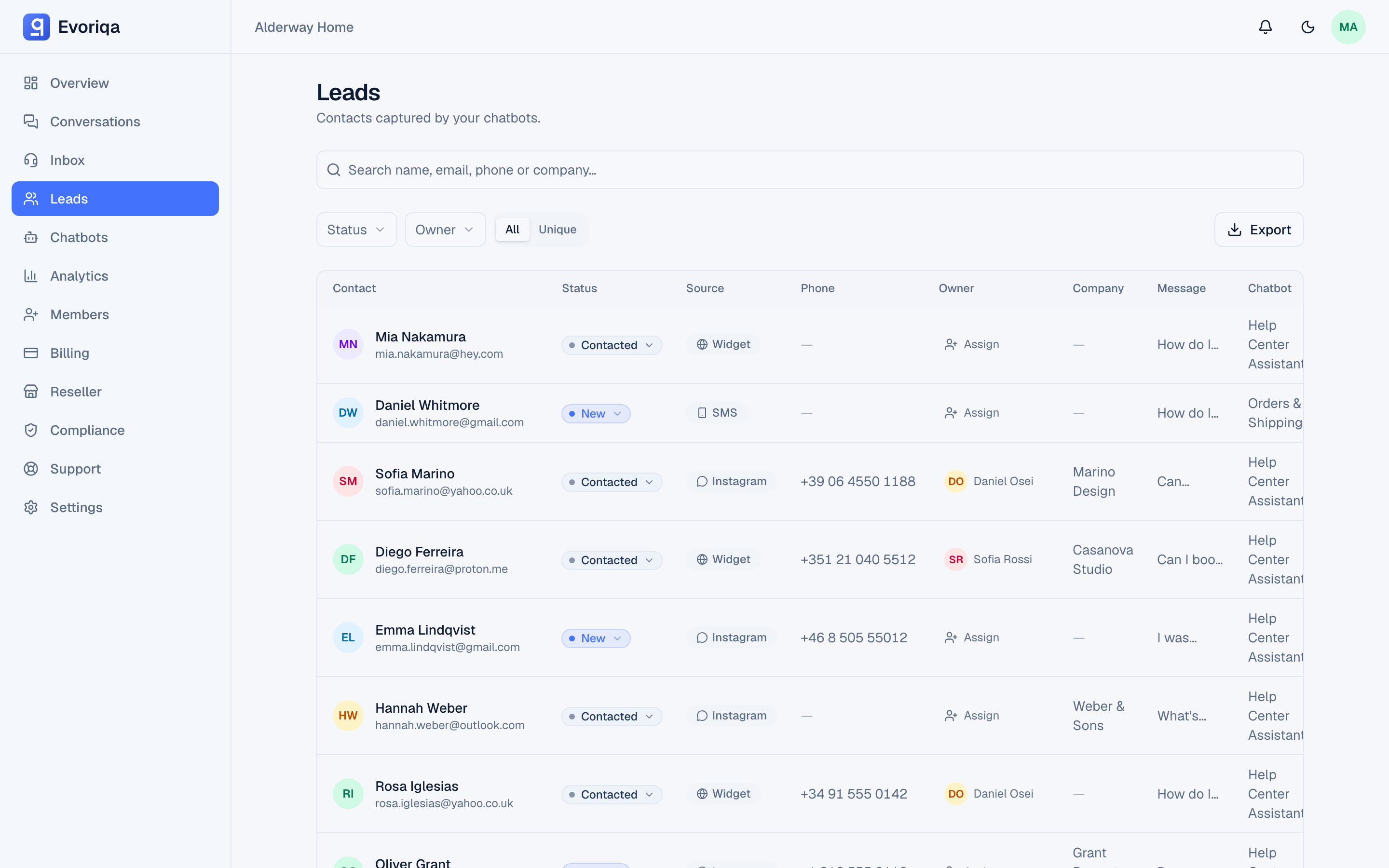
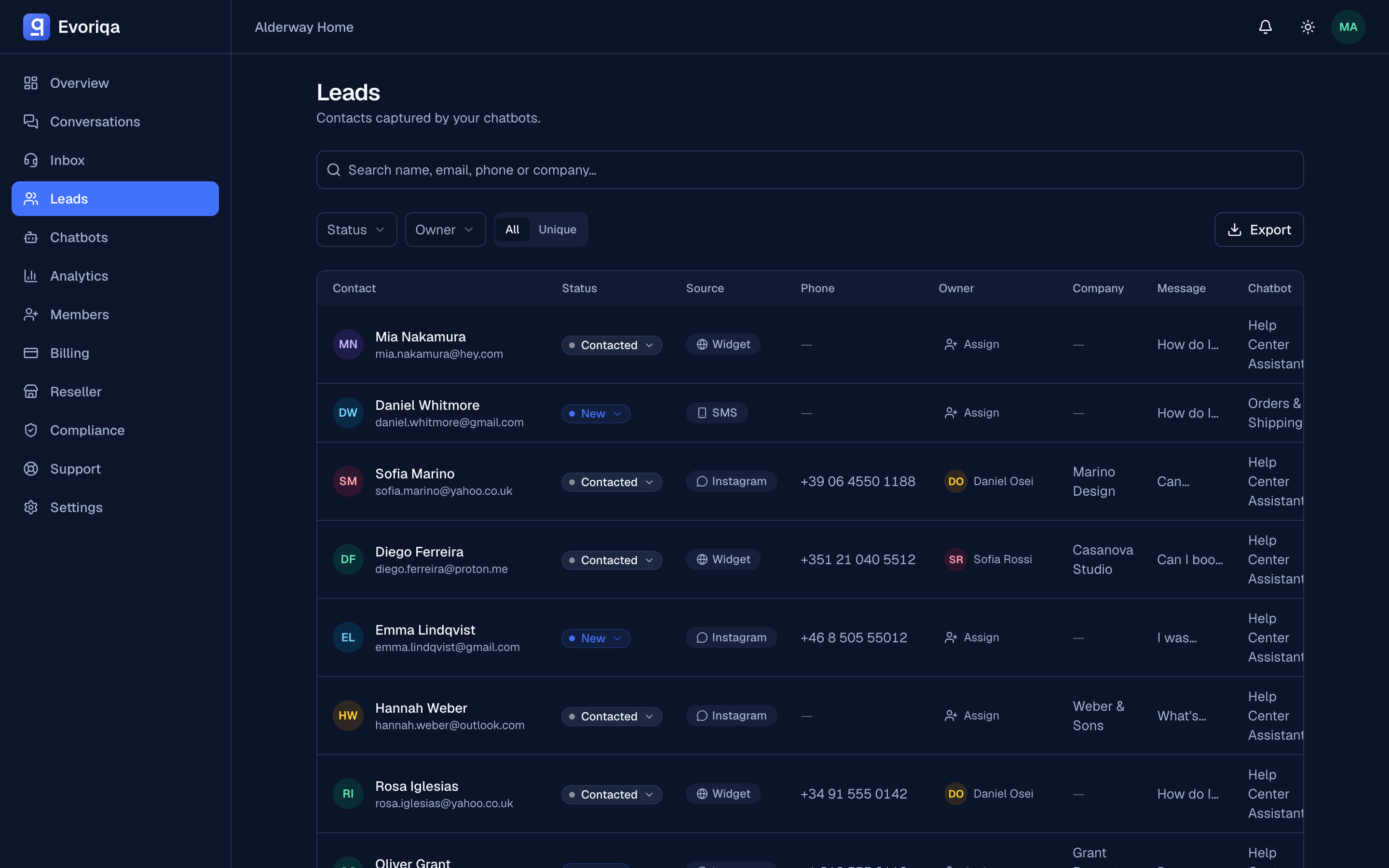
So the choice is a toggle, not a different screen:
- Working today's queue, chasing a specific enquiry → the All view.
- Answering "who is this person and what have we discussed?" → the Unique view.
See Lead pipeline for the rest of that table.
Limits worth knowing
Merging is by email. A visitor who chats anonymously and never leaves an address does not become a contact, and the same person using two addresses is two contacts.
Where to go next
Last updated