Canned replies
Save the answers your team sends constantly, insert them by shortcut, and know when the content belongs in the knowledge base instead.
A canned reply is a saved snippet with a shortcut. They are shared across the whole workspace, so everyone sends the same wording for the same situation.
Creating one
Owners and admins manage the list.
| Field | Limit | Purpose |
|---|---|---|
| Shortcut | ≤ 60 chars | What you type to insert it — keep it short and memorable |
| Title | ≤ 120 chars | Optional label in the picker |
| Body | ≤ 8,000 chars | The text inserted into the composer |
Saving with an existing shortcut replaces that reply, so editing is just saving again under the same shortcut.
Using one
In a conversation's reply composer, pick the canned reply or type its shortcut. The text is inserted, not sent — you can edit it before sending, which is usually the right thing to do for the one detail that is specific to this customer.
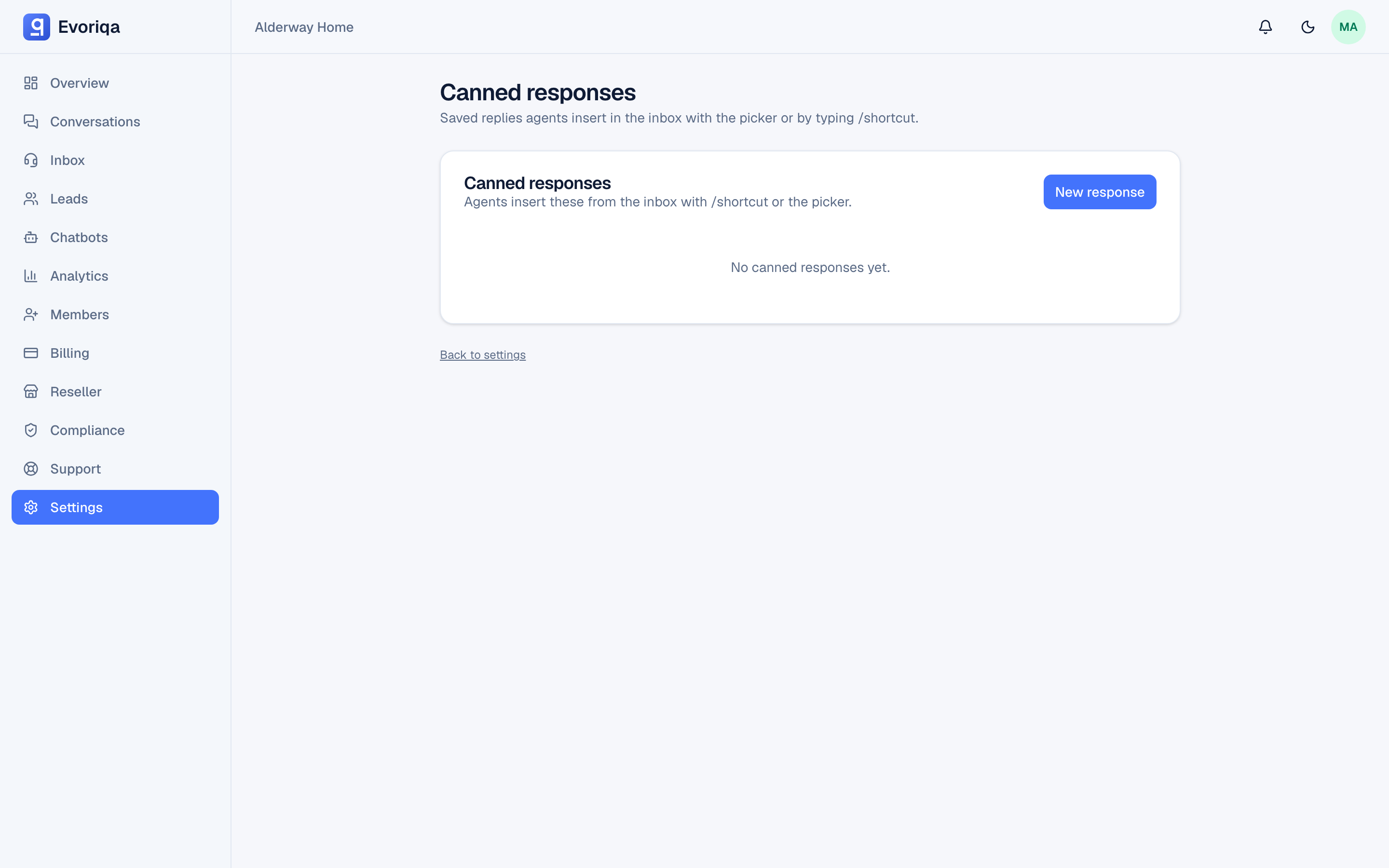
Every agent can use canned replies, viewers included.
What they are good for
- Steps you always send for a known issue.
- Wording that has to be exact — refund terms, legal notices, escalation language.
- Openers and sign-offs that keep your tone consistent across the team.
If a canned reply is being sent to visitors constantly, that same content probably belongs in the knowledge base as an FAQ pair too — then the AI can answer it before it ever reaches an agent.
Canned replies versus copilot
A canned reply is fixed text you wrote in advance. Copilot drafts a fresh answer per conversation from your knowledge base. Use canned for the recurring and exact; use copilot for the one-off.
Where to go next
Last updated