Domain allowlist
Restrict where your widget may run, how subdomain matching and the wildcard behave, and exactly what a blocked embed looks like in the browser.
The public ID in your embed snippet is visible to anyone who views your page's source. The allowlist is what stops someone pasting it onto their own site and spending your credits: the widget's config request carries the page's origin, and a chatbot only answers for origins you have allowed.
Setting it
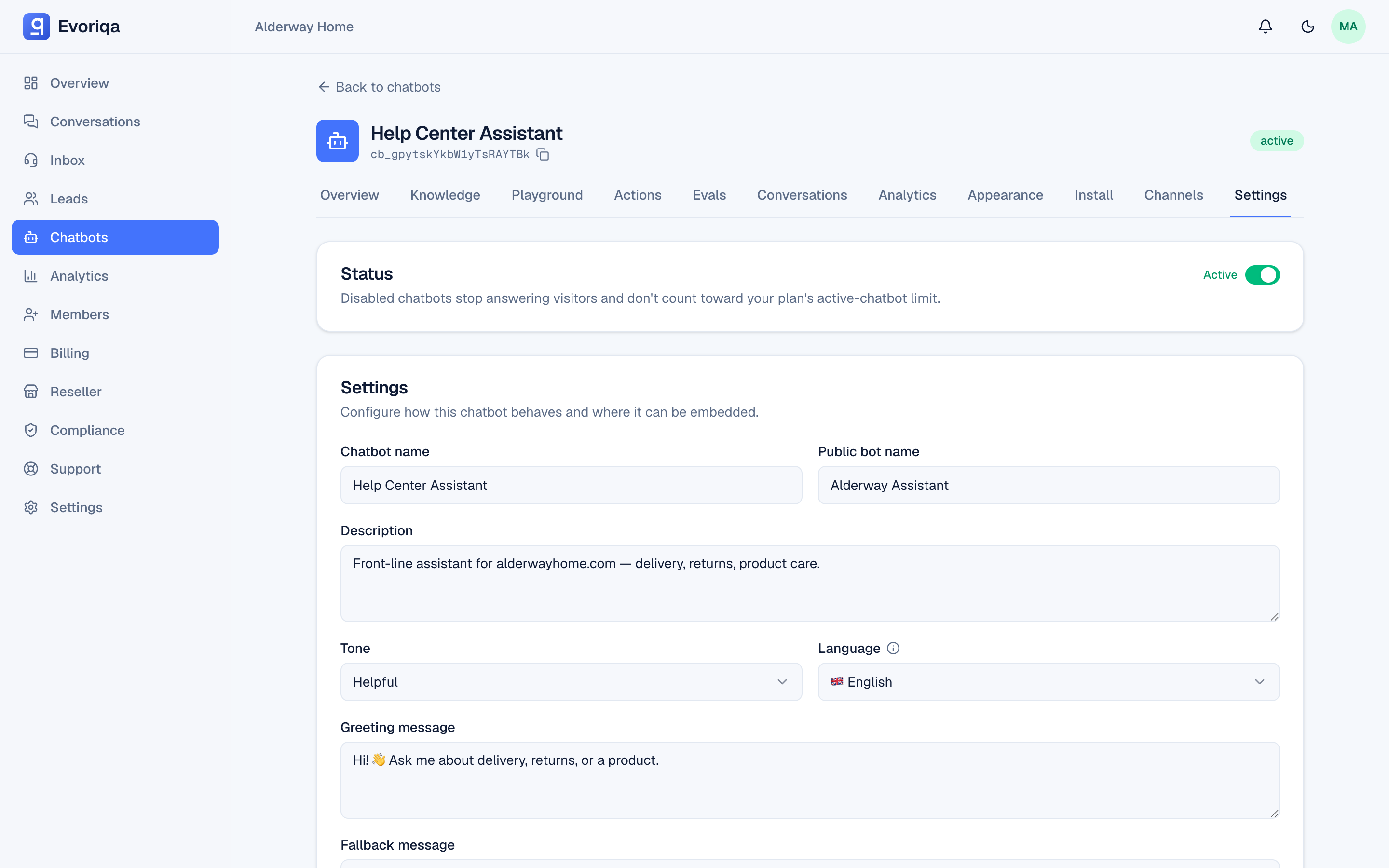
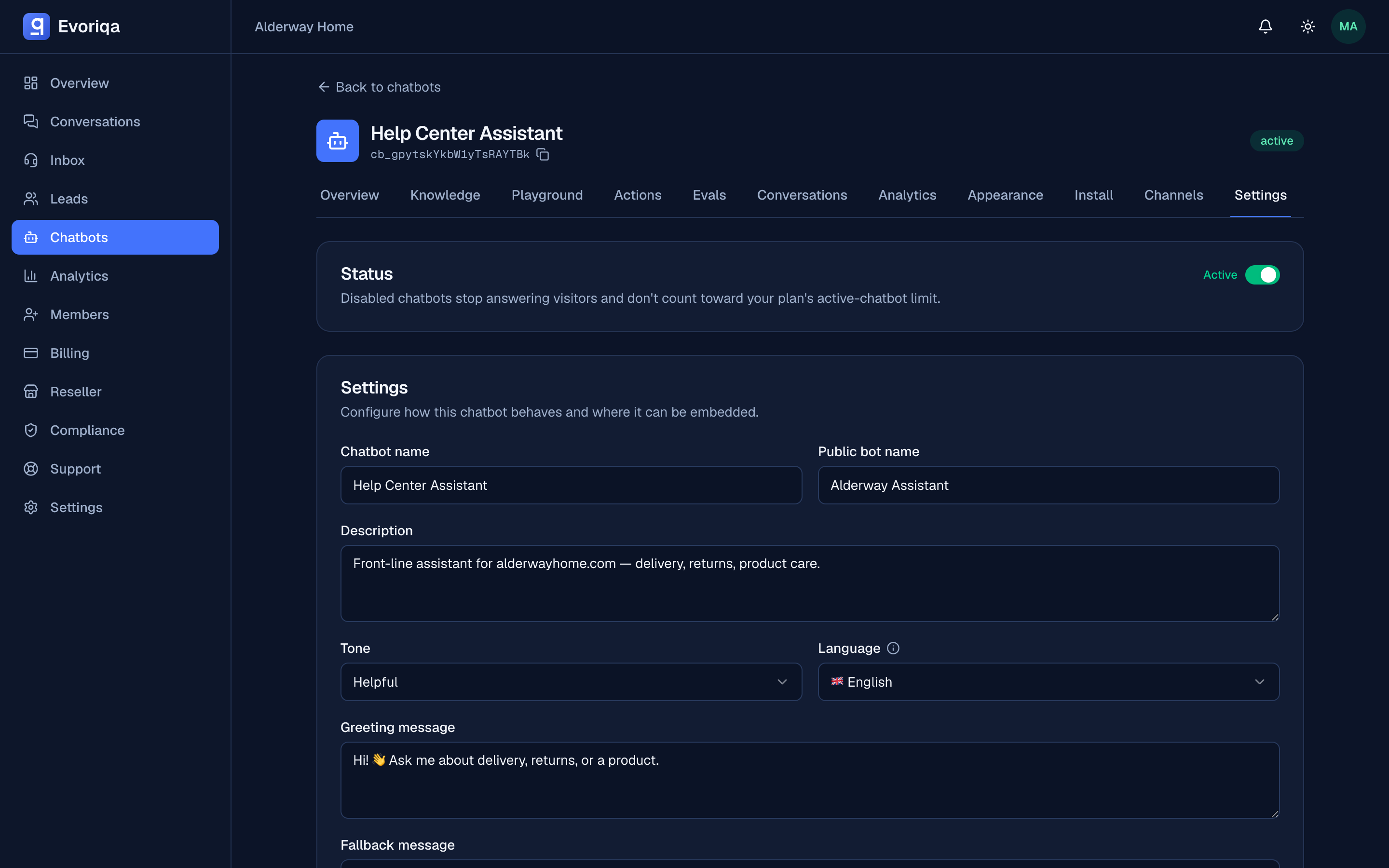
Open the chatbot's Settings (or the Install tab) and edit Allowed domains. Up to 50 entries, one hostname each — acme.com, not https://acme.com/pricing.
The matching rules
| Allowlist contents | Behaviour |
|---|---|
* | Any origin. This is what a new chatbot is seeded with. |
acme.com | acme.com and any subdomain — www.acme.com, shop.acme.com. |
shop.acme.com | That host and its subdomains only. acme.com itself is not allowed. |
| empty | Nothing. An empty list blocks every origin. |
Empty means blocked, not unrestricted — deleting your last entry takes the widget offline everywhere.
A brand-new chatbot has *, so the widget works the moment you paste the snippet. That is a convenience for setup, not a setting to leave in place. Replace * with your own domains before you go live.
What a blocked embed looks like
The widget does not render, and the config request fails with:
{
  "success": false,
  "error": {
    "code": "DOMAIN_NOT_ALLOWED",
    "message": "This chatbot is not allowed to run on this domain."
  }
}You will see that in the browser's network tab, and nothing in the page.
Checklist when the widget will not load
- 1Is the origin in the list? Compare the browser's address bar host with your entries, exactly.
- 2Is the list empty? Empty blocks everything.
- 3Did you enter a URL instead of a hostname? Drop the scheme and the path.
- 4Is the chatbot active? An inactive chatbot serves nobody — see Create a chatbot.
- 5Is
data-chatbot-idright? Check the console for the missing-ID error — see Install the widget. - 6Waited a minute? Widget config is cached briefly; a save clears it.
What the allowlist does not cover
It governs the widget and the public chat endpoints. It is not authentication for the v1 API, which uses API keys, and it does not restrict the other channels — a WhatsApp or Slack conversation does not have a web origin. See Channels overview.
Where to go next
- Public endpoints — the same allowlist applies to a custom chat frontend.
Last updated