Statuses and resolve
Every conversation status, how a conversation moves between them, what resolving actually does, and what happens after a chat ends.
Every conversation carries exactly one status. Six exist.
| Status | Meaning |
|---|---|
open | Live and handled by the AI. Not in the inbox queue. |
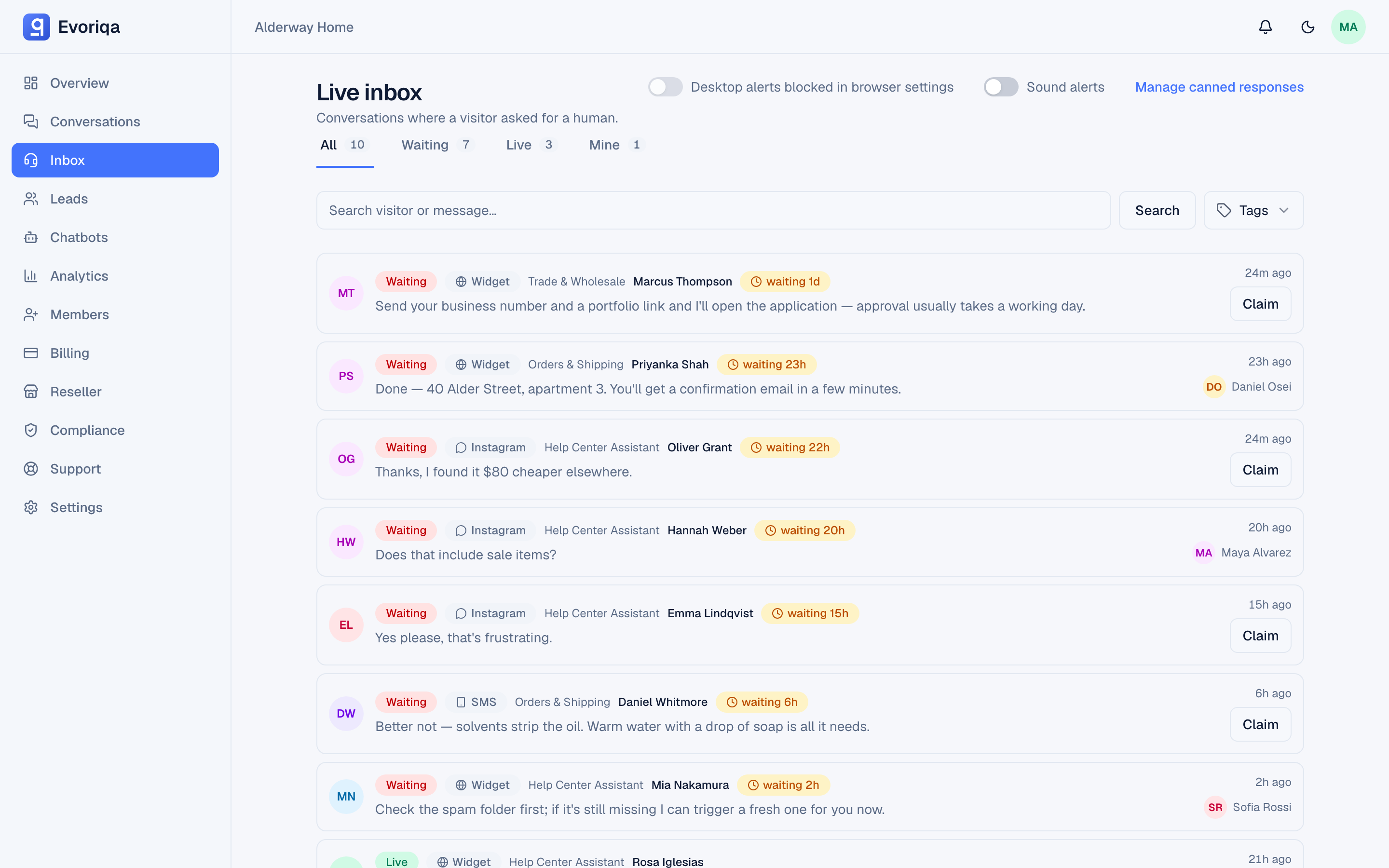
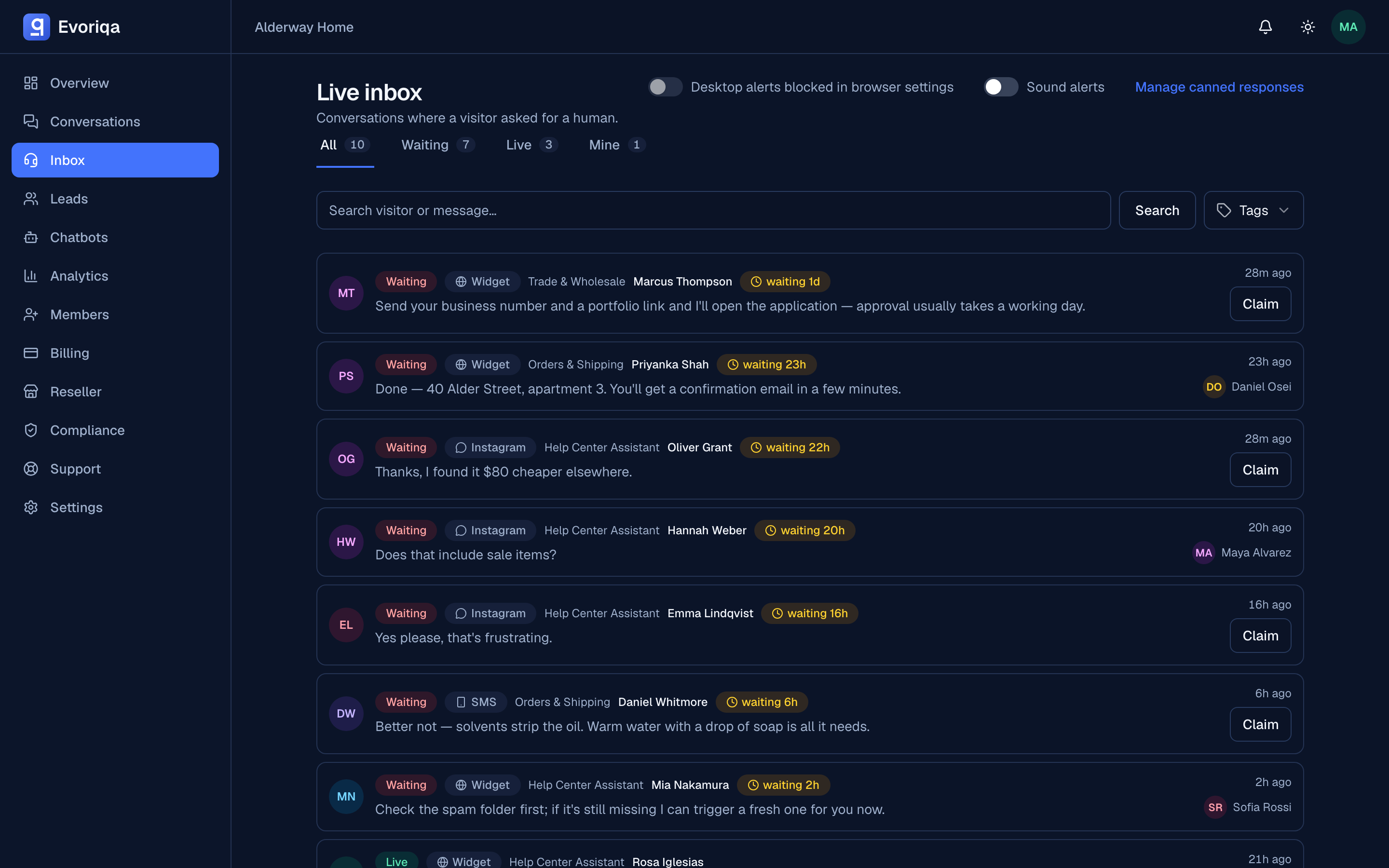
needs_human | A human is needed and nobody has claimed it. This is Waiting. |
human_handling | Claimed by an agent, who is replying. This is Live. |
closed | Finished. |
archived | Filed away, out of the working views. |
spam | Marked as junk. |
How a conversation moves
open ──visitor asks for a human, or the AI escalates──▶ needs_human
needs_human ──an agent claims it──▶ human_handling
human_handling ──agent resolves, or the visitor ends the chat──▶ closedA conversation on a channel with AI replies switched off — which includes a human-first email desk (email's default) — enters at needs_human rather than open: there is no AI turn to skip. An email on an AI replies desk enters at open like any other AI channel. See Channels overview.
Resolving
Resolve closes the conversation and releases the claim. The visitor's widget reflects the close, so they are not left typing into a finished thread, and the row leaves the working inbox.
The visitor can end the chat from their side too. Either way the close is shown on both sides.
After a conversation ends, the visitor may be shown a 1–5 CSAT rating card. Those scores feed Analytics.
Resolving is not deleting. The transcript is kept and stays searchable in conversation history; retention is governed by your workspace's retention setting — see Data retention.
After a chat ends
A closed widget chat is not resumed. If the visitor opens the widget again they start a new conversation, and the old transcript stays in history where you left it. They can still download the transcript of the finished chat from the widget's ⋮ menu.
Where to go next
Last updated