Export leads
Download the leads you are currently viewing as CSV, including which filters carry through, the 5,000-row cap, and the export rate limit.
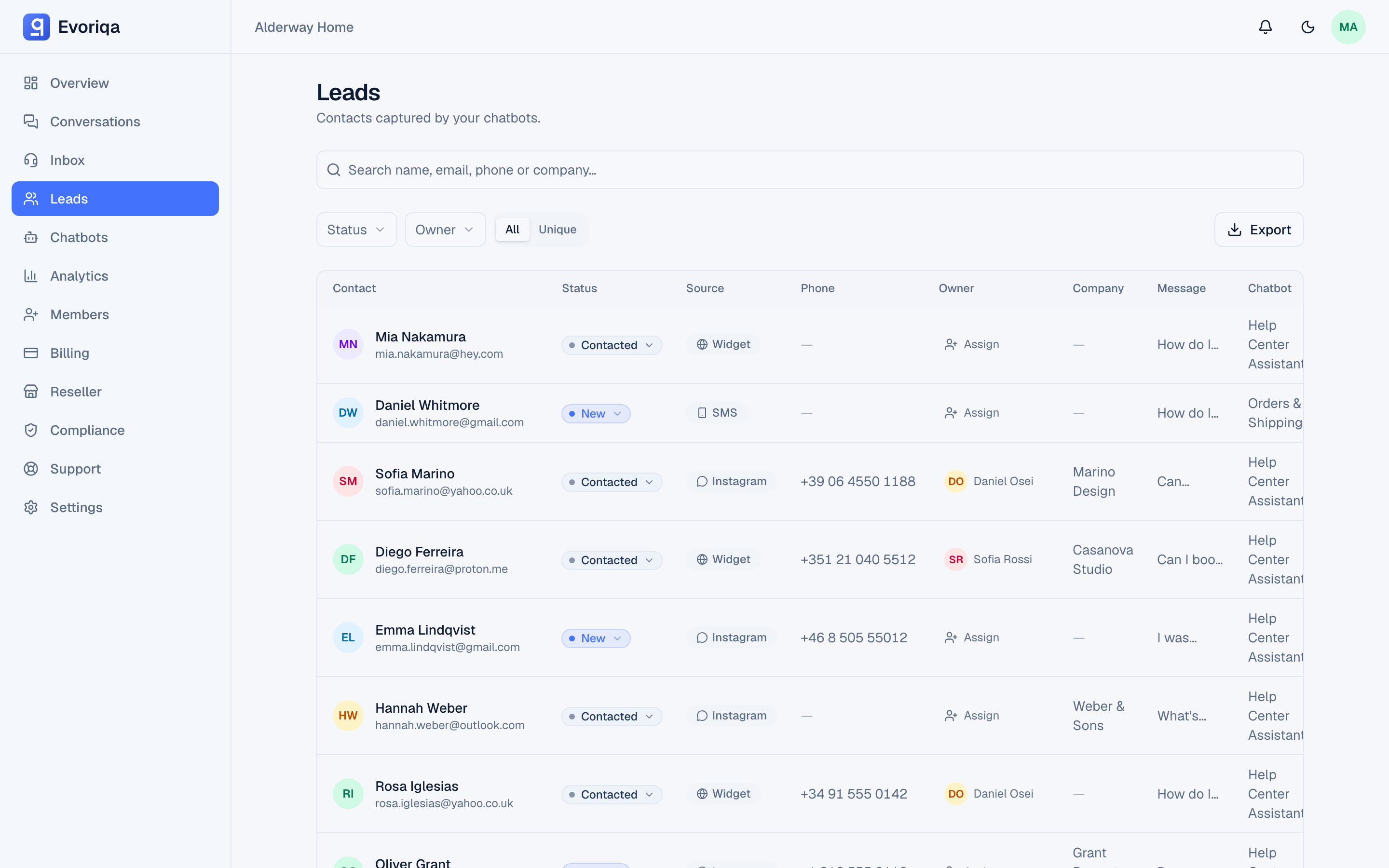
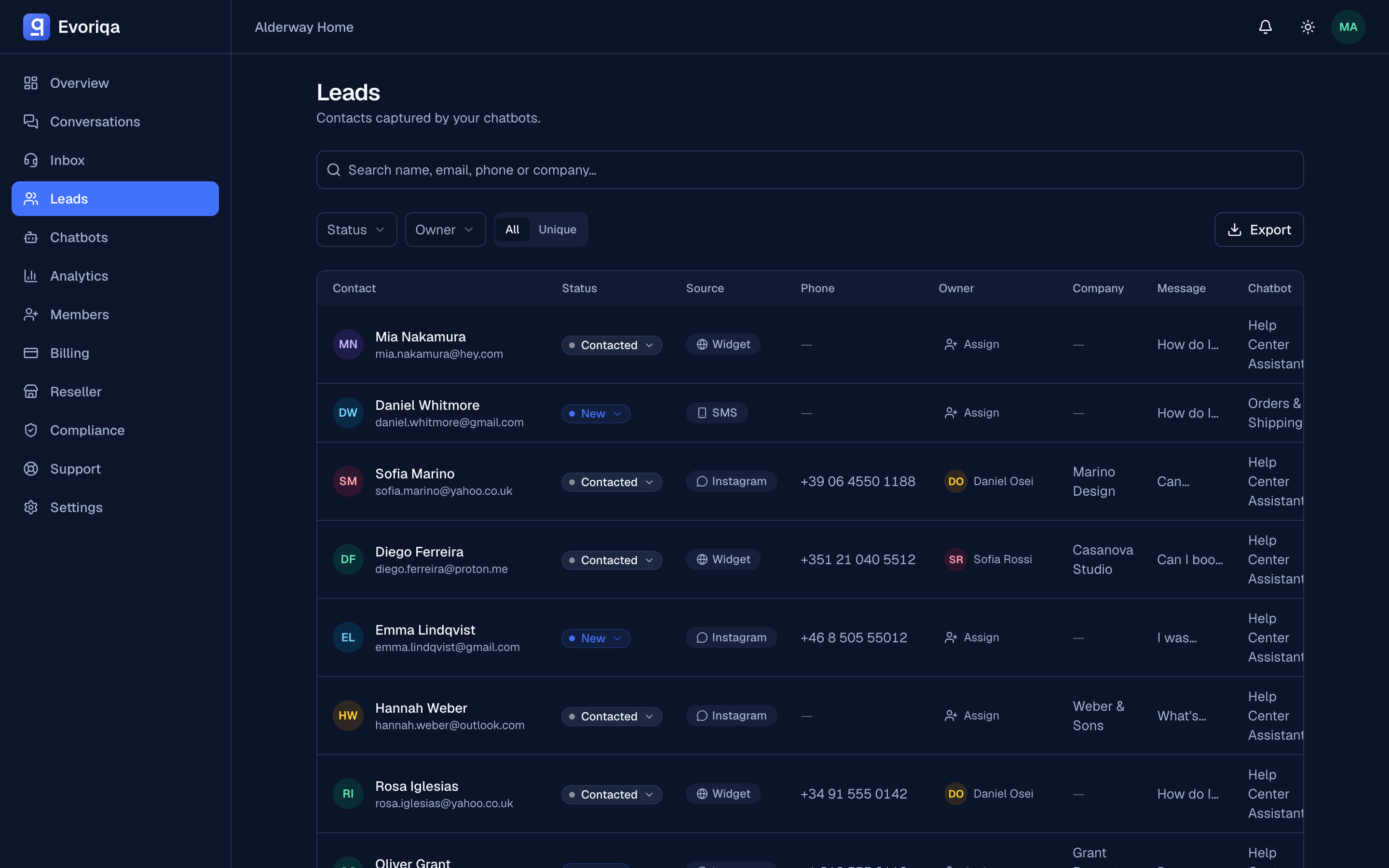
Export CSV on the Leads page downloads the current view as a file you can open in a spreadsheet or import into a CRM.
What gets exported
Exactly what the table is showing: the active search, status filter, owner filter, and whether you are on the Unique or All view. Narrow the table first, then export — there is no separate export dialog to configure.
Limits
| Limit | Value |
|---|---|
| Rows | Up to 5,000 per export |
| Rate limit | Up to 10 exports per minute per workspace |
If your result set is larger than 5,000 rows, the download is truncated and says so. Split the export by status, owner, or search term rather than assuming you got everything.
Handling the file
Exported leads are personal data. Store the file the way you would any customer list, and delete it when you are done — your workspace's retention rules apply to the data in Evoriqa, not to a copy sitting in someone's downloads folder. See Data retention and GDPR.
Where to go next
Last updated