GDPR export and erasure
Export everything a workspace holds, honour a right-to-erasure request by email, what each is rate-limited to, and what neither covers.
Two self-serve controls sit under Compliance for owners and admins: a full data export, and erasure of one person's data.
Data export
The export returns everything the workspace holds — conversations and messages, leads, contacts, action runs, and configuration — as one complete JSON payload. It is deliberately not truncated: a subject-access response has to be complete.
Because it is complete, it is throttled instead: up to 3 exports per workspace per 10 minutes.
The export is recorded in the audit log after it succeeds, so the trail never attests to data leaving the system when the export actually failed.
Right to erasure
Erasure works by email address. Give the address from the request and Evoriqa removes that contact and their data across the workspace's conversations, messages, leads, and action runs.
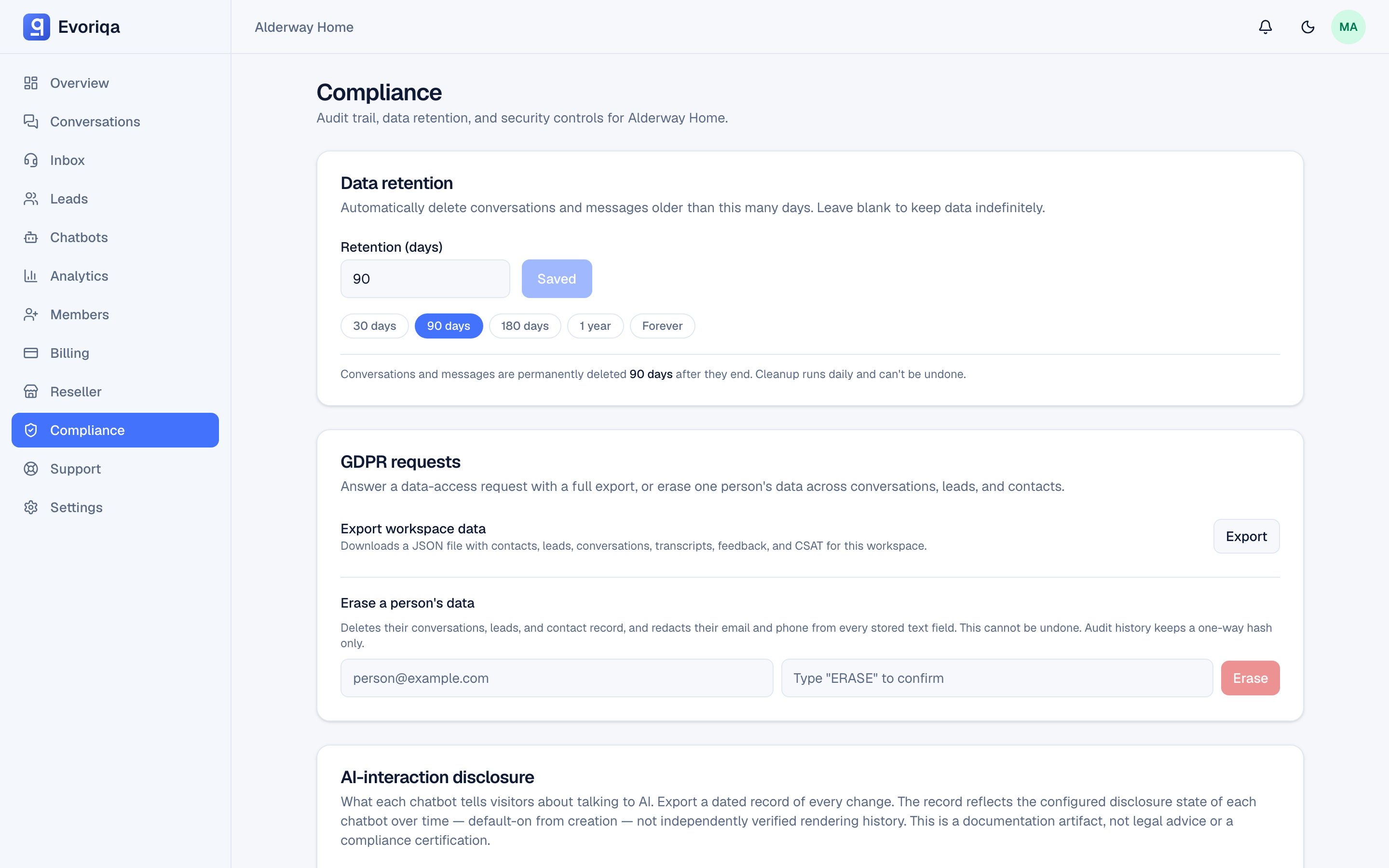
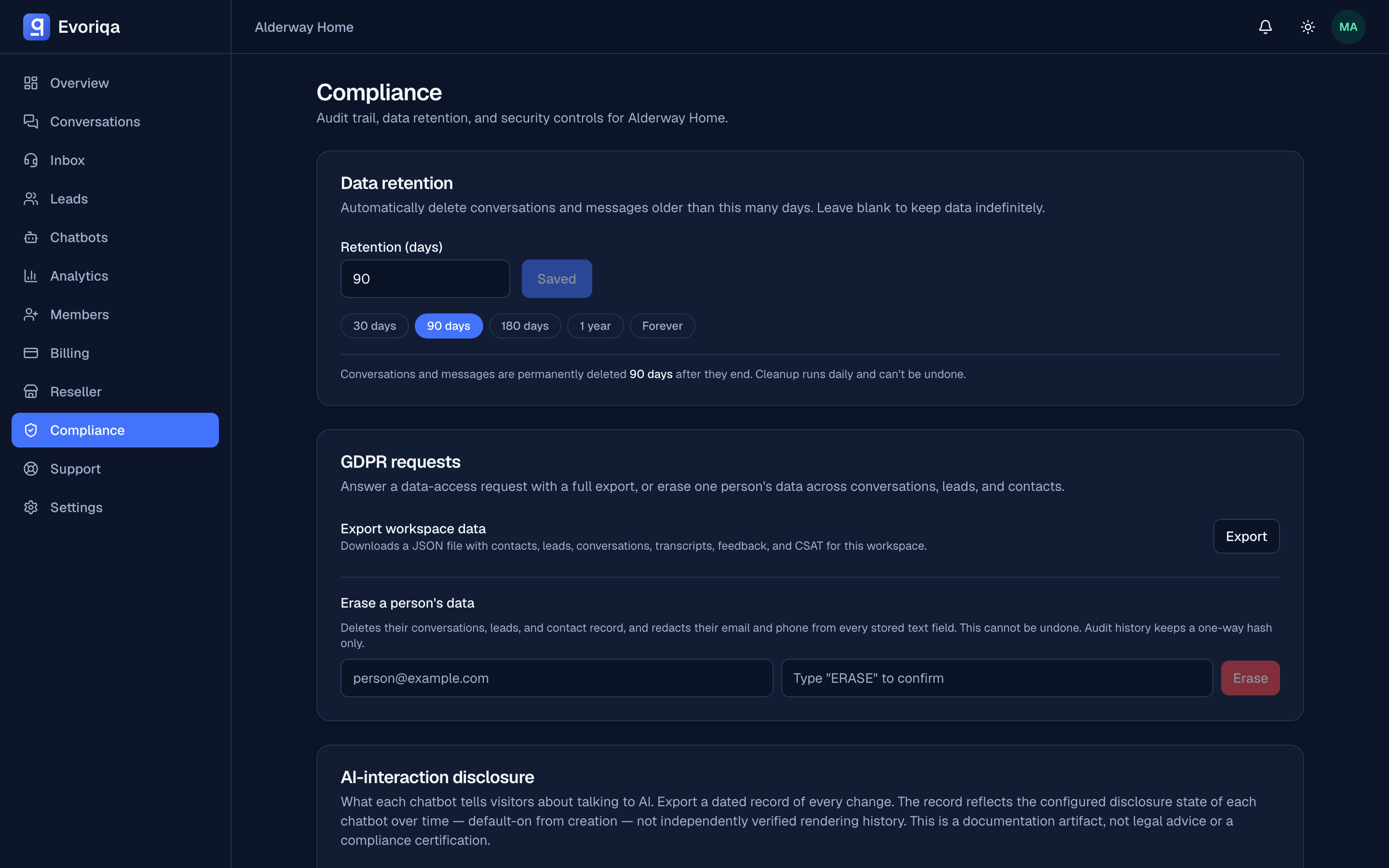
Up to 10 erasures per workspace per 10 minutes.
The audit entry stores a one-way hash of the erased address, never the address itself — keeping the plaintext forever would defeat the erasure it records. To verify a specific erasure later, hash the address and compare.
What this does not cover
- Your own copies. A CSV you exported earlier is outside evoriqa. See Export leads.
- Deleting a user account — that is the account owner's own flow in Settings, not this control.
- Scheduled deletion of old conversations — that is data retention.
Where to go next
Last updated