Why this answer
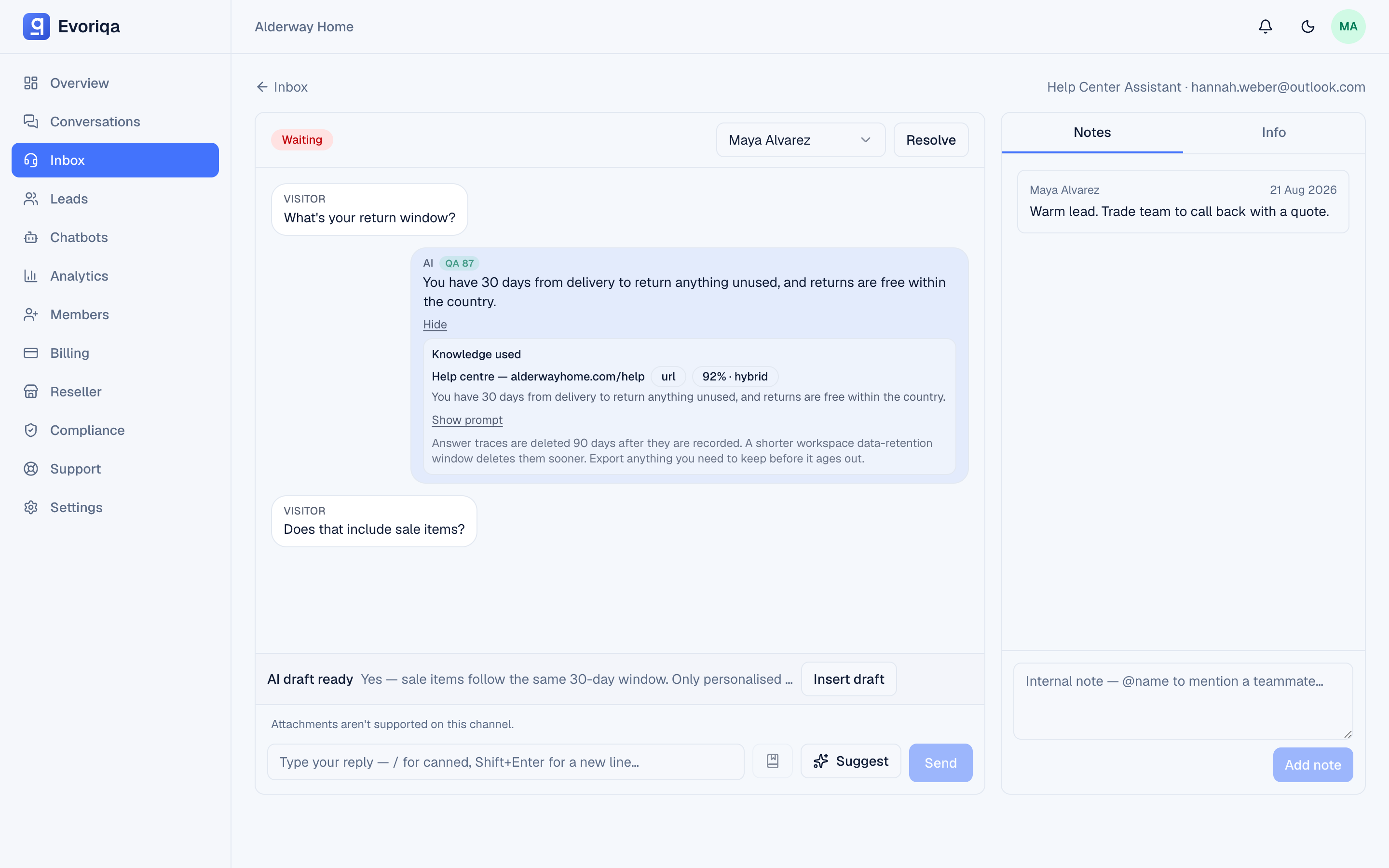
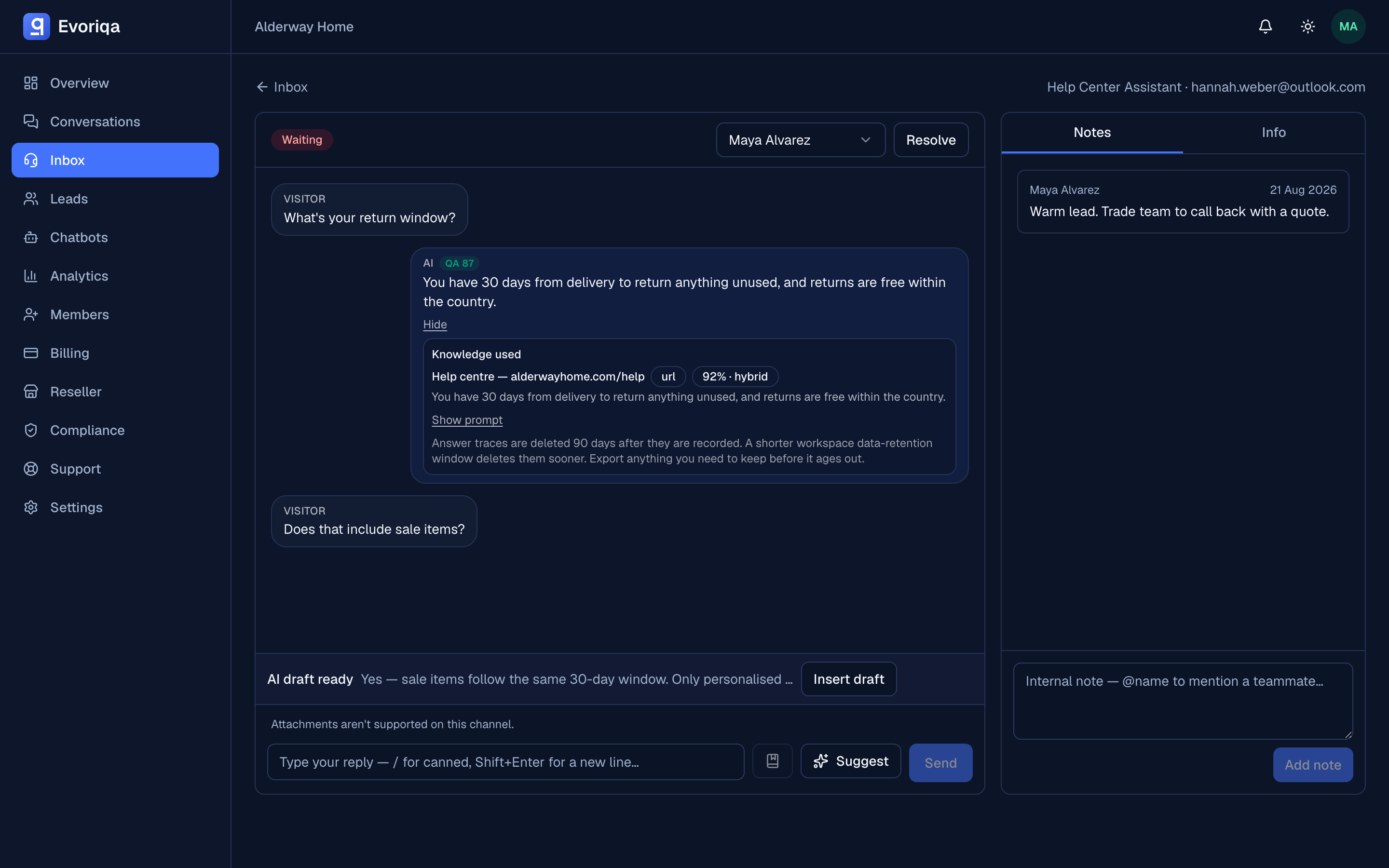
Every AI reply keeps an expandable audit trail — the knowledge it retrieved with similarity scores, the prompt it ran, and the actions it took.
When a customer questions an answer — or a Live AI QA score flags one — "the AI said so" is not an explanation. Why this answer is: every AI reply on a paid plan keeps a reasoning trace, and expanding it in the inbox shows exactly what went into that reply.
What the trace holds
- Knowledge used — each knowledge-base passage the answer drew on, with its source, retrieval strategy (vector / keyword / hybrid), similarity score, and the exact excerpt the model saw.
- The prompt — the assembled instructions and knowledge context the model ran with, behind a Show prompt disclosure.
- Actions — any agentic tools the turn invoked (an order lookup, a booking proposal) with their outcome.
The model's name is deliberately not part of the trace — traces explain grounding and behaviour, not vendor internals.
Where it works
Traces are recorded for every generated production answer — web widget, channels, and voice calls alike — with no toggle to remember: on paid plans they are always on. Canned fallbacks and cached repeats carry no trace (nothing was generated), and the panel simply isn't offered there.
Expanding a trace loads it on demand; nothing about the visitor-facing reply changes. Traces are visible to your team in the dashboard only — they are never exposed through the widget or the v1 API.
Reading one when something went wrong
The trace turns "the bot answered badly" into a diagnosis:
- Right passage, low similarity — the content exists but is phrased far from how customers ask. Add an FAQ entry in the customer's wording.
- Wrong passage retrieved — two pages compete for the same question. Tighten or split the source.
- No passage covers it — a genuine knowledge gap; add the missing content.
- An action misfired — the Actions row shows what ran and what it returned.
Retention
Traces are kept for 90 days, then deleted automatically; a shorter workspace data-retention window deletes them sooner, together with the conversation. An expired trace shows a notice in place of the panel — the reply itself is unaffected.
Where to go next
- Live AI QA — the score that tells you which traces to read
- How retrieval works — the machinery the trace is a snapshot of
- Grounding and "I don't know" — why some replies have no trace at all
Last updated