Live AI QA
An AI judge scores every production answer 0–100 shortly after it is sent, so weak replies surface in your inbox and analytics instead of hiding in transcripts.
Most support-AI vendors quote a resolution rate; very few can show you how any single answer actually performed. Live AI QA closes that gap: with the toggle on, an AI judge reads every production answer your agent sends — web widget, channels, and voice alike — and scores it 0–100 for correctness, faithfulness to your knowledge base, and usefulness. The score lands on the reply itself a few seconds later, so quality stops being a claim and becomes a number you can filter by.
Turn it on
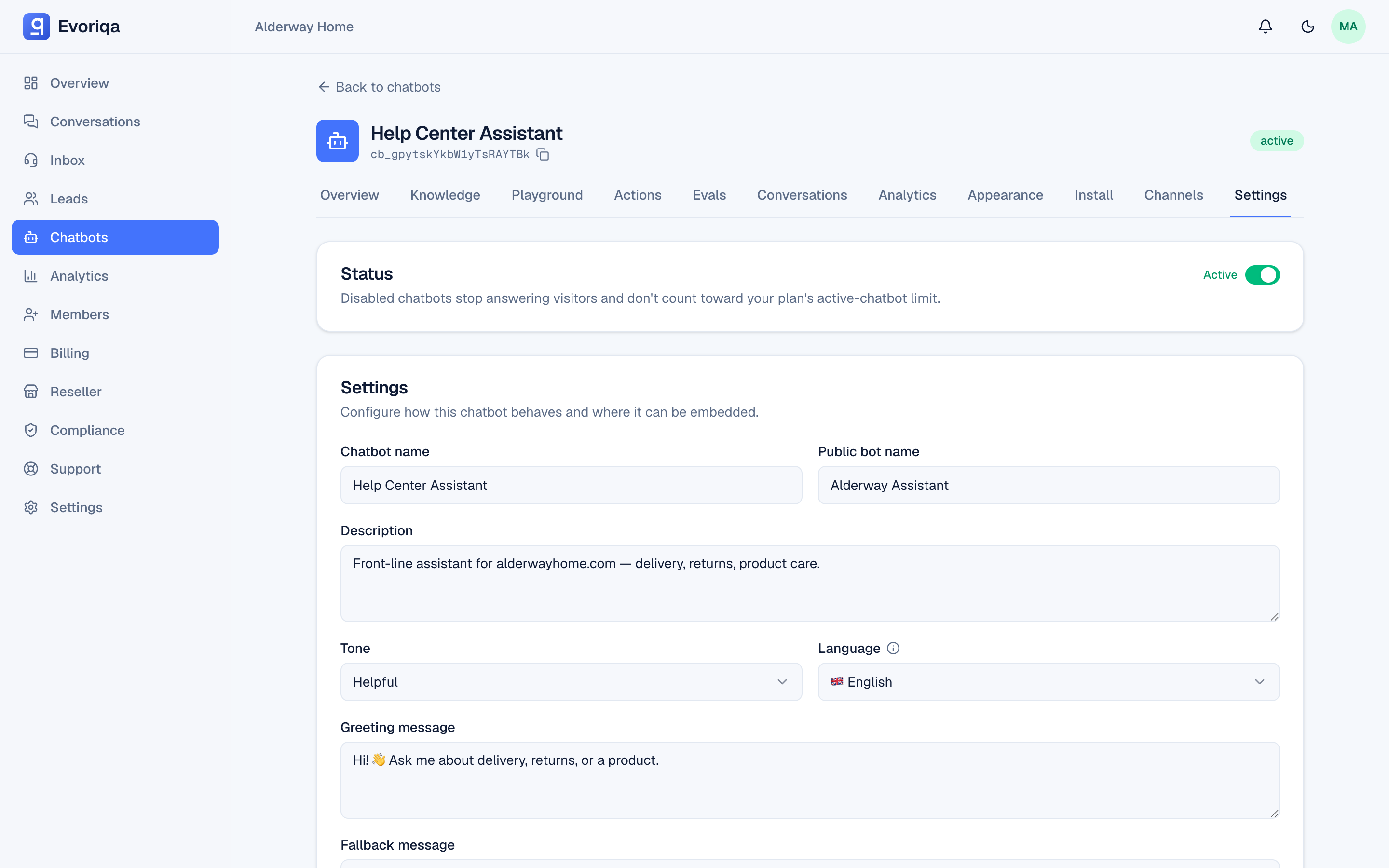
The toggle is per chatbot, on the Settings tab, labelled Live AI quality scoring. It is off by default and available on paid plans — each scored reply runs one extra, small judge call, metered to your workspace like any other AI usage.
Scoring runs in the background, off the reply path: your visitor never waits on the judge, and a judge outage never delays or blocks an answer.
What gets scored
Every answer the model actually generated in production:
- Web-widget replies, channel replies (WhatsApp, Instagram, Messenger, SMS, Slack, email), and voice-call answers.
- Not scored, by design: playground test runs, cached repeats of an already-scored answer, and the fixed fallback / handoff messages — those are canned text, and scoring them would spend your credits on nothing.
If the judge itself fails on a reply, no score is recorded — a provider hiccup never shows up as a bad answer. A score of 0 always means the judge genuinely found the answer bad.
Where the scores surface
- In the inbox — every scored AI reply carries a small QA chip (green at 70+, amber below, red under 40). Hover it for the judge's one-line reasoning.
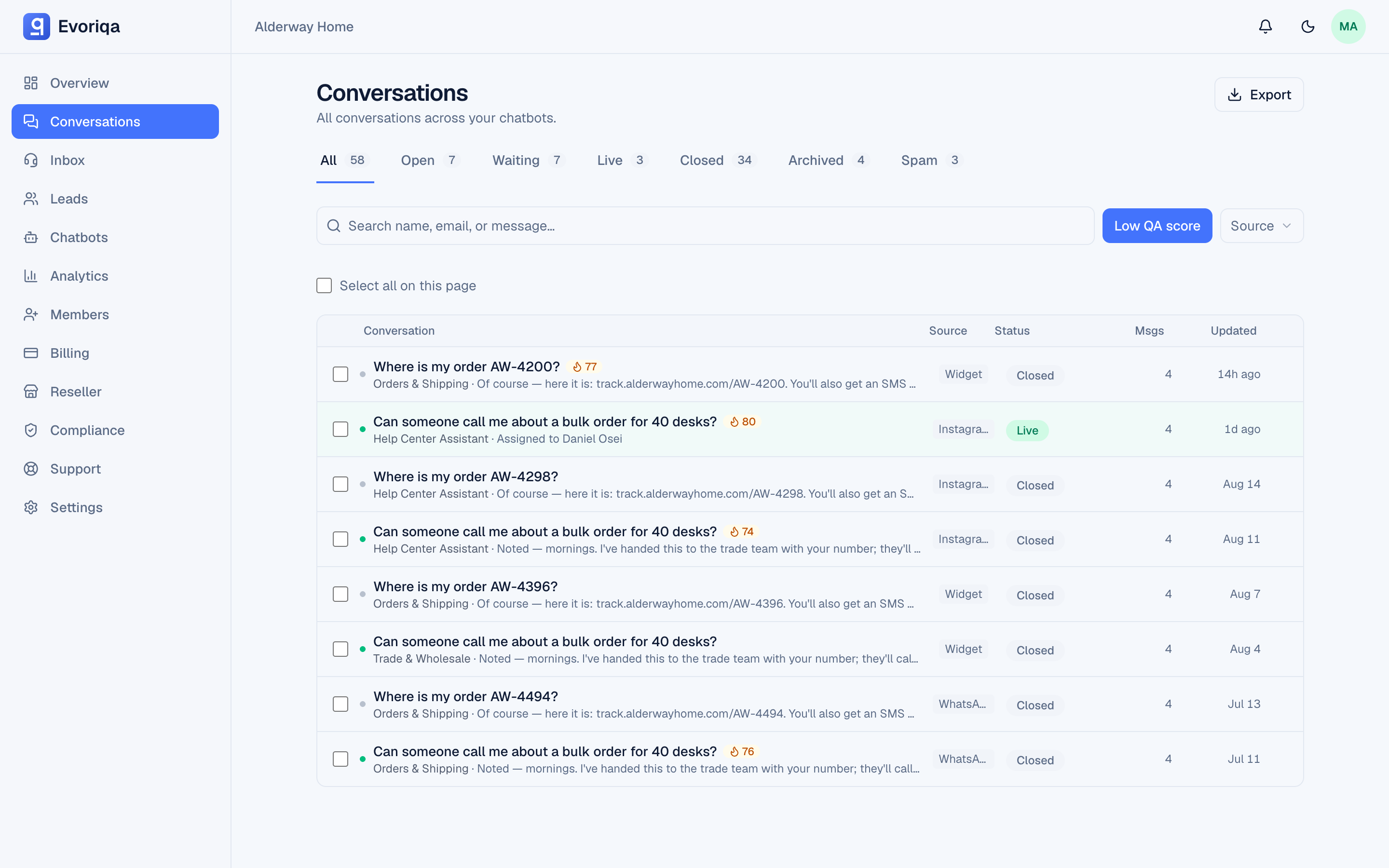
- On the Conversations page — a Low QA score filter shows only conversations containing a below-passing reply, so a weekly triage of your worst answers is one click.
- In Analytics — an Average QA score tile tracks the judged average over the selected range, with the low-score count alongside.
Fixing a low score
A low score is a lead, not a verdict. Open the conversation, expand **Why this answer** under the reply, and you can usually see the cause directly: the wrong page was retrieved, the knowledge base is missing the fact, or the question needed a human. From there the fix is ordinary knowledge-base work — and the scores tell you whether it worked.
Live AI QA scores real production answers; the evals sandbox scores your test questions before you go live. They use the same judge and the same 0–100 scale, so a pre-launch eval average and the live average are directly comparable.
Set it over the API
PATCH /api/v1/chatbots/{chatbotId}
{ "liveQaEnabled": true }liveQaEnabled is a boolean and needs the chatbots:write scope. Enabling it on a free-plan workspace is rejected. Scores and judge reasoning are dashboard-only — they are never included in v1 conversation responses.
Where to go next
- Why this answer (reasoning traces) — the audit panel a low score points you at
- Evals and gaps — the same judge, run against your test questions before launch
- Analytics — where the average score trends
Last updated