Reseller plans and billing
Subscribe to a reseller tier, switch between monthly and annual, the agency team seats each tier grants, and know what a lapse or cancellation changes.
Subscribing
- 1Open Reseller in the sidebar.
- 2Pick a tier and choose Start reselling — Stripe Checkout opens in a new tab.
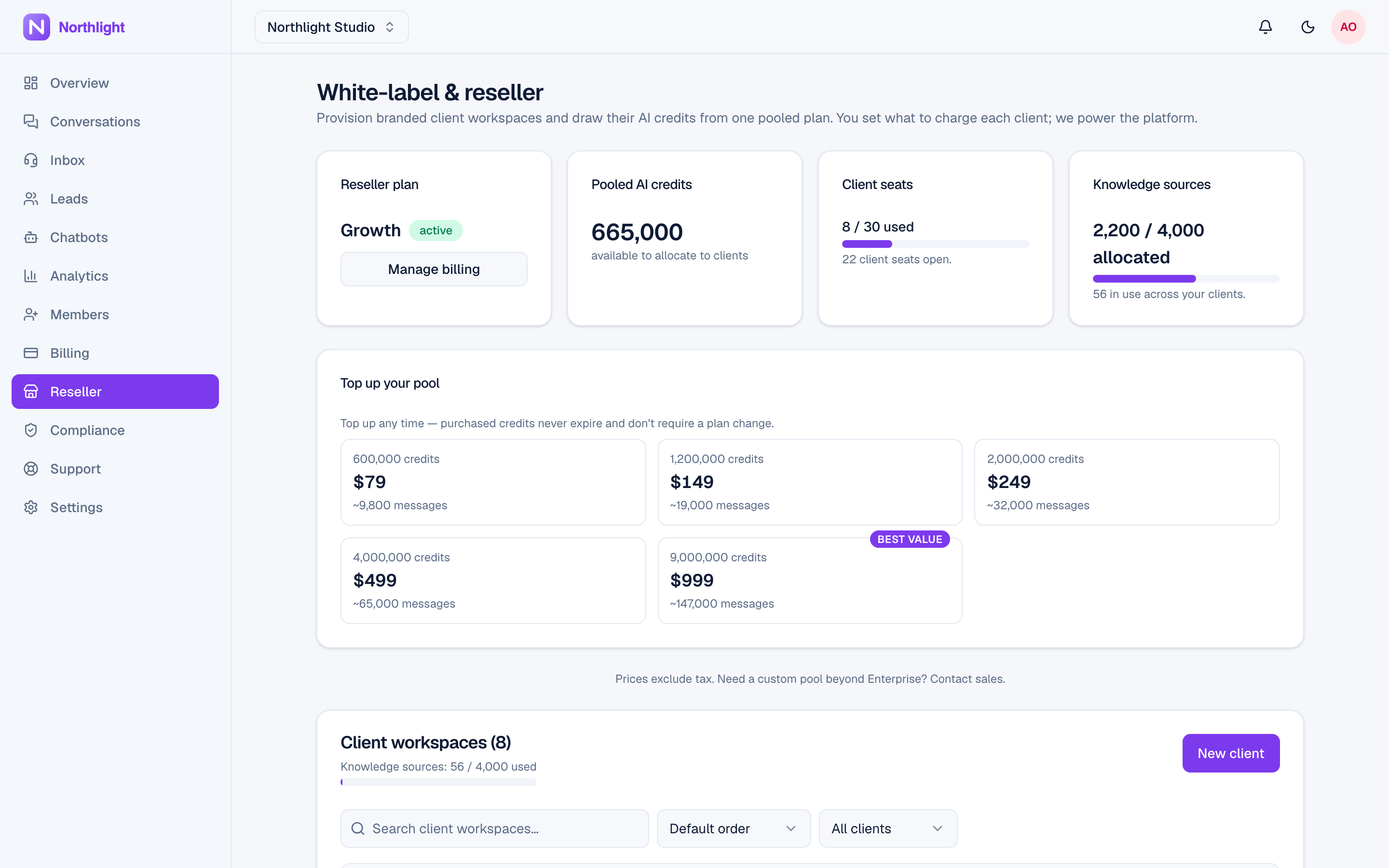
- 3On payment, your organisation's reseller plan is set and the period's pool is granted. The page then shows your pool balance and seats used against total.
- 4Manage or cancel any time through Manage billing, which opens the Stripe customer portal in a new tab. The reseller page refreshes when you come back to it.
Only the organisation owner can do any of this.
Tiers differ in pooled credits, client seats, and the org-wide knowledge-source ceiling. See the pricing page for current figures.
Team seats for your own agency
Each reseller tier also grants team seats on your own primary workspace, so you can invite colleagues to run the console with you:
| Tier | Agency team seats |
|---|---|
| Freelancer | 3 |
| Accelerator | 5 |
| Growth | 10 |
| Pro | 25 |
| Enterprise | Unlimited |
These are separate from the client seats you provision and from any client's own team seats. Your primary workspace gets the larger of its own plan's seats and its reseller tier's seats (an unlimited tier always wins), so putting your agency on a paid workspace plan never reduces the seats below the tier. Invite teammates the ordinary way — see Invite teammates.
Changing tier in the portal follows the same timing as customer plans: moving up applies right away (prorated, renewal date unchanged, the pool topped up to the new tier's month); moving down is scheduled for your next renewal, and the reseller page shows the pending change until then.
Monthly and annual
Reseller plans bill monthly or annually; annual is a prepay commitment on an existing tier. Its pool is paced monthly — one month's pooled credits land on each monthly anniversary of the period start, not the whole year up front — and the console shows an Annual badge with "Month N of 12" while the year drips. A tier without an annual price configured simply does not show the annual toggle. An organisation already on a monthly tier moves to annual with Switch to annual on the reseller page: a fresh 12-month year starts that day, and the dialog shows the approximate amount due.
Pool top-up packs
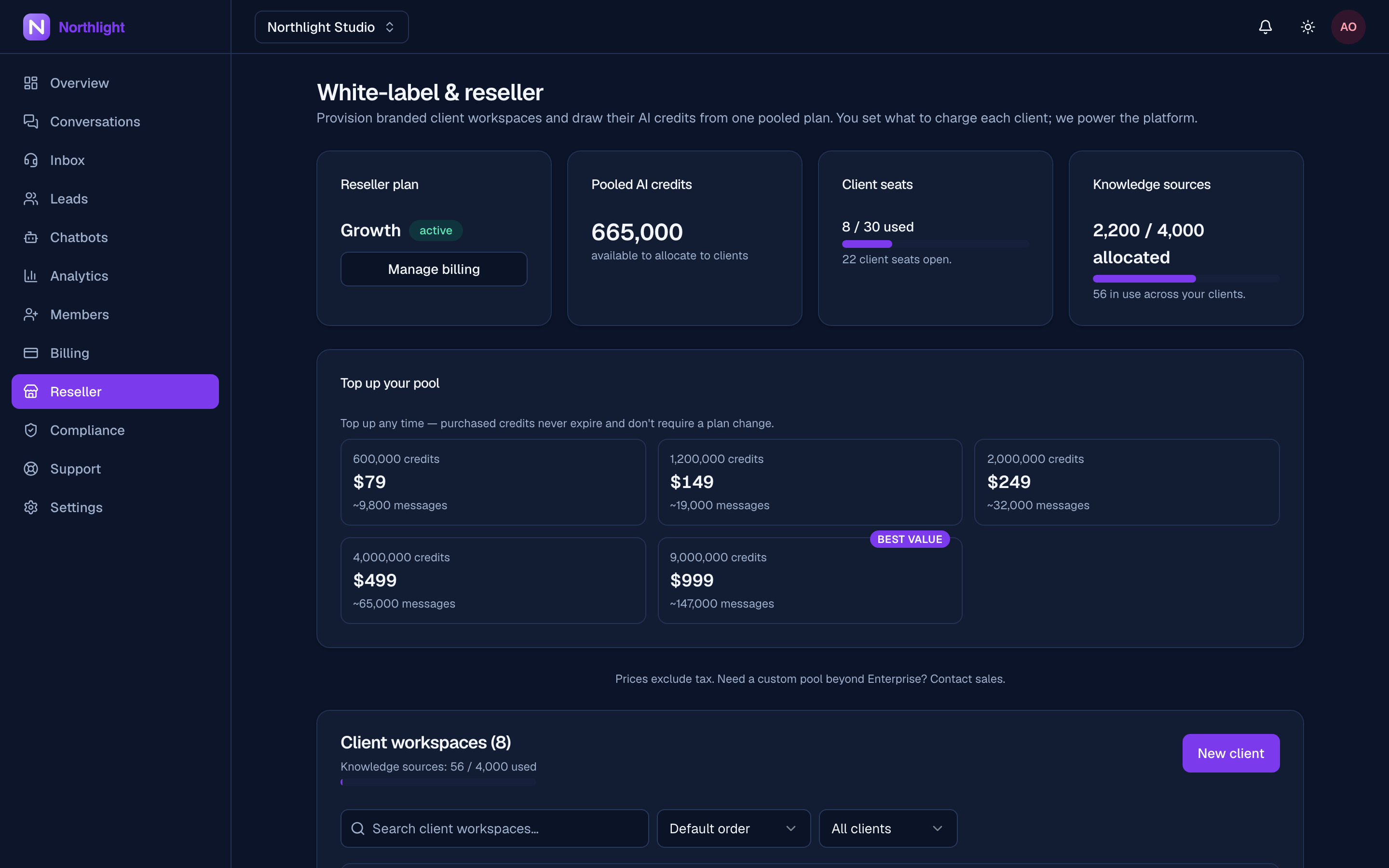
Beyond raising your tier, the organisation owner can buy a one-time pack straight into the pool from a "Top up your pool" card. Packs come from a catalog the platform manages (they launched at your tiers' prices and credit amounts), and the platform may cap how many you buy per calendar month. A pack never expires — in the pool, once hand-allocated to a client, or when it covers a client's plan on your own Stripe (BYO) — and neither lapsing nor cancelling your reseller plan touches it. See Billing your clients.
See Pooled credits and caps for how allocation, reclaim, and refunds treat pack credit.
Your own workspace is separate
Your primary workspace is excluded from the reseller page entirely — it is not a resold client, so it never appears in the client list or its count. Its own plan and credits live on the ordinary billing page.
What lapsing changes
If the reseller plan ends terminally:
| Thing | What happens |
|---|---|
| Client seats | Drop to zero — no new clients can be provisioned |
| Pool balance | Remains until spent |
| Top-up pack credit | Never expires — stays in the pool, or on any client you've hand-allocated it to, lapsed or not (the BYO-draw exception still applies) |
| Existing client workspaces | Keep working on whatever credits they hold |
| Branding and custom domain | Keep serving under your brand through a 30-day release grace (HTTPS included); editing is blocked immediately. The domain's certificate is evicted only when the grace releases the claim |
| Org knowledge-source ceiling | Resolves to zero — new client sources blocked, existing ones keep serving |
| Your own mail configuration | Falls back to the platform sender rather than dropping mail |
A past_due subscription keeps your brand through the dunning window. Branding settings are retained either way, and the custom domain stays claimed for 30 days after a terminal lapse — resubscribing within that window restores everything (brand, domain, HTTPS) without re-entering anything. After the 30-day grace the hostname is released and would have to be claimed and verified again.
During dunning, your clients are paused. While your own tier is past_due or unpaid — whether Stripe is still retrying or every retry has failed — every resold client's assistant is paused, and their dashboard reads "paused while your provider resolves a billing issue." Your dunning e-mail, a red alert on the reseller console, and a notification-bell row on your primary workspace all flag it. past_due keeps your reseller plan set; unpaid lapses it (starting the branding release clock) but leaves the subscription open, so paying the outstanding invoice restores your tier — and un-pauses every client — at once. A terminally cancelled plan, by contrast, pauses no clients: their workspaces keep working on whatever credits they hold.
Client billing
Your clients have no billing of their own — no billing tab, and their checkout and portal routes are refused with "Billing is managed by your provider." You invoice them however you like, outside evoriqa. See Reseller overview.
Where to go next
Last updated