Lead pipeline
The five pipeline statuses, owner assignment, adding a lead by hand, the unique versus all views, and the filters that drive both the table and the export.
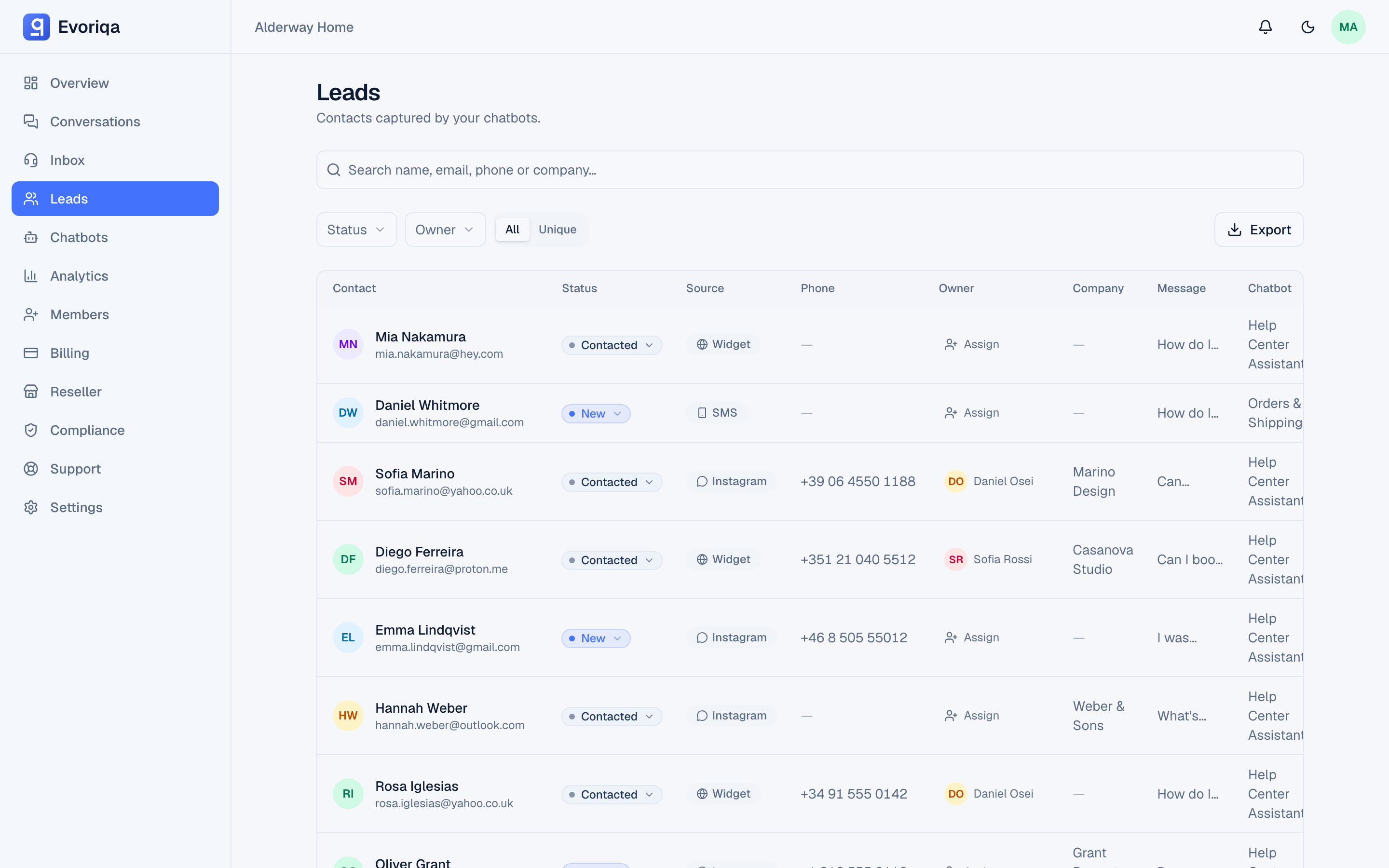
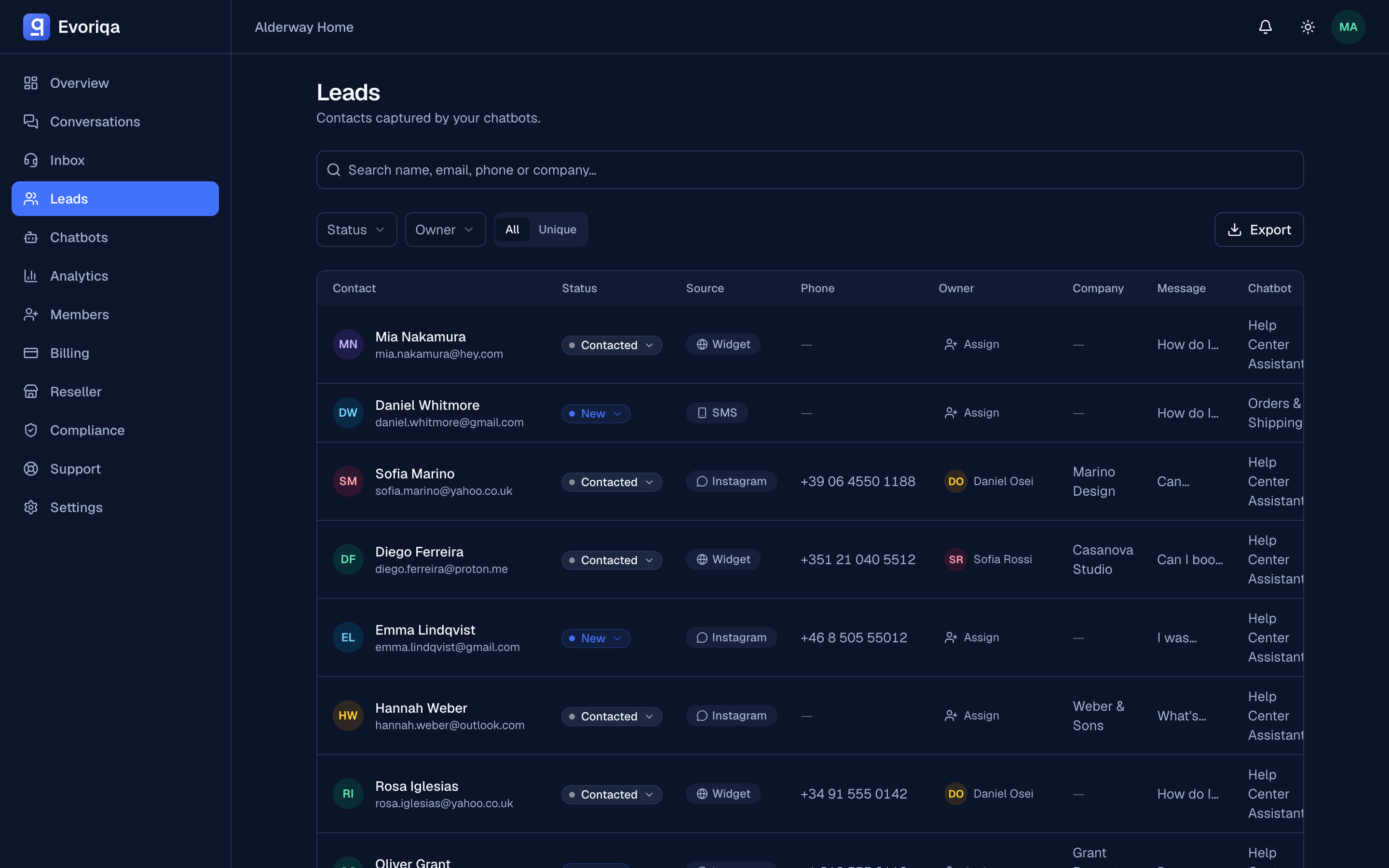
Open Leads to work captured contacts. Every lead carries a status and an owner, and both are editable inline from the table.
Statuses
new → contacted → qualified → won
↘ lost| Status | Means |
|---|---|
new | Captured, nobody has worked it yet |
contacted | Someone has reached out |
qualified | A real opportunity |
won | Closed successfully |
lost | Closed unsuccessfully |
Changes apply immediately in the table — colour-coded, no dialog.
Owners
Assign a lead to any workspace member inline, and filter the table by owner — including unassigned, which is the filter worth checking weekly. New leads can be routed automatically; see Lead capture settings.
Unique versus all
| View | Shows |
|---|---|
| Unique | One row per contact, with a capture count — repeat captures collapsed |
| All | Every capture, including repeats from the same person |
Use Unique for working the pipeline; use All when you need the raw capture history for one person. Deleting a row in Unique removes every capture of that person; deleting in All removes just that capture.
Search and filters
Search covers name, email, phone, and company. Filters cover status and owner. Search, filters, and the active view all carry through to the CSV export — what you see is what you download.
Adding a lead by hand
Most leads arrive from a conversation, but you can also enter one directly. Add lead on the Leads page opens a dialog for the contact's details; a chatbot is required (leads are always scoped to a chatbot), so pick the bot the lead belongs to. A manual lead then runs the same path as a captured one — de-duplication against existing contacts, auto-assignment, and the owner notification — so it lands in the pipeline like any other. Editors can add leads; viewers cannot.
Back to the conversation
Every lead links to the conversation it came from, so you can read what the person actually asked before you reply. That transcript is usually the best qualification signal you have. A lead added by hand has no source conversation.
Where to go next
Last updated