Source citations
Let visitors see which knowledge-base pages an answer came from — a per-bot toggle that adds up to three source chips beneath each reply.
Every answer is grounded in your knowledge base, but by default the sources stay behind the scenes — you read them in the playground's Debug panel, the visitor just gets the reply. Turn on source citations and the widget shows the visitor where each answer came from too: a short row of chips under the finished answer, one per knowledge-base page it drew from.
Turn it on
The toggle is per chatbot, on the Appearance tab, labelled Show sources under AI answers. It is off by default and available on every plan.
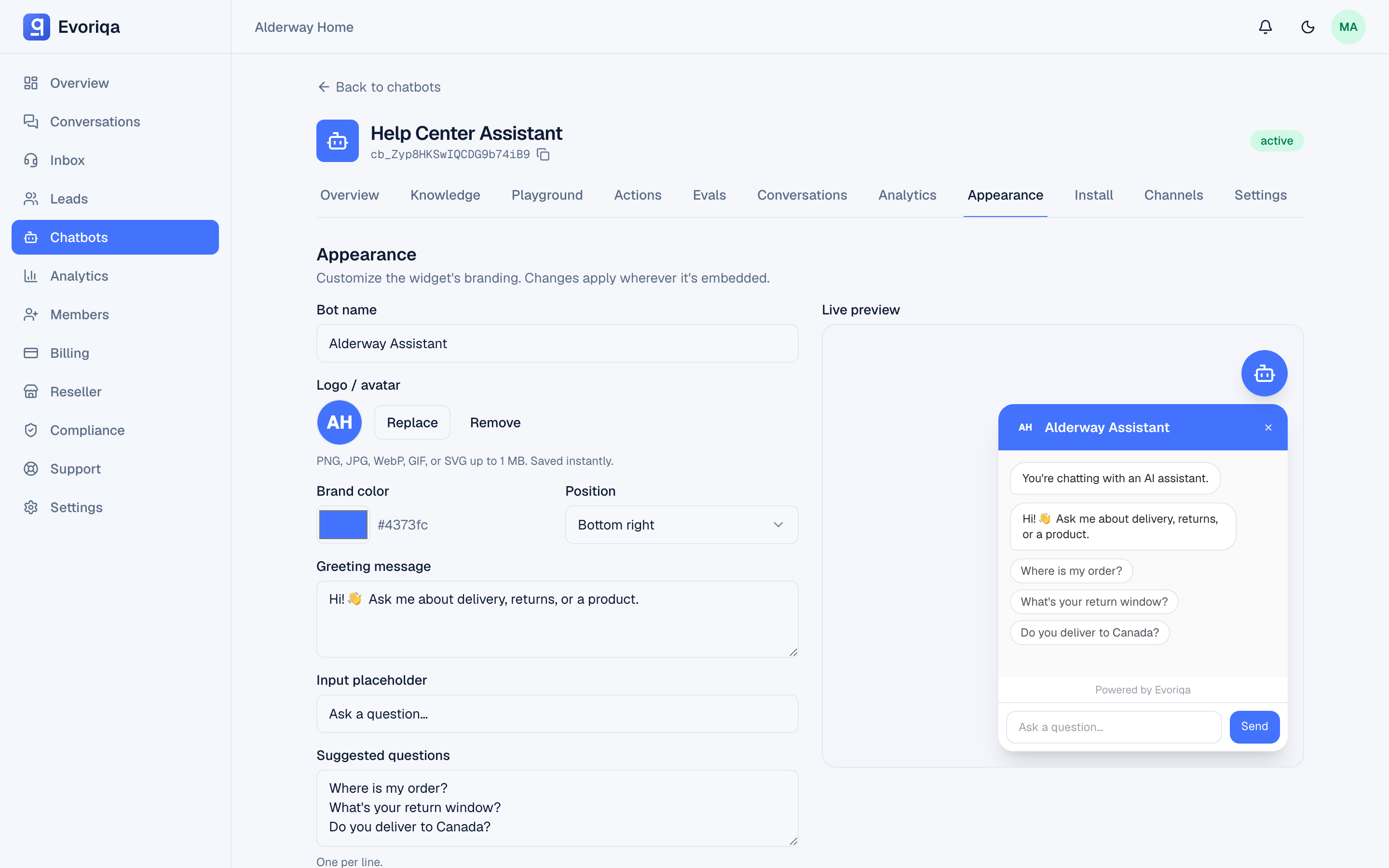
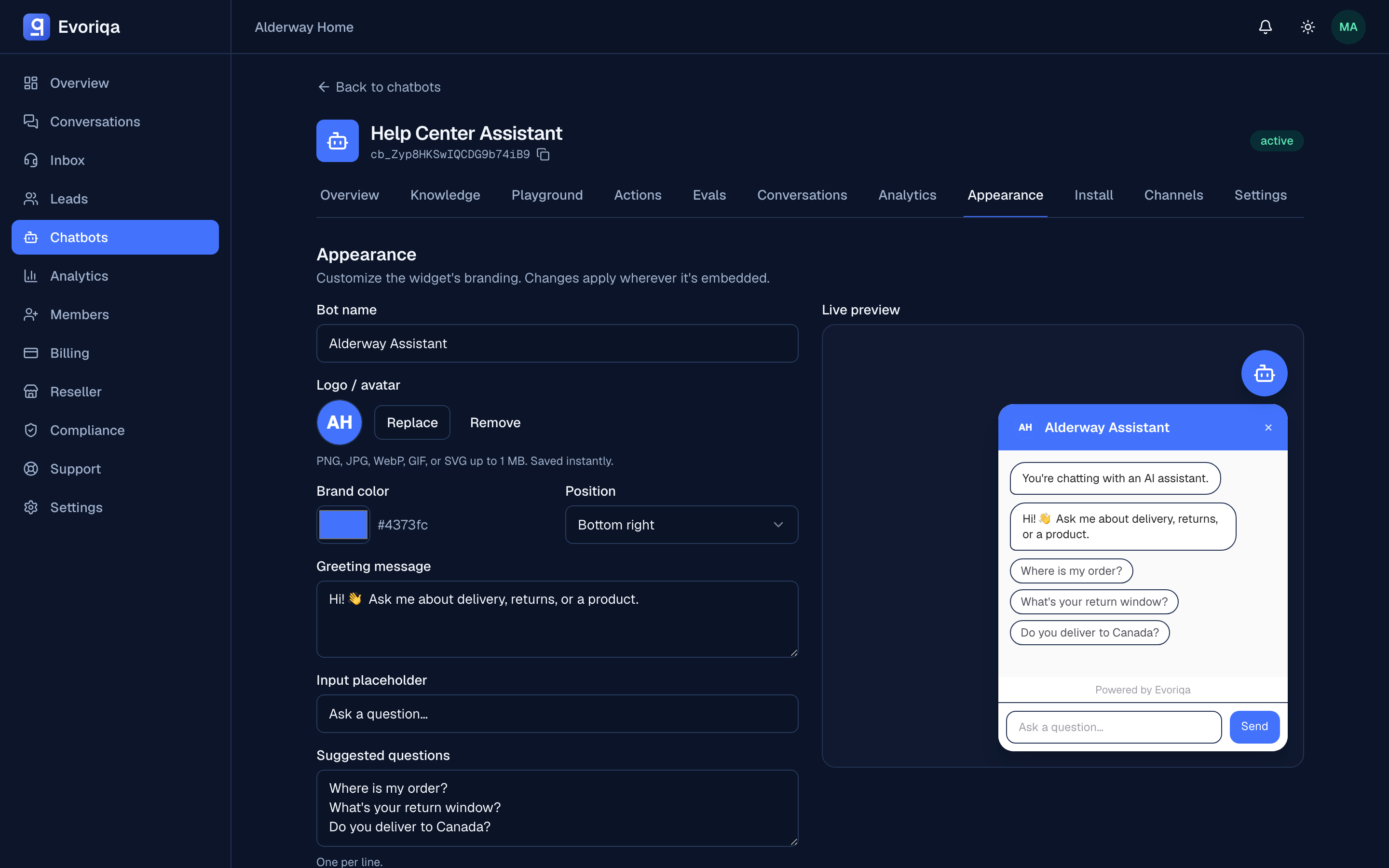
Nothing else changes about how the agent answers — retrieval, grounding, and the fallback all behave exactly as before. The toggle only decides whether the sources that already backed the answer are shown to the visitor.
What the visitor sees
Once an answer finishes streaming, up to three "Sources" chips appear beneath it:
- A page you crawled or a URL source — the chip is a link that opens the page in a new tab.
- An uploaded file — the chip expands a short snippet of the passage the answer used, since there is no public page to send the visitor to.
The row is capped at three and deduped by source, so an answer built from several chunks of the same page shows that page once, not three times. Chips only ever appear under answers the agent actually grounded — a fallback carries no sources, because there were none.
The gate is server-side
Sources only ride the response stream when you enabled the toggle. It is not a matter of the widget hiding something it received: with the toggle off, the sources never leave the server, so there is nothing in the page for a visitor to inspect their way to.
Two more guards sit under that:
- http(s) links only. A source chip will only ever link out to an
httporhttpsaddress, never any other scheme — a defence-in-depth check below the server gate. rel="noopener noreferrer"on every outbound chip, so a linked page cannot reach back into the widget.
The internal playground always shows the full retrieved sources with their similarity scores in the Debug panel, regardless of this toggle — that view is for you, not the visitor. See How retrieval works.
Set it over the API
The same toggle is a field on the chatbot's widget settings in the v1 API:
PATCH /api/v1/chatbots/{chatbotId}/settings
{ "showSources": true }showSources is a boolean and needs the chatbots:write scope. Reading it back comes with the rest of the settings snapshot from GET /api/v1/chatbots/{chatbotId}/settings.
Where to go next
- Appearance — every other widget appearance option
- How retrieval works — where these sources come from
- Grounding and "I don't know" — why an answer sometimes has no sources at all
Last updated