Knowledge base overview
The four knowledge source types, the extract-chunk-embed-store pipeline that makes them searchable, and what each source status means.
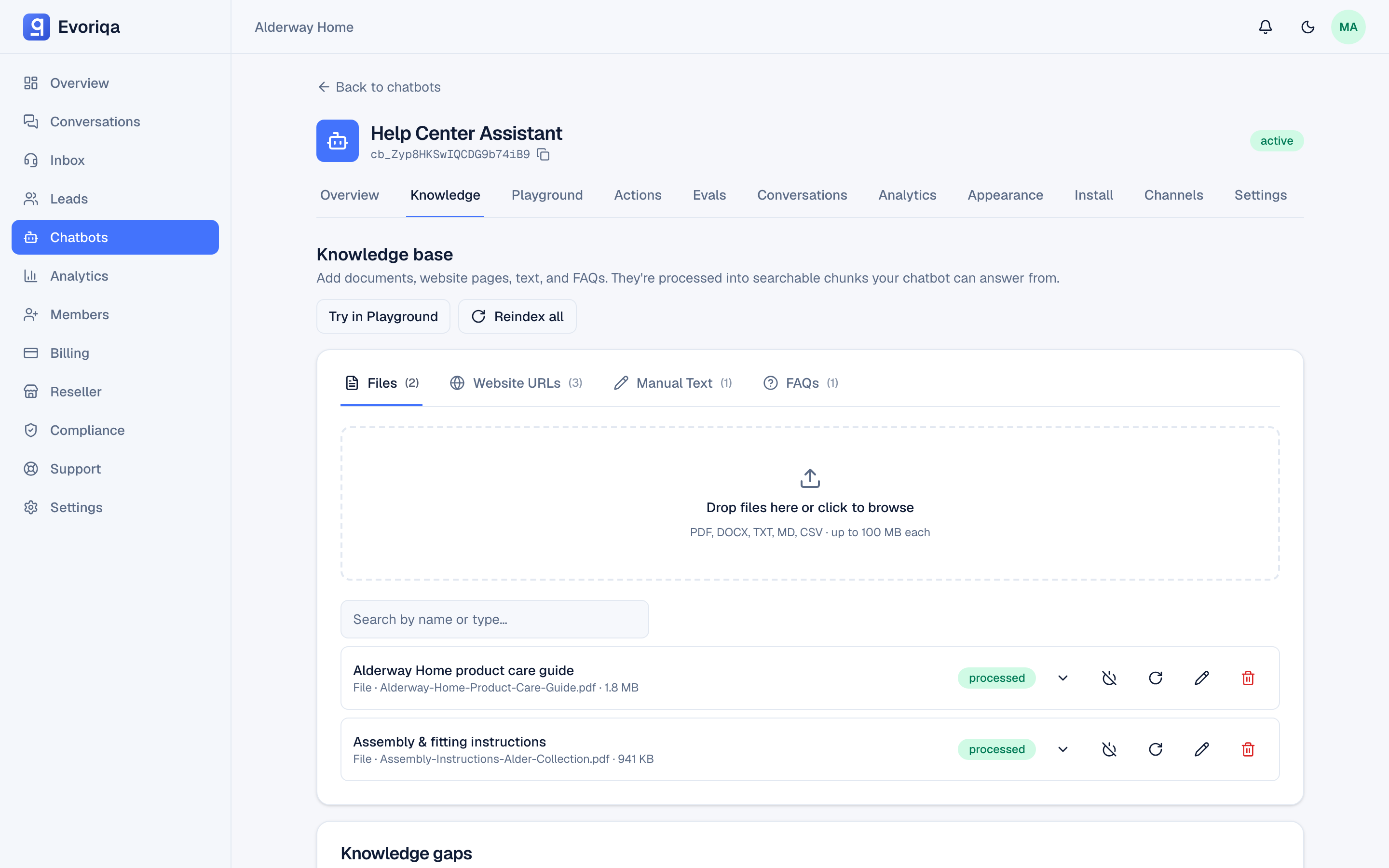
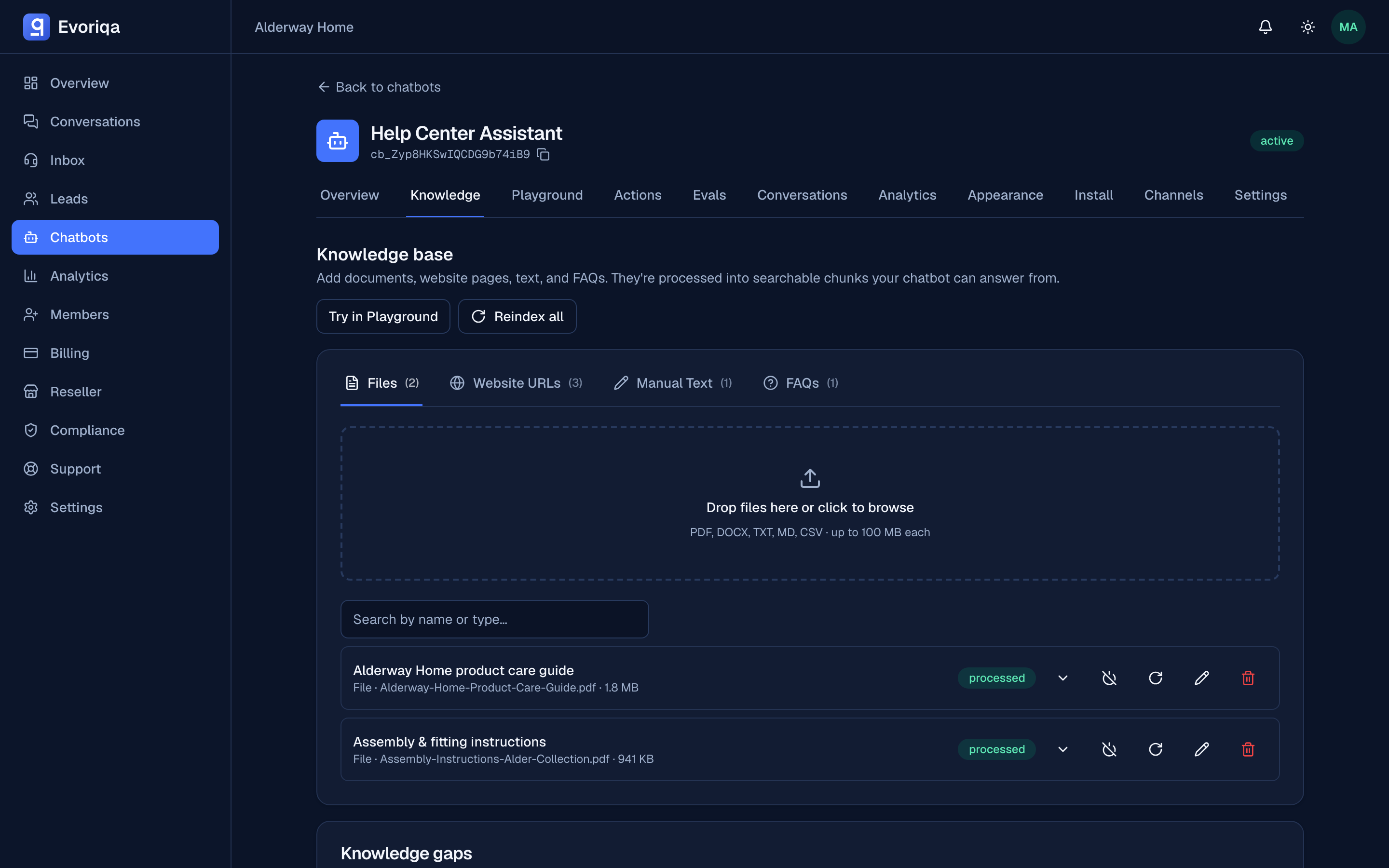
The knowledge base is what your chatbot answers from. Nothing else is: the system prompt shapes how the agent talks, but every fact in a reply comes from a knowledge source you added.
The four source types
| Type | Best for | Limits |
|---|---|---|
| File | Existing documents — policies, manuals, price lists | PDF, DOCX, TXT, MD, CSV; size capped by plan |
| URL | Content that already lives on your site | One page per source, or crawl a whole site |
| Manual text | Content that exists nowhere else | Title ≤ 200 chars, body ≤ 100,000 chars |
| FAQ | One specific question the agent keeps getting wrong | Question ≤ 500 chars, answer ≤ 10,000 |
FAQ pairs are boosted in retrieval, which makes them the sharpest tool for fixing a single bad answer. See FAQ and manual text.
Each type has its own page: Files, URLs and crawling.
How a source becomes answerable
Adding a source does not make it searchable straight away. Every source goes through the same four-stage pipeline on a background worker:
- 1Extract — pull plain text out of the PDF, DOCX, HTML page, or CSV.
- 2Chunk — split that text into overlapping passages of roughly 1,500 characters with a 200-character overlap, so a passage keeps enough context to stand alone.
- 3Embed — turn each chunk into a vector.
- 4Store — save the chunks and their vectors, scoped to your workspace.
This runs on a queue, not in the request. A source you added a second ago is not answerable yet, and "processing" is a real state rather than a spinner. Failures are retried automatically. A big PDF or a 100-page crawl takes noticeably longer than a pasted FAQ.
Source statuses
| Status | Meaning |
|---|---|
pending | Queued, not yet picked up by the worker. |
uploading | The file's bytes are still being stored. |
processing | Being extracted, chunked, and embedded. |
processed | Live — the chatbot can answer from it. |
failed | Processing failed. Retry with Reprocess. |
disabled | Turned off by you: excluded from retrieval, and not counted against your plan's source limit. |
See Reindexing and freshness for reprocess, reindex, and the per-source toggle.
Isolation
Retrieval is scoped to the chatbot and its workspace. One workspace's content can never be used to answer another workspace's question, and one chatbot does not read another chatbot's sources — even inside the same workspace. If two bots need the same document, add it to both.
Limits
Your plan caps how many knowledge sources a workspace may hold and how large an uploaded file may be. Disabled sources do not count. If you hit the cap, disable or delete something, or upgrade — see Plans.
Where to go next
Last updated