Inbox overview
The unified inbox — where conversations from every channel arrive, how the filters work, who can work it, and how the list stays live.
The Inbox is one list of every conversation that needs a person, from every channel: the website widget, WhatsApp, Messenger, Instagram, Slack, SMS, email, and phone voice transcripts.
Filters
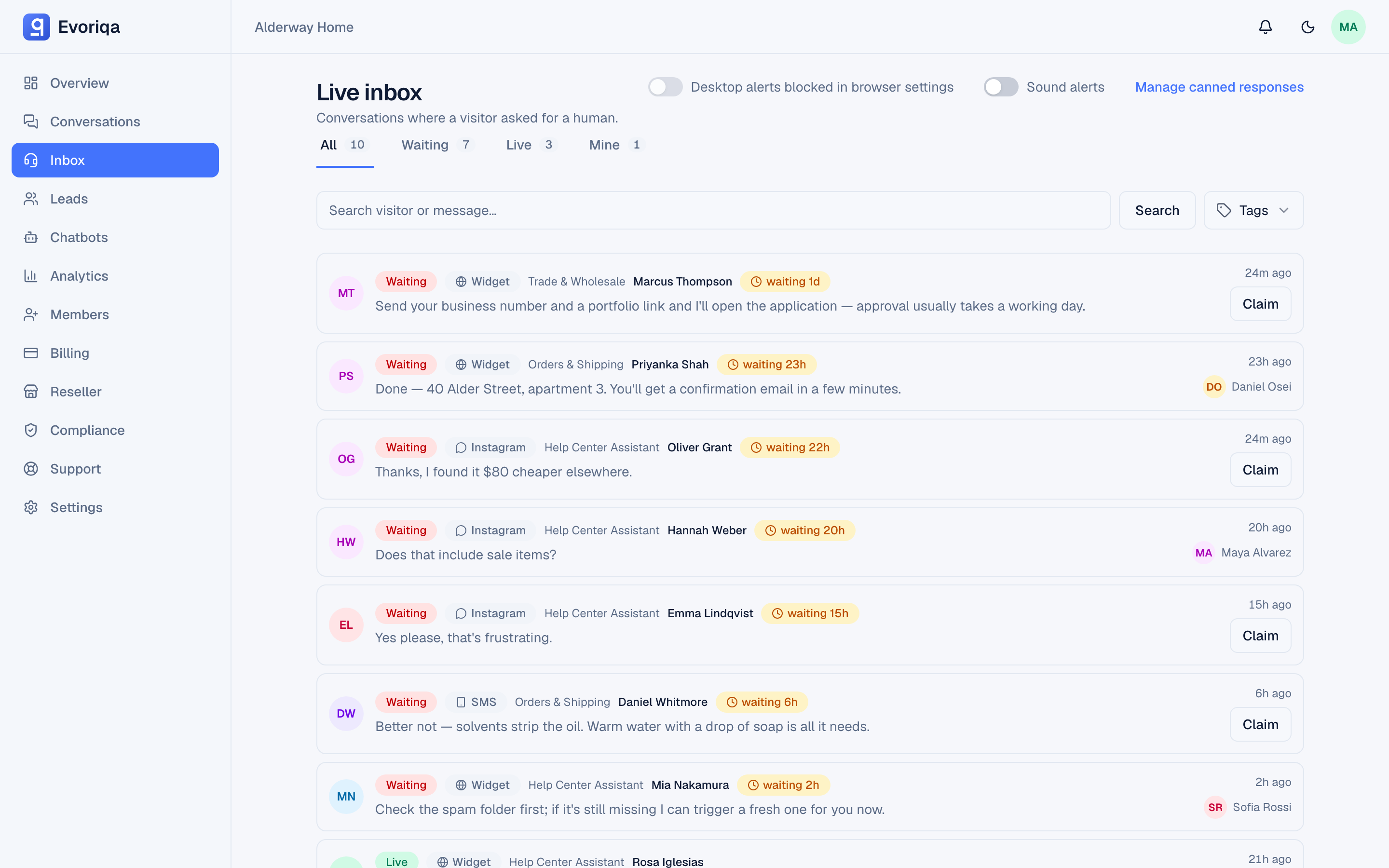
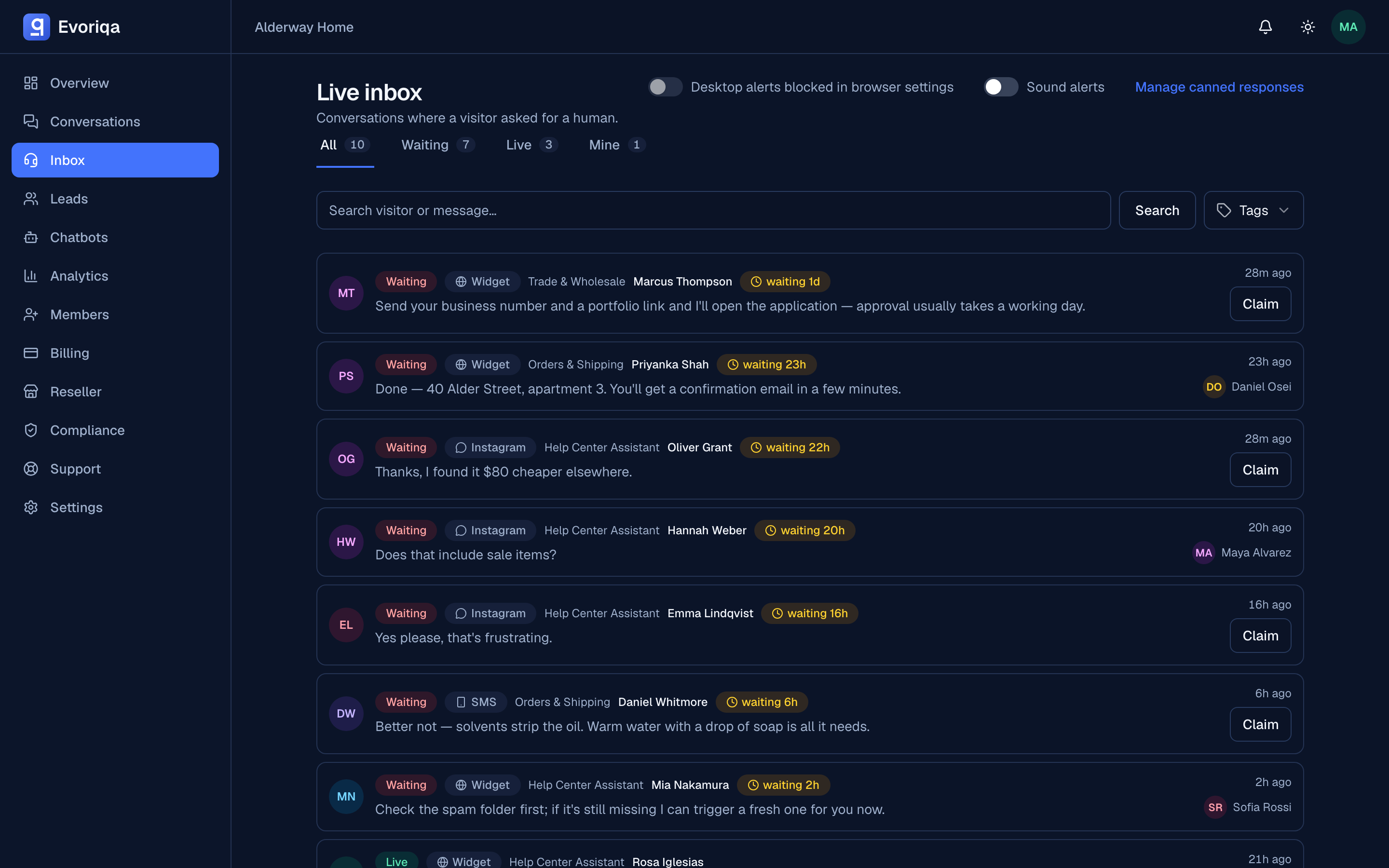
The screen is titled Live inbox — "conversations where a visitor asked for a human" — and its four filters each carry a live count.
| Filter | Shows |
|---|---|
| All | Everything in the queue |
| Waiting | Flagged for a human, nobody has claimed it |
| Live | Being handled by an agent right now |
| Mine | Assigned to you |
Beneath them sit a search box ("search visitor or message") and a Tags dropdown — the tags come from the workspace's own handoff tags, so the list matches what your team actually uses.
Each row shows the channel it arrived on, the chatbot, the visitor, a waiting 1d style age chip, and a Claim button — or the name of the agent who already claimed it.
When a service level is configured the age chip becomes an SLA chip — see SLA and escalation.
The header also carries the per-device Desktop alerts and Sound alerts toggles, and a link to manage canned responses.
The list is live
The inbox refreshes in place over a live stream. New handoffs appear, claims show up, closes disappear, and the wait timers tick — with no page reload. A claim appears immediately on the claiming agent's screen and on every other open inbox, which is what stops two people grabbing the same thread.
Who can work the inbox
Every active member can claim and reply, including viewers. Viewers are read-only for configuration but are full agents in the inbox — that is the role to give a support agent who should not be able to change chatbot settings. See Chatbot settings for the wider role rules.
What lands here, and what does not
A conversation reaches the inbox when a human is needed:
- the visitor asked for a person,
- the agent escalated the conversation itself,
- a message arrived on a channel where AI replies are switched off,
- an inbound email needs a person — its channel is human-first or on Draft for review, or an AI-replies email was loop-guarded or hit the hourly reply cap.
Ordinary AI-answered conversations do not queue here. You can still read them all in the conversation history — see Analytics overview.
The dot and the flame on a conversation row
On the Conversations page, every visitor message is classified by the AI for intent, sentiment, and buying intent. Two small markers on each row come from that classification.
The coloured dot is sentiment — the tone of the visitor's latest message:
| Dot | Sentiment | Meaning |
|---|---|---|
| Green | Positive | Satisfied, appreciative, excited, or clearly interested |
| Grey | Neutral | Factual, routine, unclear, or low emotion |
| Red | Negative | Frustrated, angry, disappointed, complaining, or blocked |
| No dot | — | Not classified (for example, playground and test chats) |
A red dot is a tone reading, not a failure flag: a visitor pressing hard on pricing can show red in a conversation the agent handled well.
The flame badge is the lead score — buying intent from 0 to 100. The badge appears only at 70 or above, with the number beside it; lower scores are still recorded but show no badge.
| Score | Reads as |
|---|---|
| 0–10 | Spam, abuse, or no commercial value |
| 11–30 | Greeting, general support, or a vague question |
| 31–60 | Specific interest in a product, feature, price, or integration |
| 61–85 | Strong buying signal — a demo request, booking an appointment, a comparison |
| 86–100 | Ready to buy — asks for a quote, a trial, onboarding, or a sales contact |
The two markers age differently. The dot follows the latest visitor message, so it changes colour as the mood does. The lead score is the highest score any message in the thread reached: a conversation that scored 75 on "I'd like to book a demo" keeps its flame after a closing "thanks". Treat both as a triage hint for which rows to open first, not a verdict. Hover either marker for its label.
The Hot leads button above the list narrows it to the rows that carry the flame. It combines with the status tabs, search, the channel filter, and Low QA score, and Export downloads exactly the rows on screen. On the Leads table, a lead shows the same flame when the conversation it came from reached 70.
The same values are in the conversations CSV export (sentiment, lead_score) and on the conversation object in the API.
Where to go next
Last updated