Connect Instagram DMs on the Instagram Login API — no Facebook Page. Paste your Instagram app secret, a verify token, and a long-lived Instagram access token.
Instagram connects on the Instagram API with Instagram Login — the modern, Facebook-Page-free integration. There is no linked Page and no Page token: the credential is a long-lived Instagram access token scoped to your Instagram professional account. Webhooks use Meta's standard scheme, so inbound verification is identical to Messenger.
What you need
- A Meta developer app of type Business with the Instagram product added. No Facebook Page is involved at any step.
- An Instagram professional account — Business or Creator.
Prepare the Instagram account
- 1Switch the account to professional if it isn't already: Instagram app → Settings → Account type and tools.
- 2Turn on Instagram app → Settings → Messages and story replies → Allow access to messages.
- 3Give the account the Instagram Tester role on your Meta app: app dashboard → App roles → Roles → Instagram Testers → Add people, entering the Instagram username. Then accept the invite while signed in as that account at instagram.com/accounts/manage_access → Tester invites. Until the app is Live, only accounts holding a role on the app can be used.
With "Allow access to messages" off, DMs never reach the webhook, however correct everything else is — and nothing anywhere reports an error. Check this before debugging anything else.
Connect
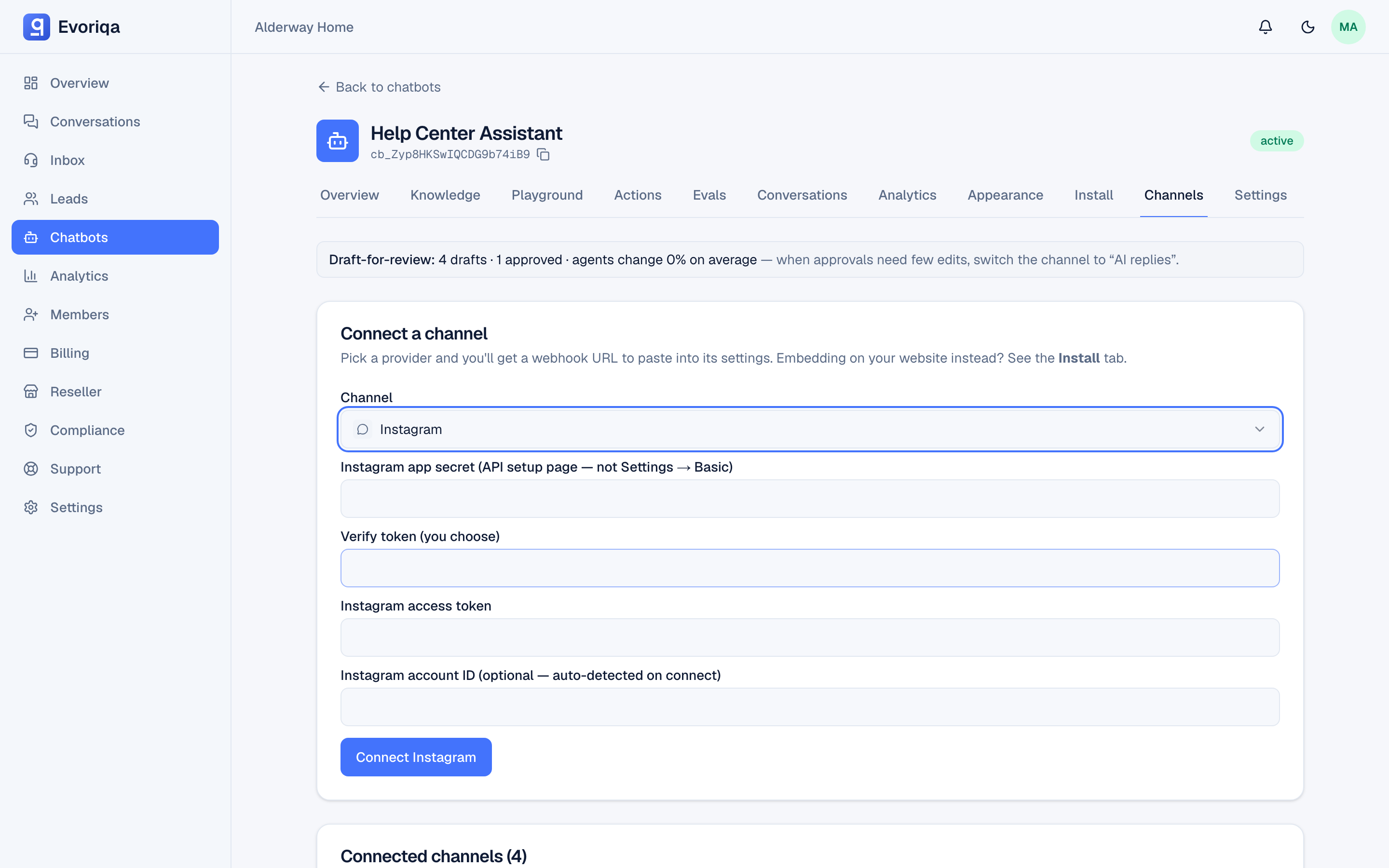
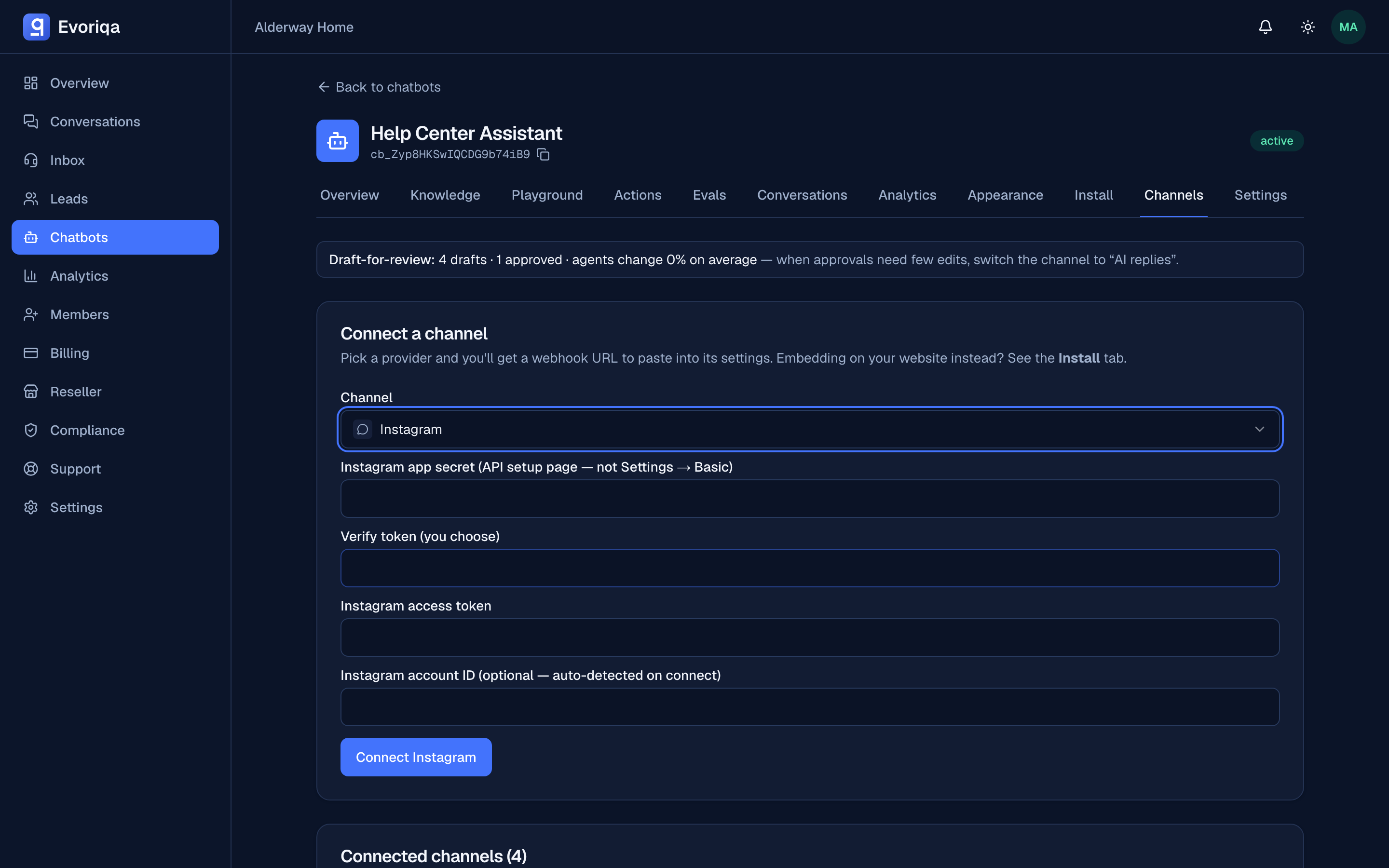
This is not a one-click connection — you generate a token in the Meta app and paste it into Evoriqa.
- 1In Meta app → Instagram → API setup with Instagram login, connect your Instagram professional account and generate a long-lived access token carrying the
instagram_business_basicandinstagram_business_manage_messagespermissions. This is a 60-day token. No Facebook Page is involved. - 2In Evoriqa, add an Instagram channel and paste:
- Instagram app secret — the secret shown on the API setup with Instagram login page, next to the Instagram app ID. This is not the Facebook app secret under Settings → Basic: Meta signs Instagram-Login webhooks with the Instagram secret, and the Facebook one rejects every delivery as a bad signature.
- Verify token — any string you choose; you will paste the same one into Meta.
- Instagram access token — the long-lived token from step 1. It is a 60-day token, but the platform auto-refreshes it daily well before expiry, so a live channel never lapses on its own. If a refresh is ever definitively rejected — the token was revoked, or its permissions changed — the channel's health chip flips to a rejected state and prompts you to reconnect.
- Instagram account ID (optional) — leave it blank; the connect step auto-detects it from the token. Fill it only if that lookup can't run.
Copy the webhook URL shown after connecting. Credentials are stored encrypted.
- 3Meta app → Instagram → Webhooks (or API setup → Webhooks): paste the webhook URL and the same verify token, then Verify and save (the handshake is answered automatically), and subscribe the
instagramobject'smessagesfield. Under Generate access tokens, the connected account also needs its own Webhook Subscription toggle switched On — the field subscriptions alone deliver nothing.
The webhook URL is specific to the channel. Reconnecting a channel creates a new one, so the previous URL stops resolving and Meta's deliveries are refused. Re-copy the webhook URL into Meta after every reconnect.
Connect with the API
`POST /channels` takes the same three fields as the form, in a config object — all three required:
{
  "type": "instagram",
  "chatbotId": "3f2504e0-4f89-41d3-9a0c-0305e82c3301",
  "config": {
    "appSecret": "8f1c…",
    "verifyToken": "my-verify-token",
    "accessToken": "IGQV…"
  }
}accessToken is the long-lived Instagram Login token. In production it is checked against the Graph API at connect, and the IG user id and the token's expiry are resolved from it and stored — which is what lets the refresh job keep the token alive. Send igUserId only if that lookup cannot run, exactly as with the form's optional field — without it, outbound replies have no address. Add "graphVersion": "v21.0" to pin a Graph version. The response returns the inbound secret once.
Verify it works
DM the Instagram account from an account holding a role on the app — in Development mode Meta drops everyone else's events. The conversation should appear in the Inbox tagged Instagram.
Inbound requests are verified with x-hub-signature-256 against the app secret — the same scheme as Messenger.
The 60-day token, auto-refreshed
The Instagram access token expires after 60 days, but you never manage that: a daily background job refreshes every connected Instagram channel's token well before expiry and re-stamps a fresh 60-day window. A transient failure — a network blip, a Meta 5xx, or a token still too young for Meta to refresh — is simply retried on the next day's sweep and never marks the channel unhealthy. Only a definitive rejection — the token was revoked, or the account's permissions changed — flips the channel's health chip to the rejected state. The fix is to reconnect: generate a fresh token (Connect step 1) and paste it in again.
Before launch
Switch the app to Live and obtain Advanced Access to instagram_business_manage_messages through Meta's App Review, which requires business verification. Until then the channel works only for accounts holding a role on the app — enough for a pilot, not for launch.
Troubleshooting
| Symptom | Cause |
|---|---|
| Connected but DMs never arrive | "Allow access to messages" is off, the account is not an Instagram professional account, or the instagram object's messages field was never subscribed |
| Replies stop after a while | The 60-day token was revoked or its permissions changed, so the daily refresh failed — the health chip shows the rejected state. Reconnect with a freshly generated token |
| Signature rejected | Meta is delivering; the app secret on the channel is wrong — most often the Facebook app secret was pasted instead of the Instagram one |
| Every delivery refused as an unknown channel | The webhook URL in Meta points at a channel that was reconnected (and so replaced) or disabled — re-copy the current webhook URL |
| Replies not sending | The Instagram access token is invalid, or instagram_business_manage_messages Advanced Access is missing |
Where to go next
Last updated