Evals and knowledge gaps
Write eval cases, run a graded suite before you ship a change, and turn the questions your chatbot could not answer into knowledge.
Two features keep answer quality from drifting: evals catch a regression before your customers do, and knowledge gaps tell you what your content is missing. Both live on the chatbot.
Knowledge gaps
A gap is a real visitor question the agent answered with no sources attached — in other words, one it could not ground. A message counts as a question when it carries a question mark in any script (?, ?, ؟, or a Spanish ¿) and is more than a stray word. Gaps are derived from your conversations, grouped by frequency, and shown on the Knowledge tab with the most common first.
The workflow is one click: pick a gap, choose Create FAQ, write the answer you wanted, and save. The new FAQ pair is processed like any other source and gets the FAQ retrieval boost, so the next visitor asking that question is answered.
Work the gaps list weekly. It is the highest-value fifteen minutes available to you, because it is ranked by what customers actually ask rather than by what you imagined they would.
Eval cases
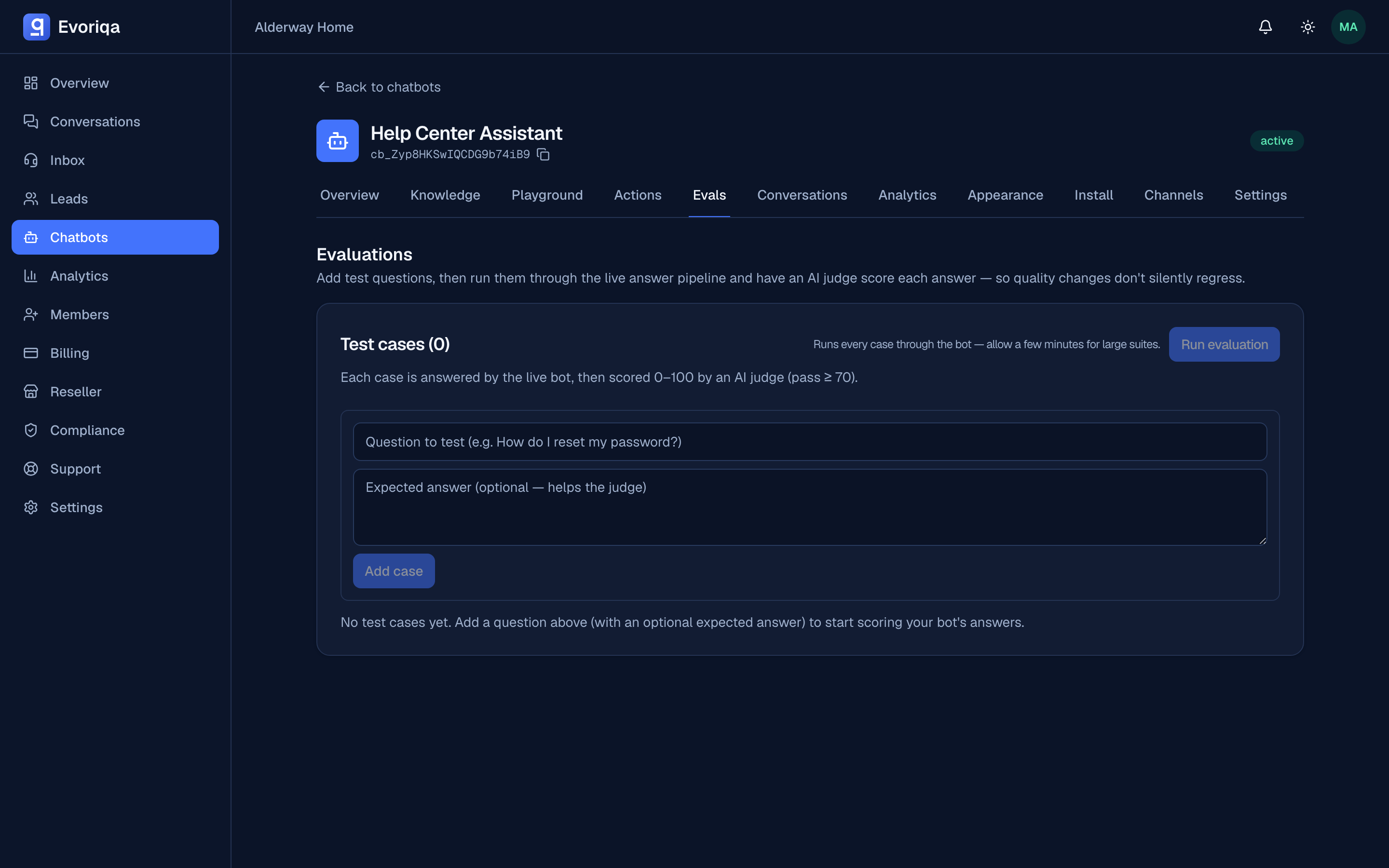
An eval case is a question, optionally with the answer you expect. Add them on the Evals tab. Good cases come from three places: your gaps list, the questions that matter commercially, and any answer you have had to fix before.
| Field | Limit |
|---|---|
| Question | 3–2,000 chars |
| Expected answer | ≤ 8,000 chars, optional |
Owners and admins manage the eval set. Everyone can read it.
Running a suite
Choose Run evals. Every case goes through the live retrieval pipeline — the same path a visitor's question takes — and each answer is graded 0–100 by an AI judge. A case passes at 70 or above.
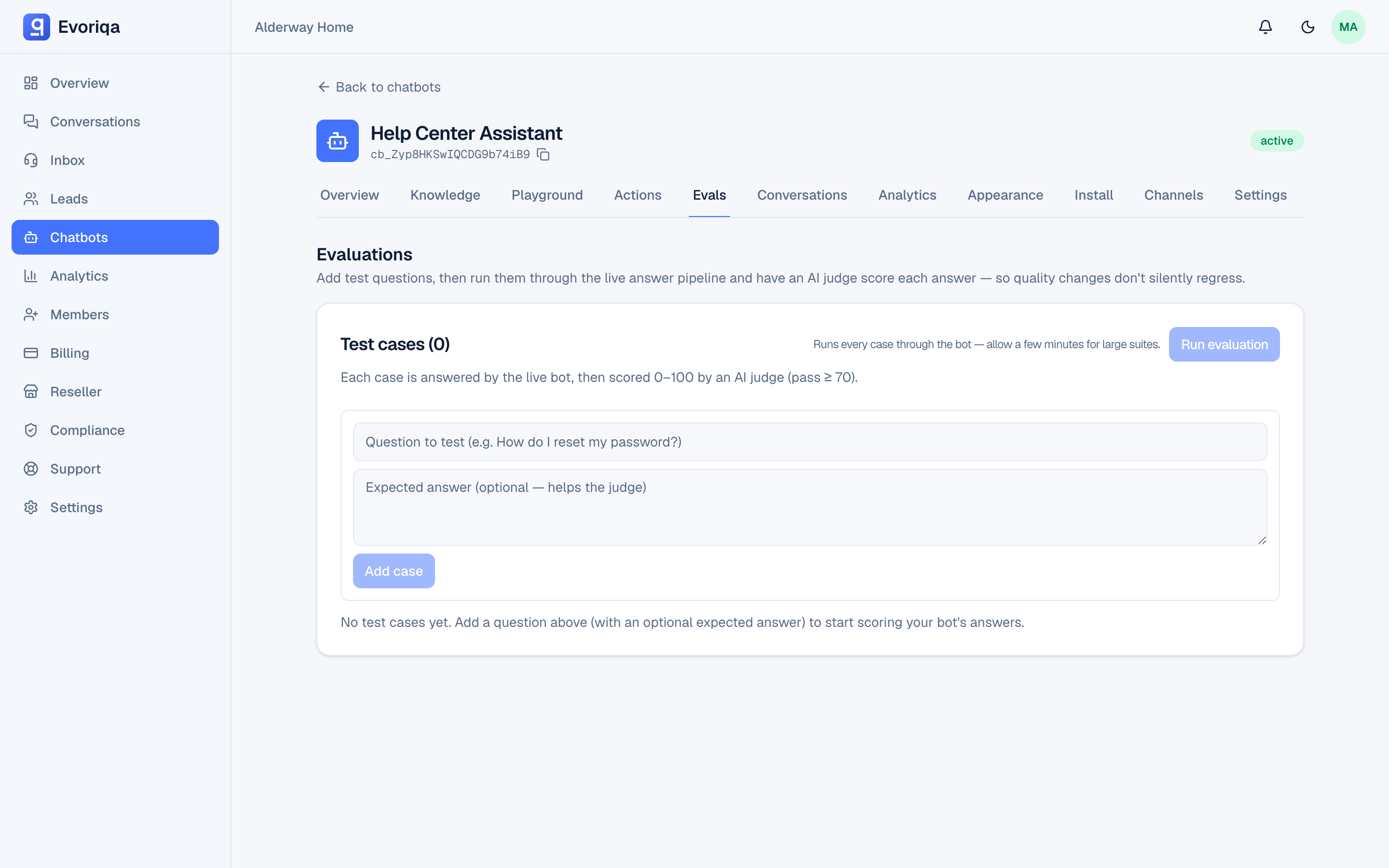
The run stores its results, so you can compare today's run with the one before a prompt change and see exactly which cases moved.
A run spends credits: each case costs a retrieval, an answer, and a judging call. A large suite is not free, which is why runs are owner and admin only. Run before shipping a change, not on every save.
A quality loop that works
- 1Read the gaps list; add FAQ pairs for the frequent ones.
- 2Promote the questions that matter into eval cases.
- 3Change one thing — content, prompt, or a retrieval setting.
- 4Run the evals and compare with the previous run.
- 5Keep the change if the score went up; revert it if not.
Where to go next
- Analytics overview — the aggregate view of the same quality question.
Last updated