Shadow mode
The AI drafts every reply into the inbox and a human approves before it reaches the visitor — the safe on-ramp between human-first and full AI replies.
Shadow mode is a third reply mode that sits between human-first and full AI replies. The AI still writes every answer — but it drafts into the Inbox instead of sending. Nothing reaches the visitor until a teammate approves and sends it.
It is the on-ramp for a team that isn't ready to let the bot answer customers unsupervised: you watch what it would have said, edit or approve each draft, and let the approval numbers tell you when it has earned the keys.
The three reply modes
Every chat-like channel — WhatsApp, Messenger, Instagram, Slack, SMS — and the email channel carry a reply-mode selector with three settings:
| Mode | What happens to an inbound message |
|---|---|
| AI replies | The AI answers the visitor directly. The default. |
| Draft for review (shadow) | The AI drafts a reply into the inbox; a human edits and sends it. Nothing auto-goes-out. |
| Off (human-first) | Every new thread goes straight to your team — no AI draft at all. |
Only voice is outside this list — it always talks to the AI through its own pipeline. Email carries the selector too, but starts on Off (human-first) while the chat channels start on AI replies — so Draft for review and full AI replies are available on email as well.
Where to flip it
Reply mode is a per-channel setting, so one bot can run WhatsApp on shadow mode while SMS runs full AI replies.
- 1Open the chatbot and go to its Channels tab (owners and admins only).
- 2Find the connected channel and set its reply-mode selector to Draft for review (shadow mode).
That's it — the next inbound message on that channel drafts instead of sends.
What a pending draft looks like
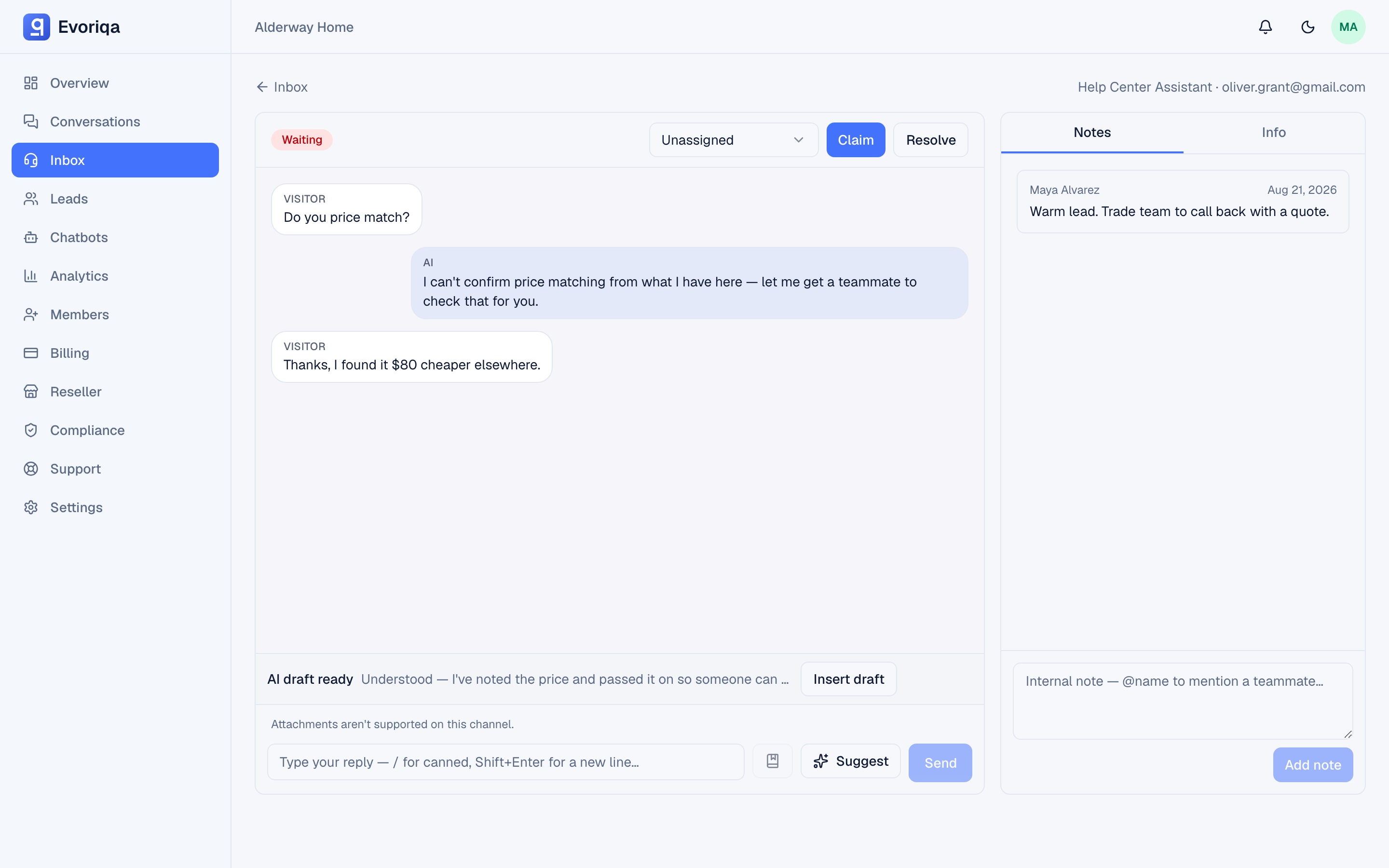
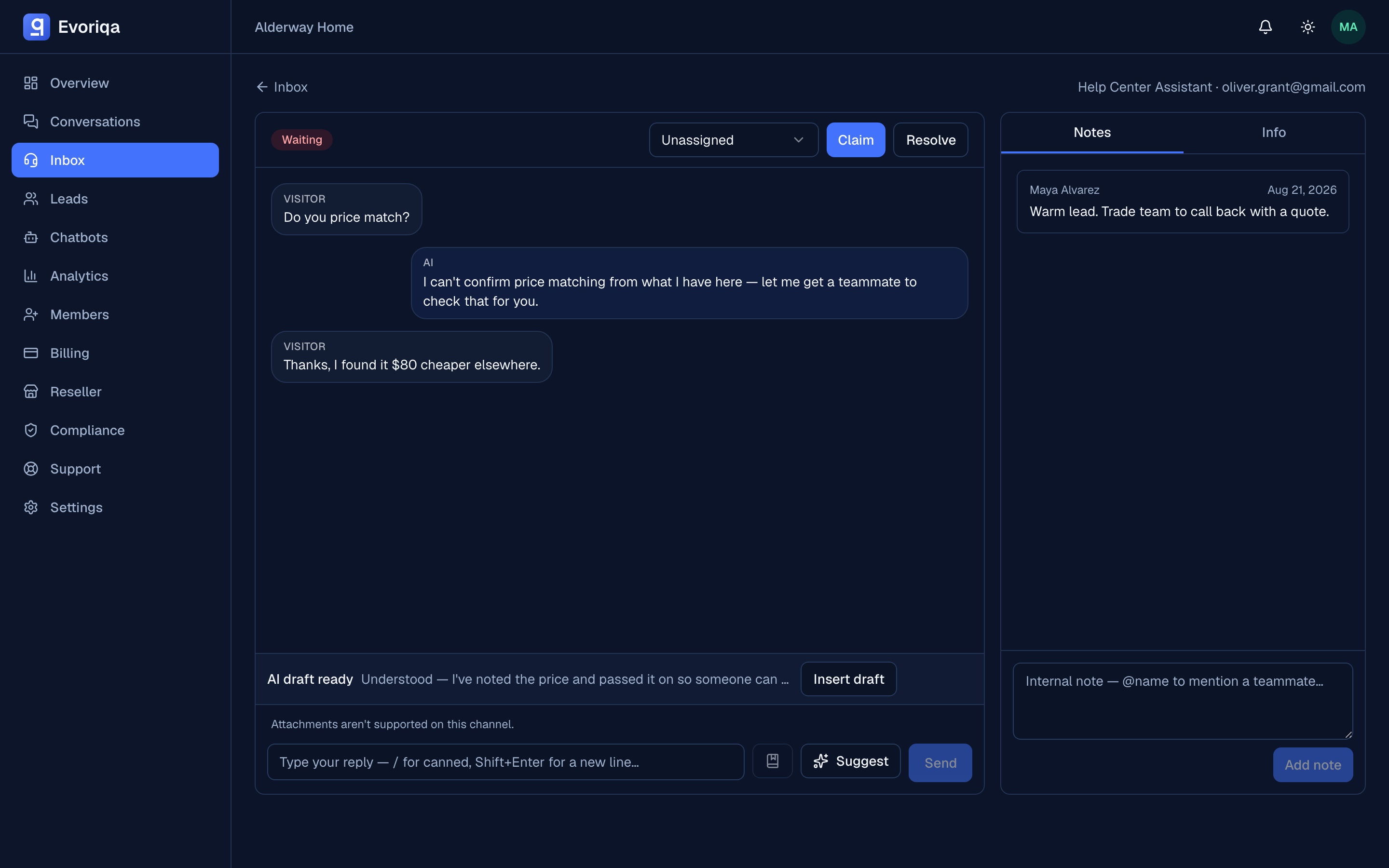
A shadow-mode thread lands in the inbox like any other conversation that needs a person, so it shows up in your Waiting filter. Open it and the reply composer carries a banner:
AI draft ready — Insert draftInsert the draft and you get the AI's full answer in the composer, ready to work with:
- Send it as-is if it's right.
- Edit first — fix a detail, soften a line, add the one thing specific to this customer — then send.
Sending is approval. There is no separate approve button: the moment you send the message, it goes to the visitor and the draft is recorded as approved. Until then the visitor sees nothing — no typing indicator, no partial answer.
If the visitor sends another message while the thread is still waiting, the AI regenerates the draft against the new message, so the suggestion you insert is always answering their latest question.
Reading the approval numbers
The Channels tab keeps a running stat line for each shadow-mode channel:
- Drafts — how many replies the AI has drafted.
- Approvals — how many an agent actually sent.
- Average edit — on approved drafts, how much the agent changed the text before sending. 0% means the draft went out untouched.
That last number is the one to watch. A channel where agents keep sending drafts verbatim is a channel where the AI is already writing the answer you'd write yourself.
When to graduate a channel to autonomous
There's no fixed threshold — it's your call, informed by the stat line. A channel is ready for AI replies when:
- the average edit has settled low, so agents are approving drafts largely as-is, and
- you've seen enough drafts across the kinds of questions this channel actually gets, not just a handful.
When you're confident, switch that channel's reply-mode selector to AI replies and the AI starts answering directly. If it slips, move it back to shadow mode — reply mode is just a setting, and switching it changes only how the next message is handled.
Setting reply mode over the API
The channels API exposes reply mode on the PATCH endpoint. Send a replyMode of human_first, shadow, or autonomous:
PATCH /api/v1/channels
{
  "id": "b1f2…",
  "replyMode": "shadow"
}The token needs the channels:write scope. replyMode wins over the older bare aiFirst flag, so prefer it when you script channel setup.
Email channels honour replyMode the same way and are created human_first, so scripting an email desk onto AI replies or shadow mode is the same call.
Where to go next
- Claim and reply — how a human takes over a thread.
- Copilot — draft help on human-first and claimed threads.
- Channels overview — the shared channel model and the AI-replies pipeline.
Last updated