AI disclosure
Tell visitors they are talking to an AI, in your own words and within 300 characters, with every change recorded in the audit log as evidence.
Some jurisdictions and many procurement reviews require that a customer is told they are talking to an automated assistant. AI disclosure is the switch for that.
Turning it on
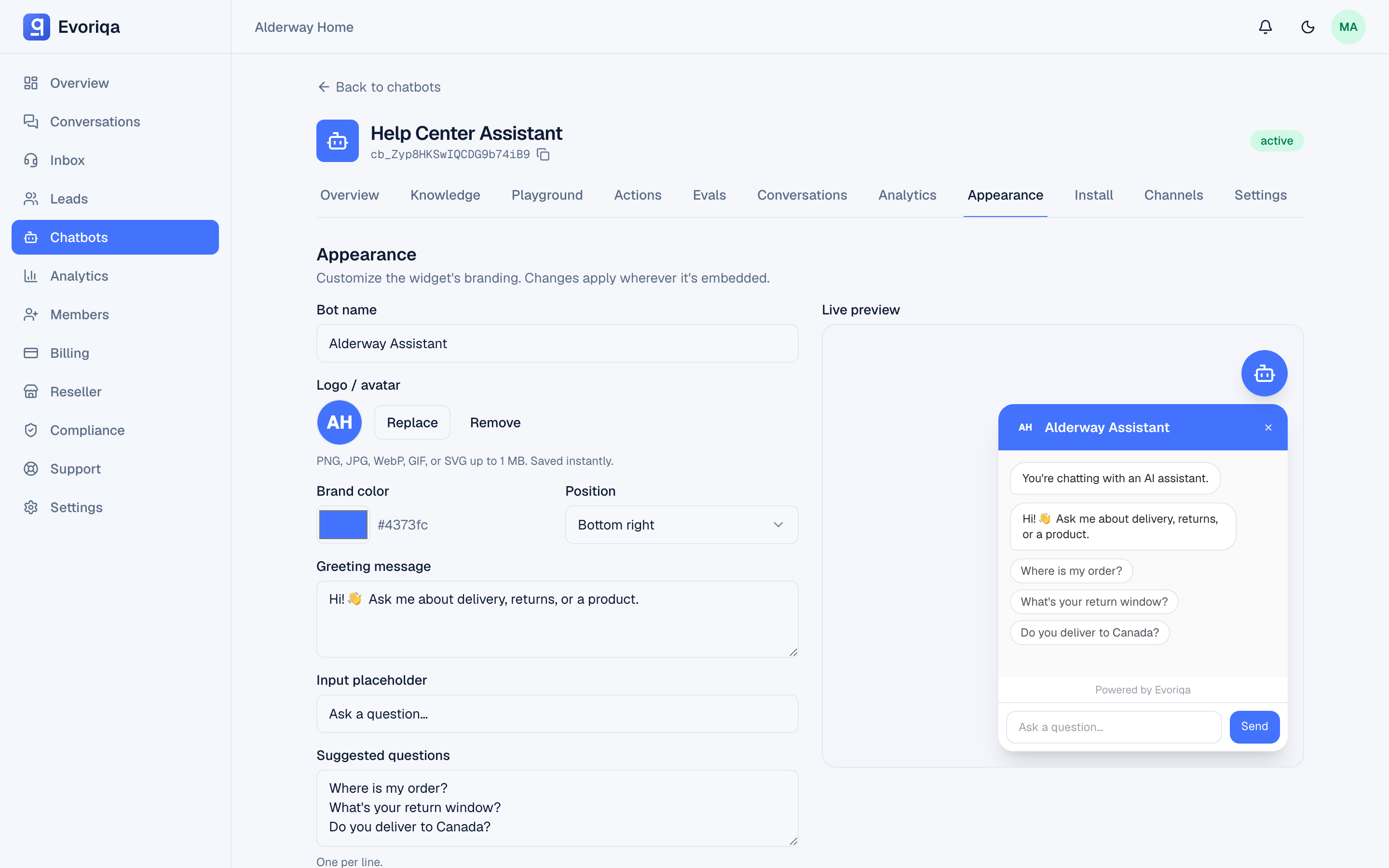
Per chatbot, on the Appearance tab:
| Field | Limit |
|---|---|
| AI disclosure enabled | On or off |
| Disclosure text | ≤ 300 chars |
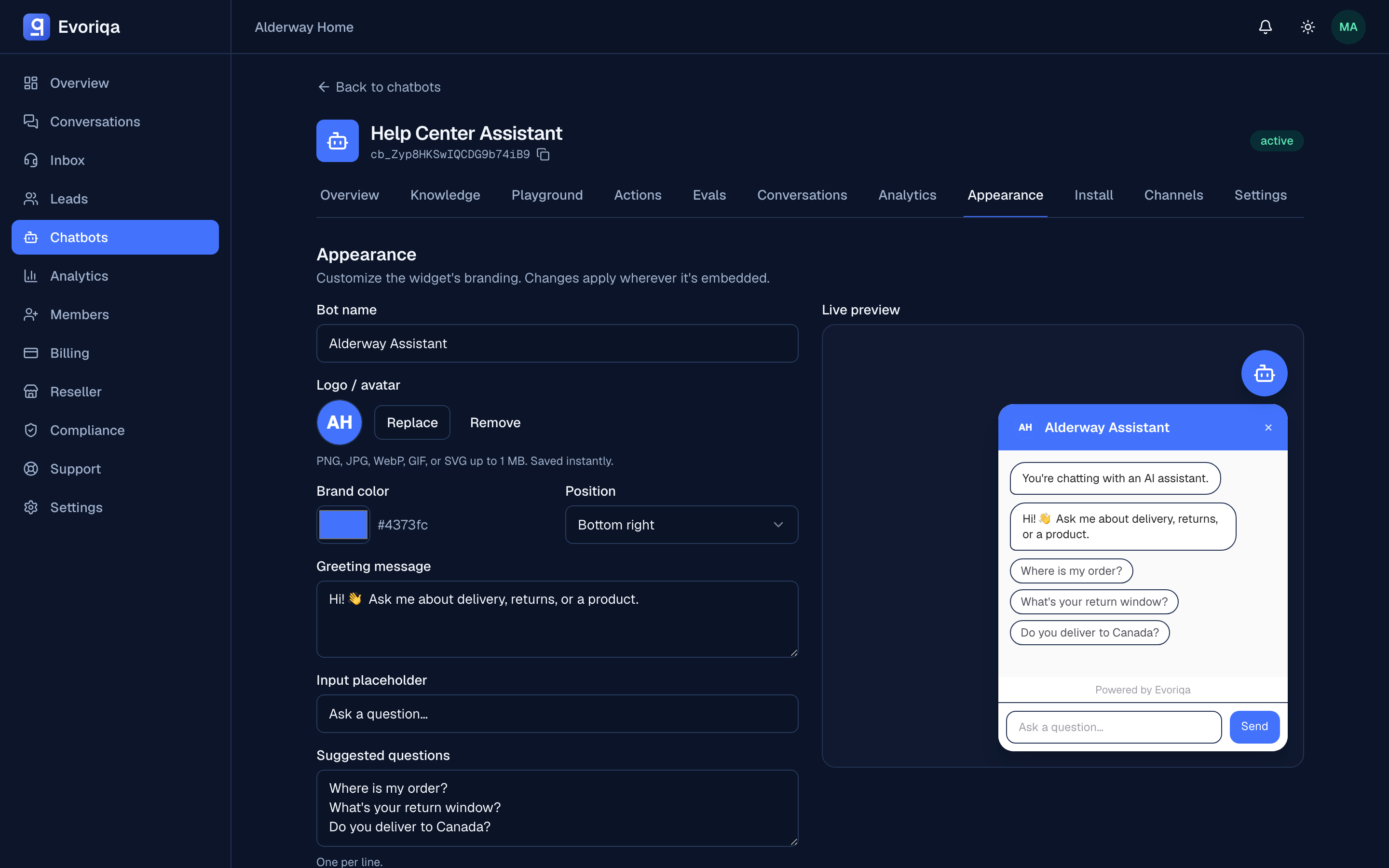
With it on, the disclosure is shown to the visitor at the start of the conversation, before they ask anything. Left at its default it reads "You're chatting with an AI assistant." — and that default line is served in the visitor's own language, across the 32 languages the widget covers. See Languages.
Which leaves a choice worth making deliberately:
- Your own text is shown exactly as written, to every visitor. It is the specific, branded version — and it stays in the language you wrote it in.
- The default is generic, but every visitor reads it in their own language.
The same holds for a reseller organisation's mandated disclosure text: it is house wording, so it is shown as written.
If you write your own, something like:
You're chatting with Acme's AI assistant. Ask for a person at any time and
we'll connect you.Naming the escape hatch in the same sentence is worth doing: it is the honest version, and it reduces the "am I stuck with a robot?" frustration that drives abandonment.
It is audited
Enabling, disabling, or editing the disclosure text is recorded in the audit log, with the chatbot, the actor, and the new value. That record is the evidence that the disclosure was in place on a given date — which is the thing an auditor actually asks for.
Attestation — proof it was actually shown
The audit log proves the disclosure was configured on a date. Attestation proves it was served on a conversation — the difference between "our policy said so" and "here is the evidence, per conversation."
Every widget conversation that starts while disclosure is on is stamped with the moment it was shown (disclosureShownAt), and so is every voice call — on a call the disclosure is spoken before the greeting, so the stamp lands as the call opens. It is observed evidence, not a config flag: a conversation that began before you turned disclosure on carries no stamp, and nothing back-fills it.
The dated AI-disclosure record (owner/admin, downloadable as CSV) now carries an attested_conversations count per chatbot alongside the enabled/text intervals — how many of that bot's conversations were actually stamped as served. That count is the "and this many customers saw it" line an auditor reaches for right after "was it configured?"
The audit log and the disclosure record store the text as configured. An interval left at the default therefore records the English default line, even though the visitors in that interval may have read its translation. The record answers "was a disclosure configured, and was it served?" — not "which of its 32 renderings did this visitor see?"
Related settings
- The "Powered by" badge is branding, not disclosure. Removing it does not remove the AI disclosure, and vice versa.
- Handing off to a human does not repeat the disclosure — from that point the visitor is talking to a person, whose name is on the banner. See Claim and reply.
Where to go next
Last updated