Analytics exports
Download a branded PDF summary of the range you are viewing, and find where the row-level CSV exports and the v1 analytics API live instead.
PDF summary
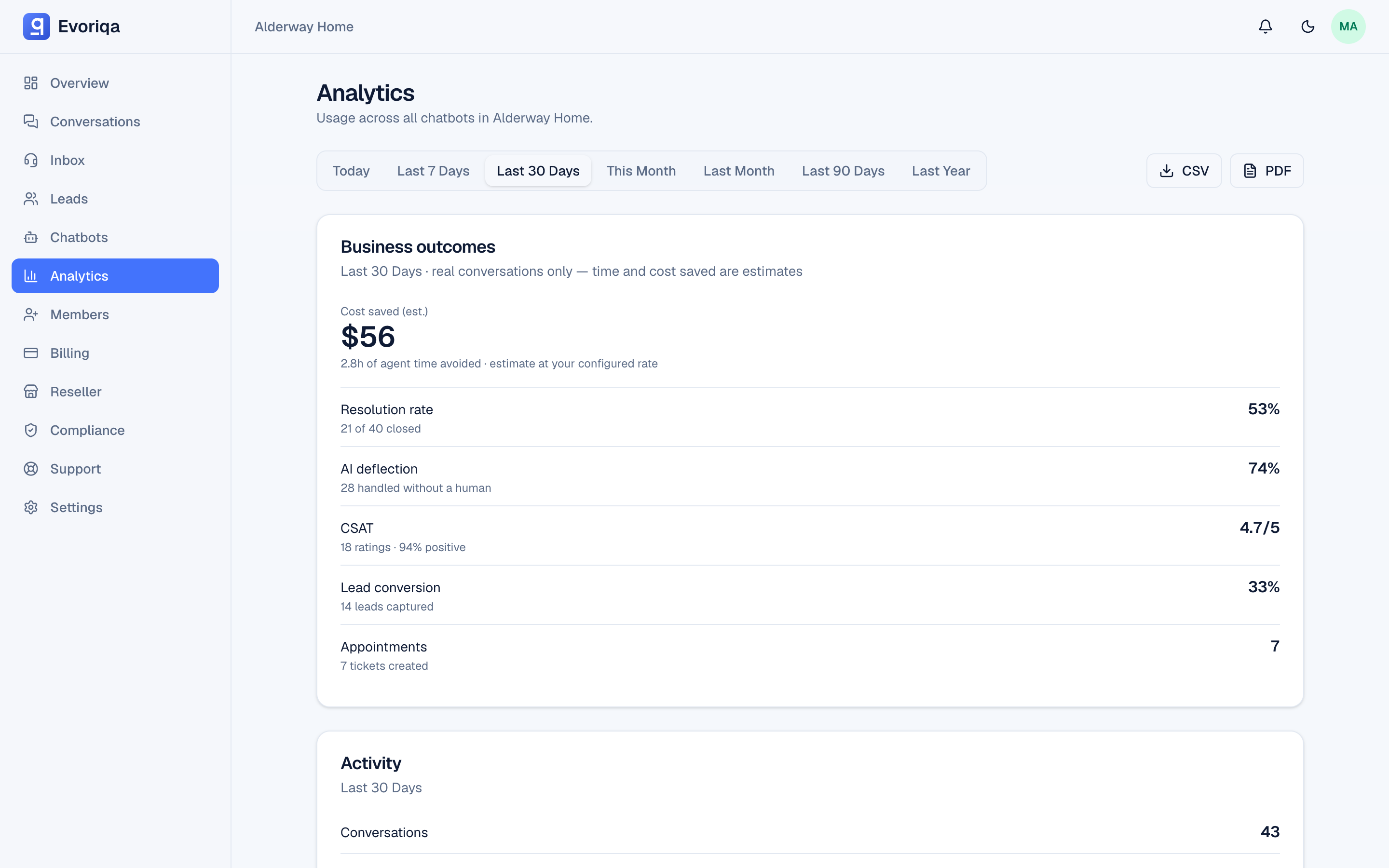
Export PDF on the Analytics page builds a summary of the range you are looking at: resolution and deflection, handoffs, CSAT, conversion, appointments and tickets, and the estimated hours and cost saved.
The document carries your organisation's branding, so a reseller's client report is the reseller's document rather than an Evoriqa one. See Branding and domain.
It reports the range currently selected — pick 7, 30, or 90 days before exporting.
PDF export is rate-limited; if you are generating reports for many clients in a row and it refuses, wait a moment and continue.
A viewer can export too, but — like their on-screen Analytics — their PDF omits the hours-saved, cost-avoided, and credits-used rows. It still carries every volume and quality figure.
CSV
Analytics itself is a summary view. The row-level CSV export is on Leads — it mirrors your active search, filters, and view. See Export leads.
For programmatic access, use the v1 API rather than scraping an export: conversations and leads have their own CSV endpoints (GET /api/v1/conversations/export, GET /api/v1/leads/export), and GET /api/v1/analytics/summary returns this dashboard's whole metric bundle as JSON — the PDF is browser-rendered and has no API twin.
Where to go next
Last updated