Website
The widget as a channel — no provider or credentials to connect, what a visitor can do in it, and where each of its settings lives in the dashboard.
The website widget is the one channel with no provider to connect and no credentials to paste.
What you need
A chatbot, and a site you can add a script tag to.
Connect
There is nothing to connect on the Channels tab. Instead:
- 1Copy the embed snippet from the chatbot's Install tab.
- 2Paste it before
</body>on your site. - 3Set the chatbot's allowed domains to your own domains.
Full instructions: Install the widget and Domain allowlist.
Verify it works
Load your site, send a question, and confirm the conversation appears in the Inbox tagged as the web channel.
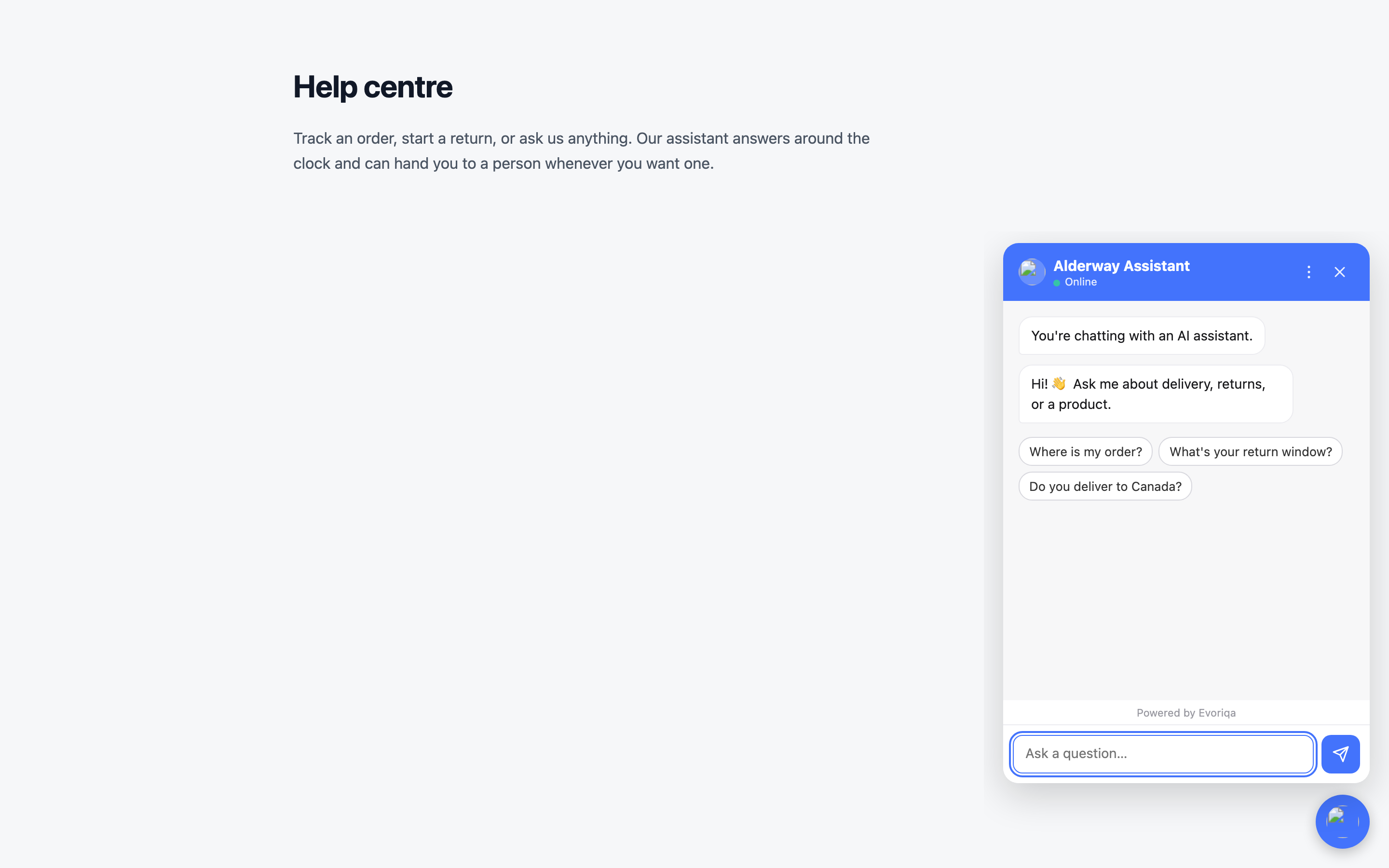
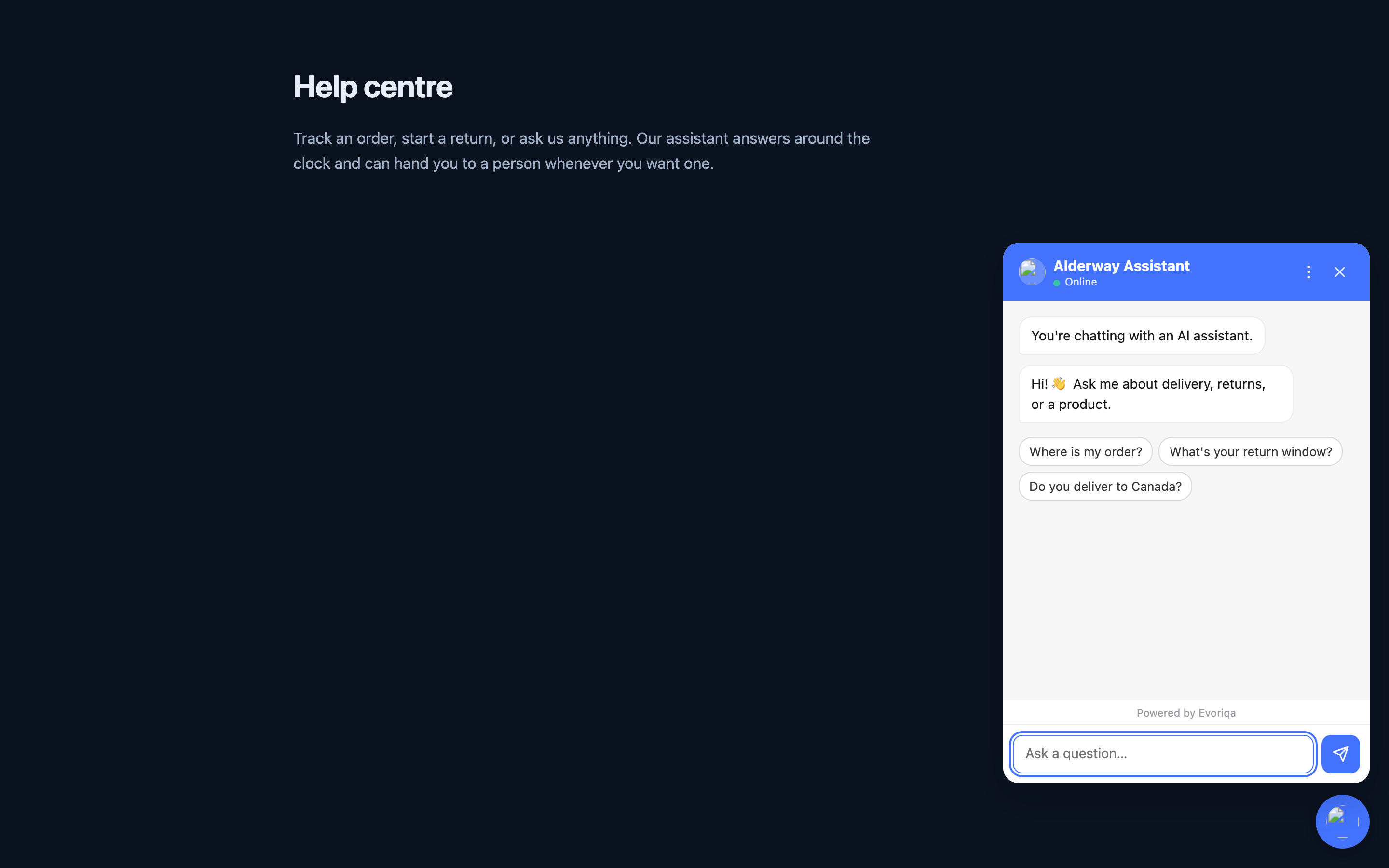
A visitor can restart the conversation from Start new chat in the header's ⋮ menu. On a narrow or short screen the floating launcher bubble is hidden while the panel is open, so it never sits on top of the message composer.
Troubleshooting
| Symptom | Cause |
|---|---|
| No bubble at all | Missing or wrong data-chatbot-id — check the browser console |
DOMAIN_NOT_ALLOWED | The page's origin is not in the allowlist, or the list is empty |
| Bubble appears, no answers | The chatbot is inactive, or out of credits |
| Old branding after a save | The config is cached for up to a minute |
Where its settings live
Unlike the provider channels, the widget's behaviour is spread across the chatbot's own settings rather than a channel row:
- Look and feel → Appearance
- Online/away state → Business hours
- Lead forms → Lead capture settings
- Tone and answer behaviour → Chatbot settings
- The language it speaks and displays → Languages
Where to go next
Last updated