Plans
The four customer plans, what changes between tiers, monthly versus annual billing, the Stripe confirm screen a plan change opens, and how a downgrade behaves.
Four customer plans: Free, Starter, Pro, and Business. Each is billed monthly or annually, with annual discounted against monthly.
This page describes the plan structure. For the current prices, allowances, and limits, see the pricing page or your dashboard's billing page — those read from one live catalogue, so they are always the numbers actually enforced.
What a plan controls
| Limit | Effect when you reach it |
|---|---|
| Active chatbots | You cannot activate another. See Bulk actions. |
| Knowledge sources | You cannot add another. Disabled sources do not count. |
| Team members | You cannot invite another. |
| Upload size | A larger file is rejected with FILE_TOO_LARGE. See Upload files. |
| Branding removal | Whether the "Powered by" badge can be hidden. See Appearance. |
| Voice minutes | A soft monthly cap on some plans. See Voice. |
Two metering models
The plans do not all meter usage the same way:
- Free runs on a flat monthly message quota. It counts the AI replies your visitors received. Once it runs out, visitors get a short "assistant is unavailable" reply, which does not count, so the usage bar stops at the limit.
- Paid plans run on AI credits: each paid invoice grants that plan's credit allowance, and usage draws it down. Annual is a prepay — you pay for the year, but the same monthly allowance lands on each monthly anniversary rather than the whole year up front. At the rate the quotas are set from, the allowance comes to about 5,200 messages a month on Starter, 22,000 on Pro and 92,000 on Business.
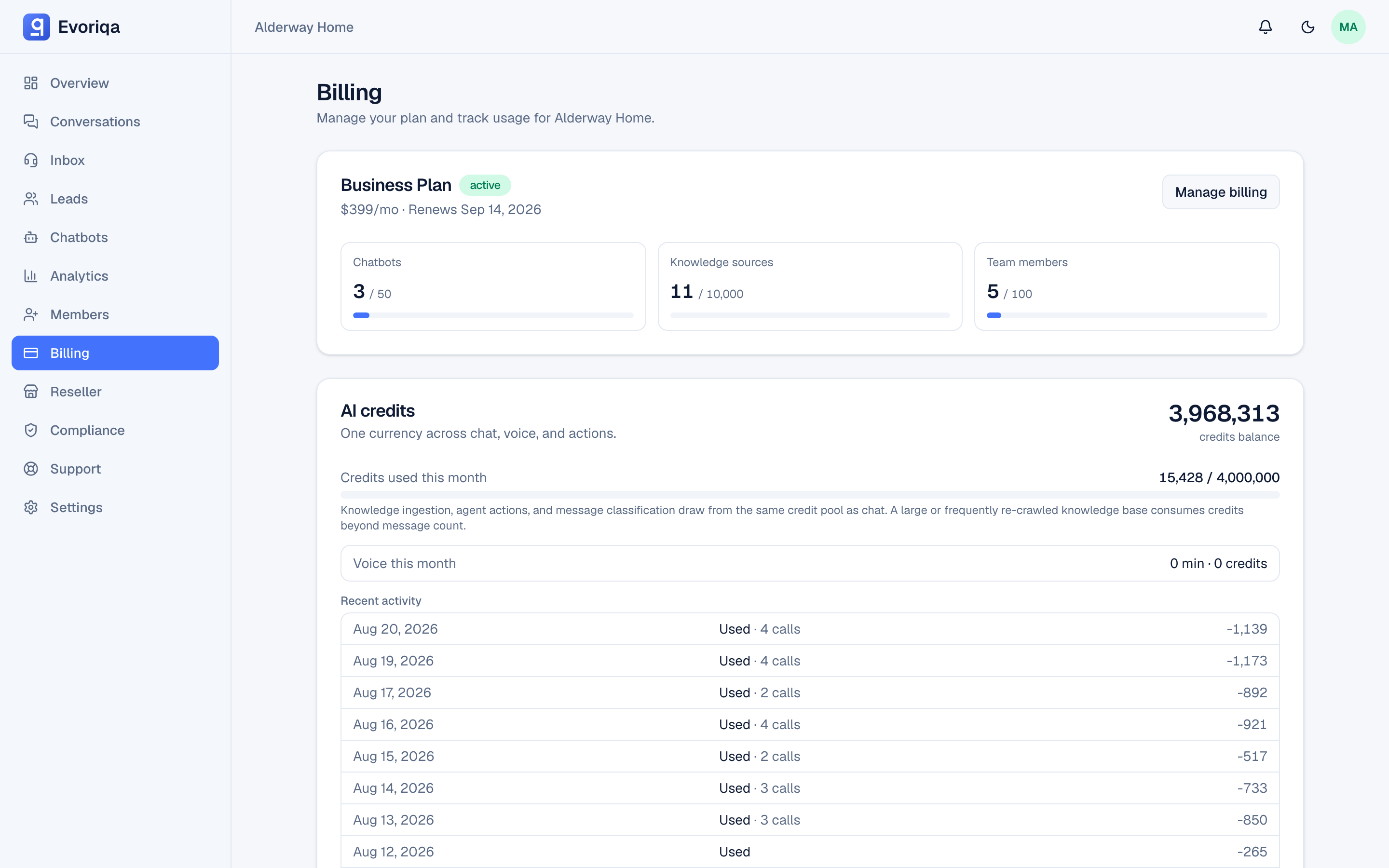
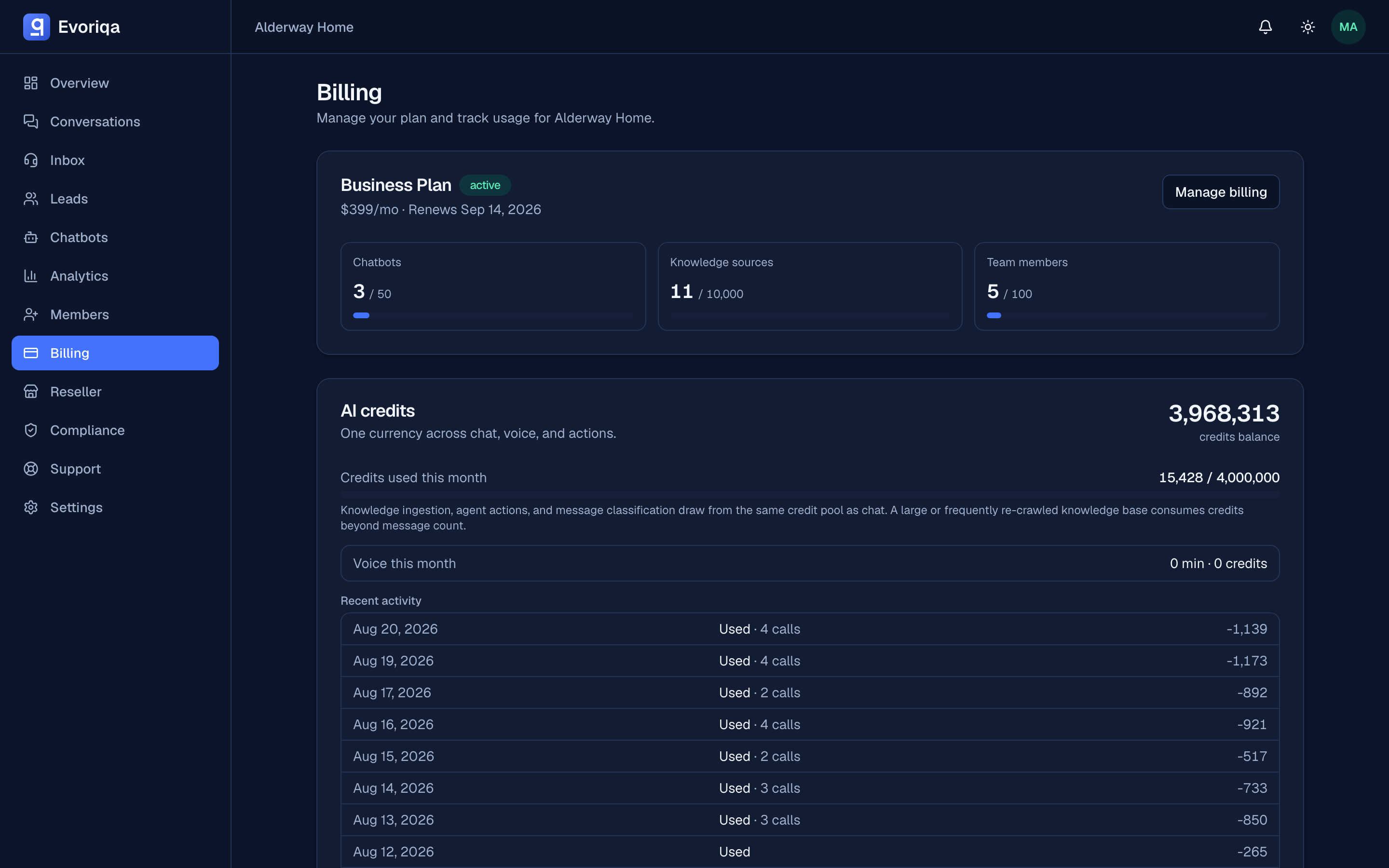
Credits are the spend gate on paid plans. See Credits and top-ups.
Unspent plan credit does not carry over. Each renewal first forfeits whatever is left of the previous month's plan credit — it shows on the ledger as Expired unused credits — and then grants the new month. Only purchased top-up packs survive a renewal.
Changing plan
Your first paid plan starts from Stripe Checkout; after that, plan changes and cancellation go through the customer portal. Both open in a new tab. A signed webhook keeps your plan and credit grants in step, so the dashboard reflects the change without you refreshing anything.
Picking Upgrade to or Switch to a plan while you already have a live subscription takes you straight to Stripe's confirm-change screen for that exact plan — the proration and the amount due are shown there for you to confirm — rather than dropping you on the portal home to find the plan yourself.
When a change takes effect:
- Upgrade — right away. You pay the prorated difference for the rest of the current period, your renewal date stays the same, and the new plan's limits and monthly credits apply immediately.
- Downgrade — at your next renewal. You keep the current plan until then; the billing page shows the pending change, for example "Changes to Starter on 14 Oct 2026". Picking a plan again in the portal replaces or cancels it.
- Monthly to annual — use Switch to annual on the billing page. A fresh 12-month year starts today; the dialog shows the approximate amount due (the annual price minus the unused part of your month; the final figure is on the invoice).
- Annual to monthly — through the portal. Moving to a higher plan applies right away; otherwise the change is scheduled for the end of your paid year.
What a downgrade does
A downgrade takes effect at your next renewal. From then, running above the lower plan's limits does not delete anything:
- Chatbots over the new limit are deactivated automatically, newest first, so your longest-running chatbots keep serving. Upgrading again reactivates them, oldest-deactivated first. A bot you switched off by hand is never reactivated for you.
- Knowledge sources over the limit stay in place; you cannot add more until you are back under the limit. Disabling sources is the quick way down — see Reindexing and freshness.
There are no refunds — the Free plan is the trial. A cancelled subscription runs to the end of the period you already paid for.
If a payment fails
If a renewal payment is declined, Stripe retries the card for a few days and new AI spend pauses meanwhile — visitors get the "assistant is unavailable" reply, human handoff keeps working, and the billing page, dashboard home, and each chatbot's Channels tab show why. We email you and write a notification-bell row the first time a payment fails.
- While Stripe is still retrying, you keep your plan and its limits. Update the card on file in the portal and the next successful charge lifts the pause.
- If every retry fails, the plan drops to Free but the subscription stays open — nothing is cancelled and no data is lost. Paying the outstanding invoice restores your plan and its credits immediately.
Where to go next
Last updated