Cost caps
Set a monthly AI spend cap, a per-answer ceiling, and a tool-iteration limit — and know exactly what a visitor sees when one is hit.
Credits stop spend when the balance runs out. Cost caps stop it before that, on limits you choose. They live on the billing page's AI spend-cap card, and only owners and admins can change them.
The three caps
| Cap | What it bounds | Range |
|---|---|---|
| Monthly credit cap | Total credits the workspace may consume in a month | Any whole number, or none |
| Per-resolution ceiling | The output size of a single answer | Up to 8,000 tokens, or none |
| Max tool iterations | How many action calls one answer may chain | Up to 20, or none |
A monthly cap of 0 is meaningful and different from "no cap": it blocks all AI spend. Use it to freeze a workspace's AI without deleting anything.
This is the cap you set on your own workspace. When a provider sets a client's cap, it floors at 1,000 credits — a value below that (including 0) is rejected. A client left with a legacy zero cap shows "AI paused (cap 0)" rather than being editable back to zero. See Pooled credits and caps.
The per-resolution ceiling and the iteration limit are the runaway-loop guards: they bound one expensive conversation, where the monthly cap bounds the month.
Alerts before you hit it
You don't have to watch the billing page to know the monthly cap is near. As the month's spend climbs past 50%, 80%, and 100% of the monthly credit cap, the workspace gets a notification-bell row and an email at each step — the 100% one being the "AI replies paused" notice that explains a chatbot that just went quiet.
Each threshold fires once per calendar month and only escalates (50 → 80 → 100), so you get one nudge per step, not a stream. The alerts are keyed to the cap: change the cap and they re-arm, so a fresh cap gets a fresh set of warnings instead of staying silent because last month's ladder already fired.
When a cap is hit
Exactly what happens when credits run out: visitors get the friendly "assistant is unavailable" reply, the owner sees the banner, and human handoff keeps working. The API-level code is USAGE_LIMIT_REACHED with HTTP 402.
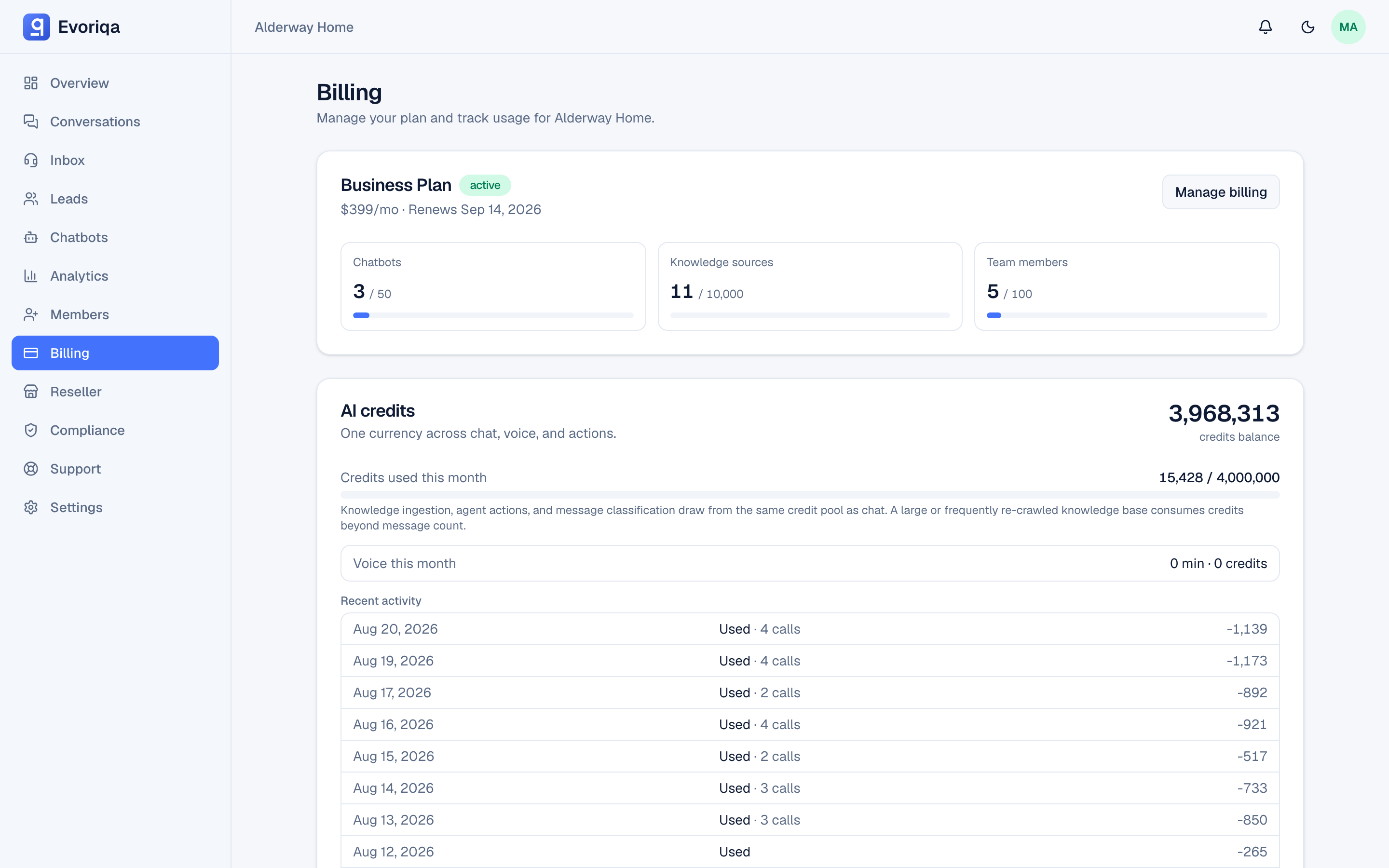
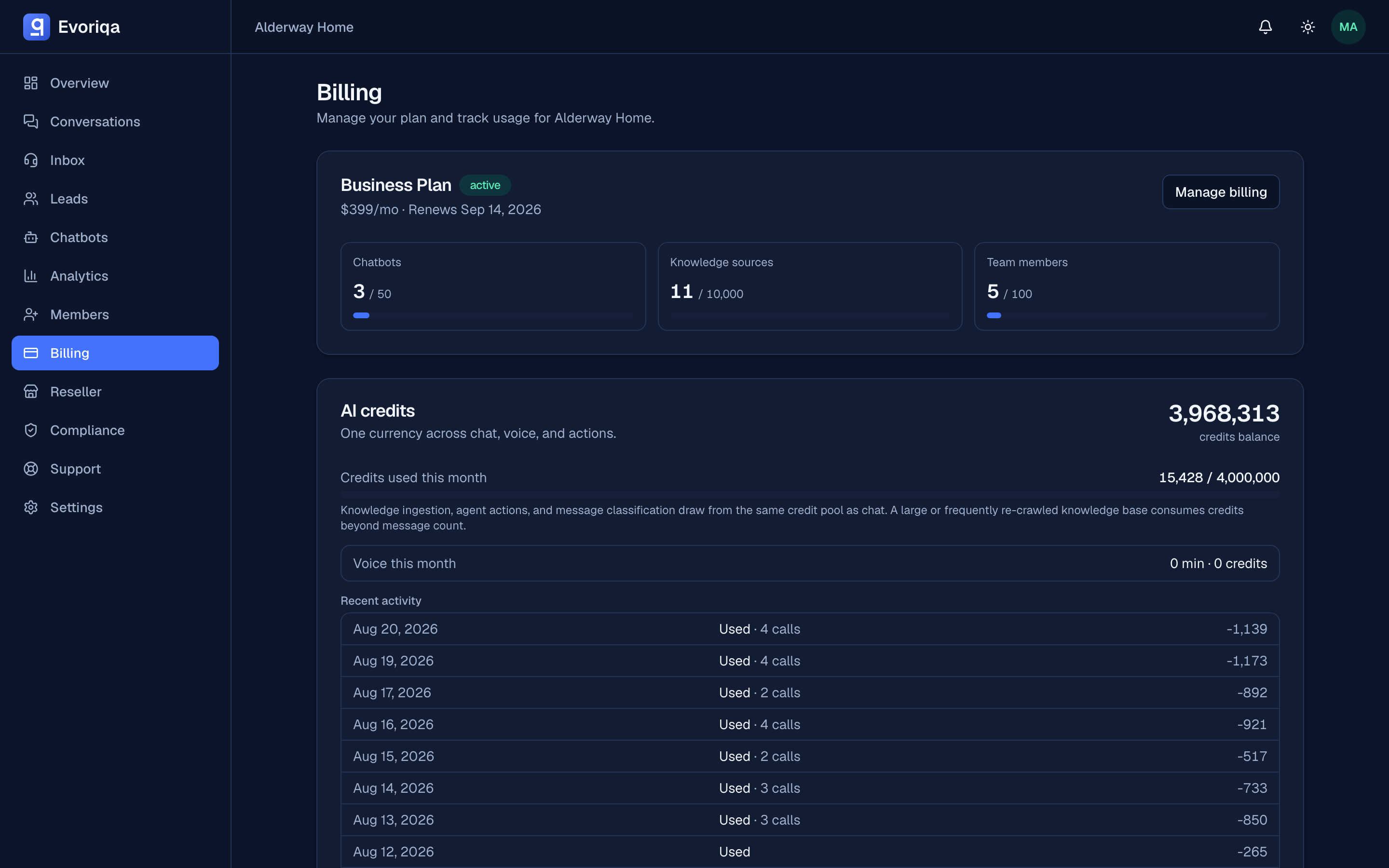
See Credits and top-ups.
A cap you set too low is indistinguishable, from the visitor's side, from running out of credits. If your chatbot went quiet mid-month and the balance looks healthy, check the monthly cap first.
Credit enforcement
The same card carries a switch for whether credit enforcement applies to this workspace at all. Resellers use this per client — see Pooled credits and caps.
Choosing numbers
- 1Run a normal month with no monthly cap and read the actual consumption on the billing page.
- 2Set the cap somewhat above that, so a bad week does not silence the chatbot.
- 3Leave the per-resolution and iteration guards on — they cost you nothing in normal use and bound the pathological case.
Where to go next
Last updated