Model and tone
The settings that shape how an answer reads — tone, system prompt, temperature, reply length — and what each one actually changes.
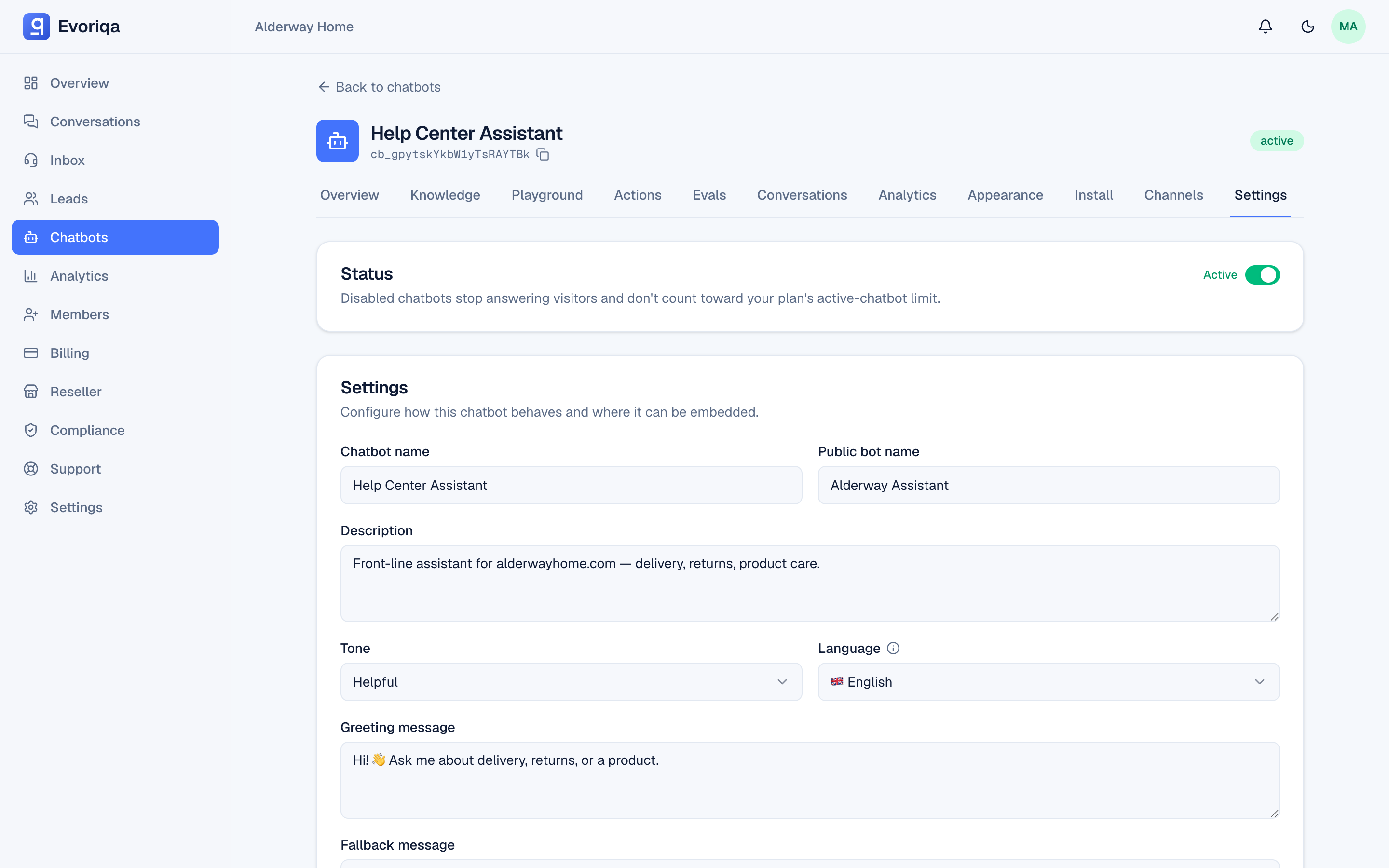
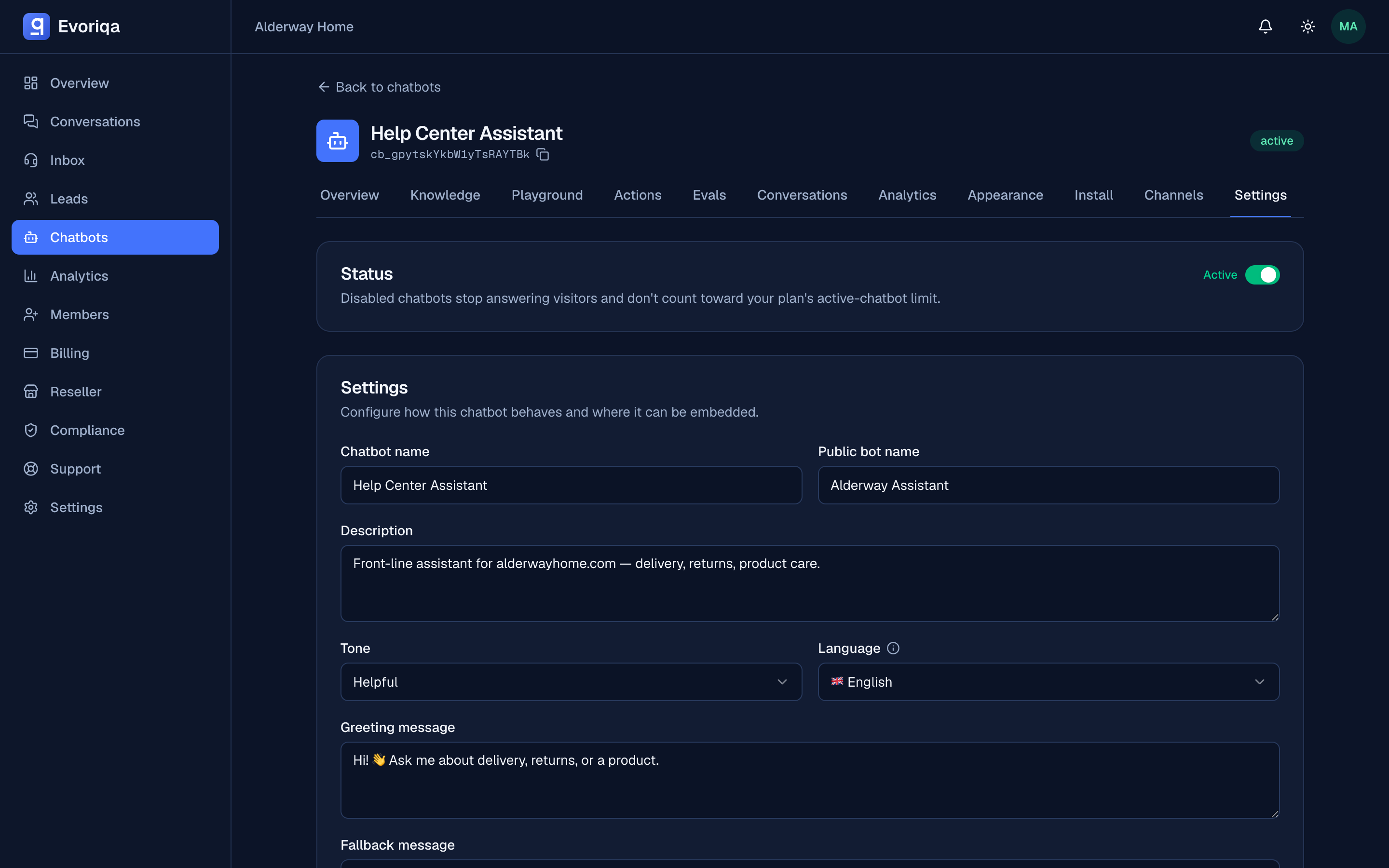
Retrieval decides what the agent can say. These settings decide how it says it. All of them live under Settings on the chatbot — see Chatbot settings for the full table with defaults and ranges.
Tone
Five presets: helpful (the default), friendly, professional, casual, and concise. Tone changes register and phrasing only. It cannot add a fact that is not in the retrieved context, and it cannot make the agent answer something it found no knowledge for.
System prompt
Free text, up to 8,000 characters, applied to every request. This is where a persona and its rules belong:
You are the support assistant for a bicycle repair shop.
Always confirm the bike model before quoting a repair time.
Never quote a price — direct pricing questions to a human.
If a customer sounds unhappy, offer to hand off to a person.Two things it is not for:
- Facts. Anything that could change — hours, prices, policies — belongs in the knowledge base, where it is retrieved per question and edited without touching the prompt.
- Secrets. Treat the prompt as something a determined visitor may eventually see.
Content retrieved from your knowledge base cannot override these instructions. A prompt-injection guard separates instructions from retrieved text, so a web page you crawled that contains "ignore your instructions" does not get to.
Temperature
0 to 2, default 0.2. Low values give near-identical answers to the same question; high values vary the wording. Support content usually wants it low — the same question deserving two different answers is rarely a feature.
Reply length
Max reply sentences caps the answer at 1–20 sentences. Unset by default. Useful on channels where long replies read badly, such as SMS and voice.
The concise tone and a sentence cap do different jobs: the tone asks the model to be brief, the cap enforces it.
Model
Which chat and embedding models a workspace uses is managed by Evoriqa rather than configured per chatbot: every chatbot runs the platform's chat model on every turn. Where AI traffic is processed is stated on the trust page, and the signed DPA names the processor. What you control per chatbot is the temperature, the context size, and the threshold.
A method for tuning
- 1Change one setting.
- 2Re-ask the same three or four questions in the playground.
- 3Keep the change only if those answers improved.
When you want that loop to be repeatable rather than remembered, write the questions down as eval cases — see Evals and knowledge gaps.
Where to go next
Last updated