Claim and reply
The claim model, what the visitor sees while they wait, what happens to the AI once a human takes over, and how to hand off or end a chat.
A waiting conversation belongs to nobody until someone claims it. Claiming is how a team of agents avoids two people answering the same visitor.
Claiming
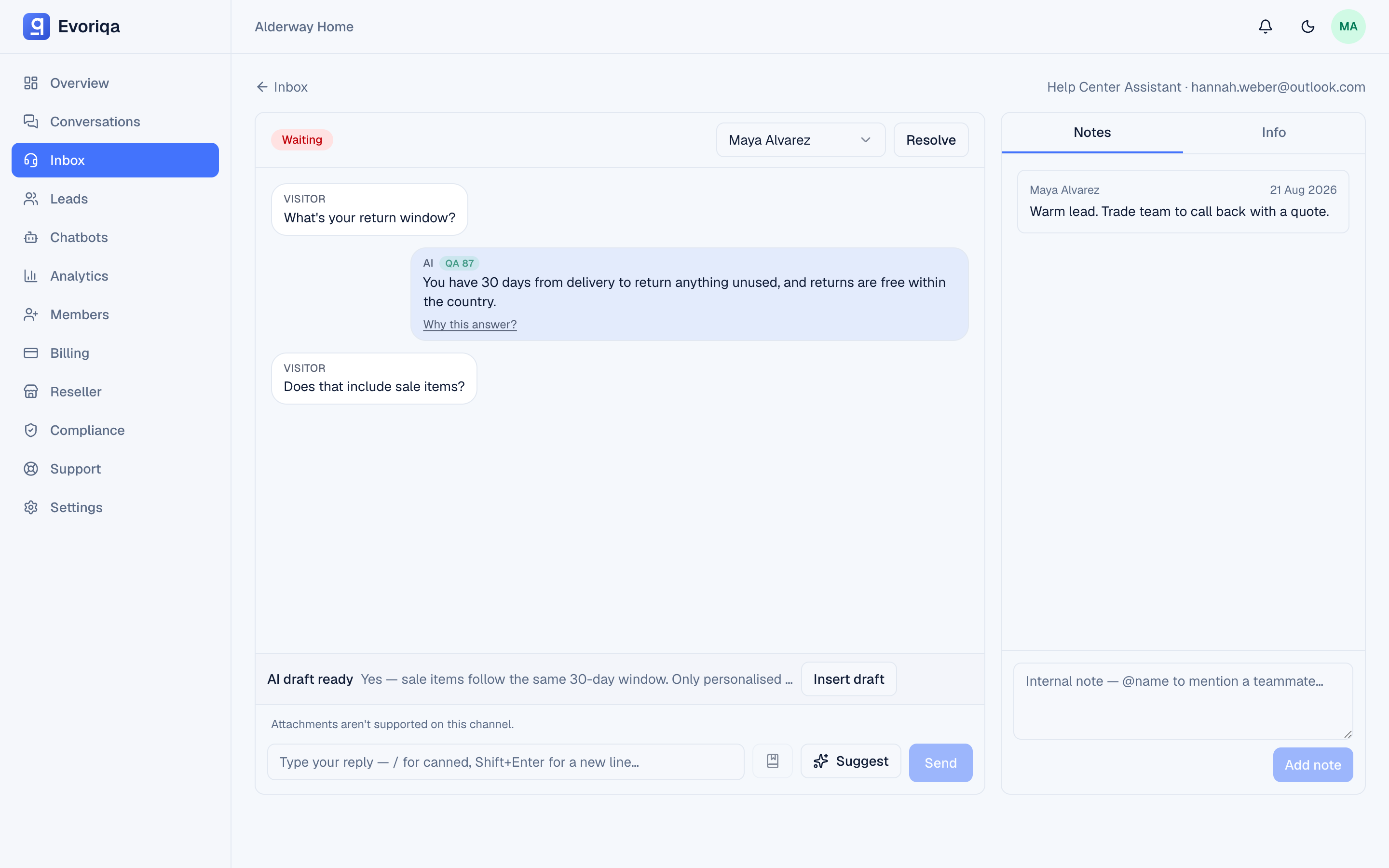
Open a waiting conversation and choose Claim. The conversation moves to human_handling, your name is attached, and the claim appears on every other open inbox at once — so a colleague sees it is taken before they start typing.
Any active member can claim, viewers included.
In the thread itself, each earlier AI reply carries context you can lean on before you type: a QA score chip when Live AI QA is on, and an expandable **Why this answer** panel showing the knowledge the reply was grounded in — so you can see at a glance what the agent already told the visitor, and how well.
The AI goes quiet
While a human is handling the conversation, the AI does not reply. The visitor's messages are stored and pushed to you instead. There is no risk of the agent talking over you mid-conversation.
What the visitor sees
- 1They ask for a person — in any of the 32 languages the product speaks ("quiero hablar con una persona", "ich möchte mit einem Menschen sprechen"). The widget shows a "connecting you to an agent…" state.
- 2Nobody claims within about 90 seconds. The widget says agents are busy and asks them to hang on, rather than going silent.
- 3You claim. The banner and each of your messages carry your name, so the visitor knows they are talking to a person.
The widget polls for your replies, so they appear within a second or two.
Replying
Type in the conversation and send. Two things speed this up:
- Canned replies for answers you send often.
- Copilot for a grounded draft you edit before sending.
Attachments
You can attach files or images to a reply — up to five per message. They are delivered on the website widget and on the email channel.
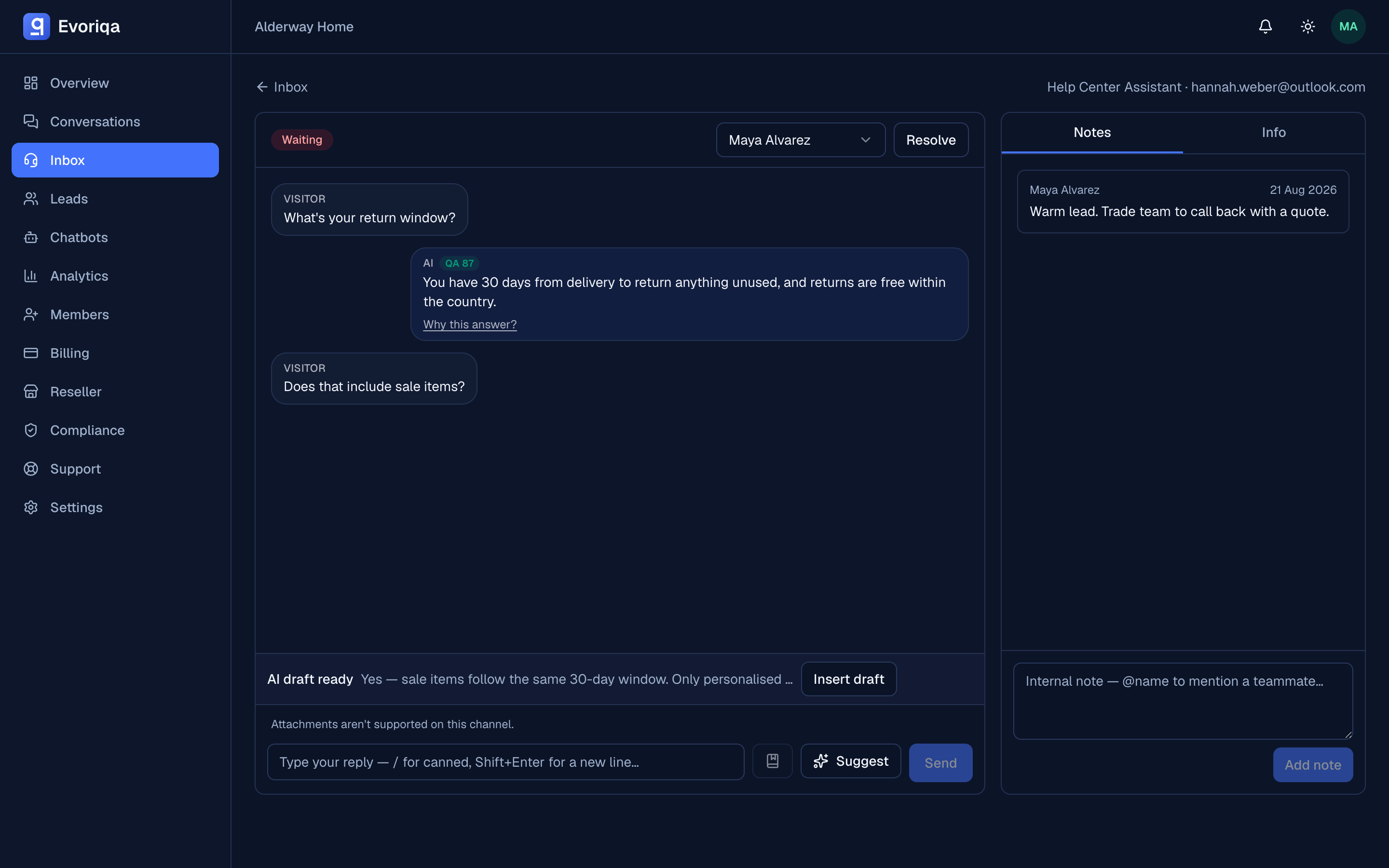
Every other channel — SMS, WhatsApp, Messenger, Instagram, Slack, voice — shows "Attachments aren't supported on this channel." Send a link instead.
Assigning to a teammate
Assign hands a conversation to a specific person. The assignee is notified in the feed and by web push (if enabled), and it appears under their Assigned to me filter.
Assignment is an ownership hint: it never changes the conversation's status, and it is not the same as claiming. A thread can be assigned to someone and still be unclaimed.
Ending it
Either side can finish: you resolve the conversation, or the visitor ends the chat from the widget. Whichever happens, the other side sees it. See Statuses and resolve.
Where to go next
Last updated